Screen Size Calculator

Provided byOmni Calculatoromnicalculator.com

The screen size calculator finds the physical dimensions such as height, width, and the area of the screen.
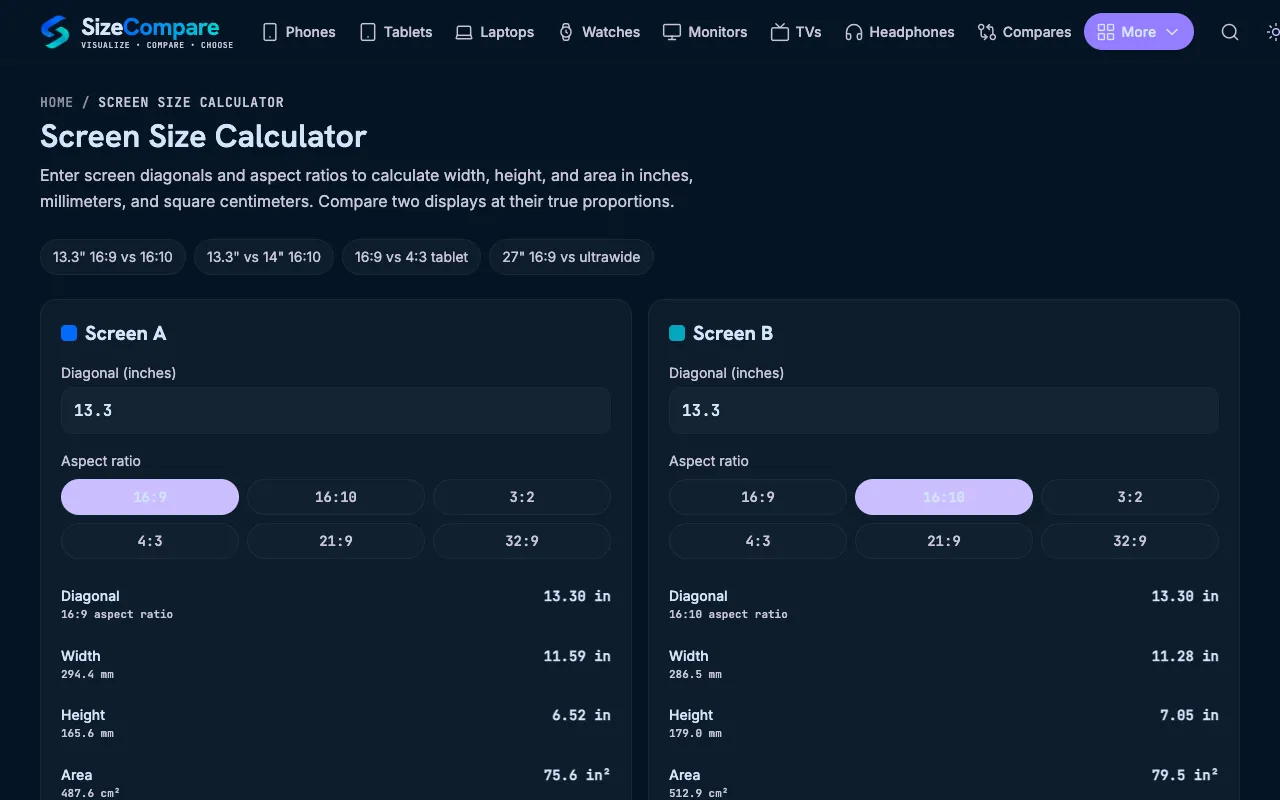
Screenshot of Screen Size Calculator on Omni Calculator
omnicalculator.comOpen the live tool →
About this tool

What Screen Size Calculator does

The Screen Size Calculator on Omni Calculator determines the physical dimensions of a display by inputting a diagonal measurement and selecting an aspect ratio. It outputs the screen's width, height, and total surface area, converting the common diagonal-inch specification into real-world measurements. This helps users evaluate monitor fitment, compare device sizes, or satisfy curiosity about a display's actual footprint. The tool supports a wide range of aspect ratios, from standard 4:3 and 16:9 to ultrawide and cinema formats, making it adaptable to various devices. It also links to related calculators for aspect ratio, PPI, and TV viewing distance, offering a broader context for screen-related decisions. The interface is straightforward, presenting input fields and results in a clean layout without unnecessary complexity.

Step by step

How to use the Omni Calculator Screen Size Calculator

  1. 1

    Select the aspect ratio that matches your display from the dropdown menu

  2. 2

    Enter the diagonal screen size in inches into the designated field

  3. 3

    View the calculated width, height, and screen area displayed below the inputs

  4. 4

    Use the share or clear functions to export or reset your calculation as needed

Is it right for you

Best for

This option suits anyone needing quick, accurate physical dimensions for a screen based on its diagonal size and aspect ratio, particularly when planning setups, checking fitment, or comparing device sizes.

Limitations

  • Results depend on the user selecting the correct aspect ratio for their specific display
  • No unit switching beyond inches for diagonal input; metric conversions require manual calculation
  • Outputs are estimates based on standard geometric ratios and do not account for bezel thickness or curved screen distortions
Questions

Screen Size Calculator FAQ

Can I use this calculator for curved TVs or monitors?
The tool provides standard flat-panel dimensions; curved screens may have different measured sizes, so the results are estimates for the viewing area rather than the physical curve.
What if I only know my screen's resolution, not the diagonal size?
You can estimate the diagonal using the pixel width and height with the Pythagorean theorem, or consult the device's specifications, as the calculator requires a diagonal measurement to function.
Does the calculator account for the monitor's bezel or frame?
No, the results represent the visible display area only; the bezel or frame width is not included in the width, height, or area calculations.
Is the tool accurate for non-standard aspect ratios like 21:9 ultrawide?
Yes, the calculator includes ultrawide and other custom ratios in the dropdown menu, and the dimensions will adjust accordingly based on the selected ratio.
Keep Exploring

Similar tools

Based on shared tags