SEO Change Checker
A free SEO analysis tool that scans any public page and reports on key technical signals without requiring an account...
What SEO Change Checker does
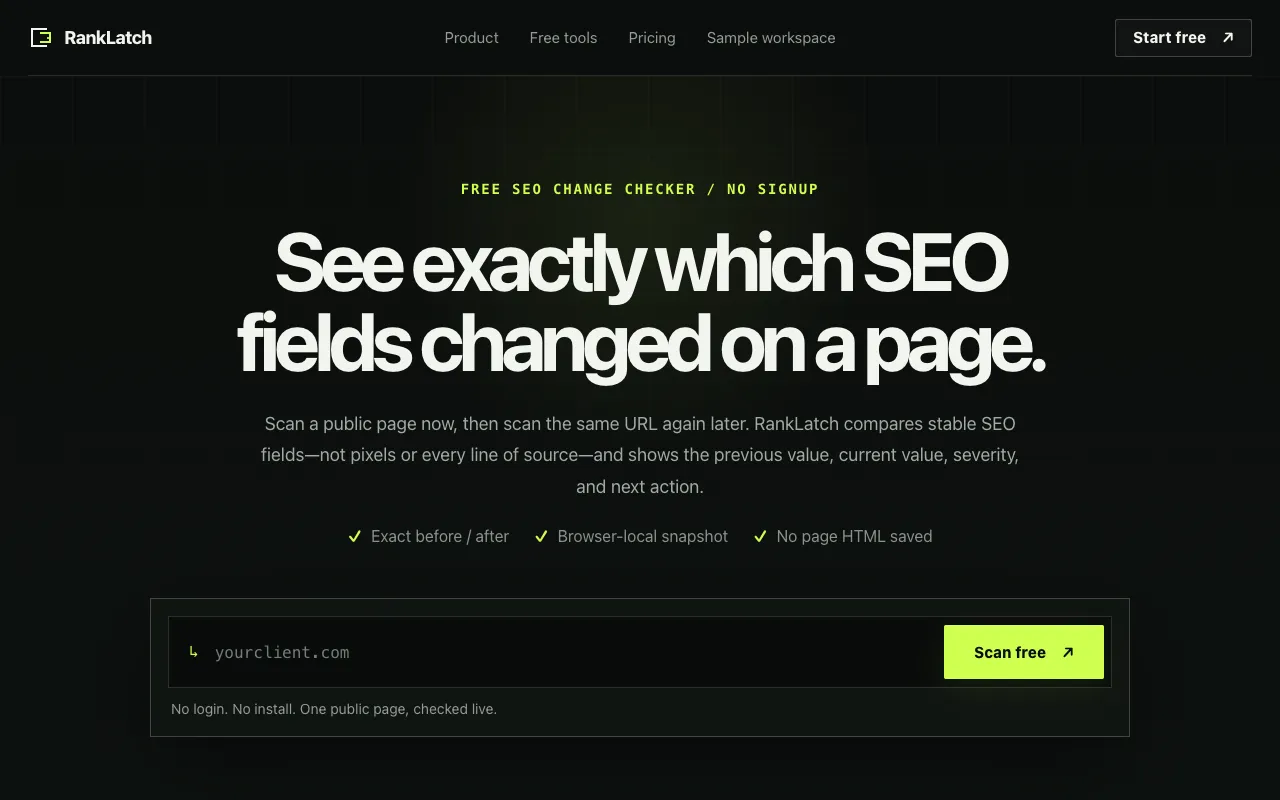
The RankLatch SEO Change Checker is a free web tool that scans any public URL to report on critical technical SEO signals. Users receive a detailed analysis covering indexability status, canonical tags, robots.txt directives, heading hierarchy, structured data, and HTTP response codes. The primary output is a clear snapshot of a page's technical health, highlighting exactly which elements have shifted between scans. Because results are stored locally in the browser, the tool functions as a lightweight audit trail, allowing users to track the precise impact of any changes made to their site over time without needing to create an account or store data externally.
How to use the RankLatch SEO Change Checker
- 1
Paste the full URL of the public webpage you want to analyze into the input field
- 2
Click the Scan button to initiate the technical SEO audit
- 3
Review the generated report which lists each checked field with its current status and any detected changes
- 4
Use the built-in comparison feature to scan the same URL again later and view previous versus current values for specific SEO elements
- 5
Export or reference the browser-local snapshot to track the exact evolution of your page's technical SEO
Best for
This option suits website owners, SEO specialists, and content managers who need to monitor technical SEO health and track specific changes on live pages without the overhead of account creation or external data storage.
Limitations
- Results are stored locally in the browser and will be lost if browser data is cleared
- The tool scans public pages only; password-protected or private URLs are not supported
- As a free tool, it may have usage caps or limitations compared to paid enterprise SEO platforms
SEO Change Checker FAQ
- Do I need to create an account to use the SEO Change Checker?
- No, the tool requires no signup or email address; you can scan any public page instantly.
- Can I compare scans of the same URL over time?
- Yes, the tool stores snapshots locally in your browser, making it easy to scan a URL again and see exactly which SEO fields changed, along with previous and current values.
- What kind of SEO changes does RankLatch track between scans?
- RankLatch compares stable SEO fields such as indexability status, canonical tags, robots.txt directives, heading hierarchy, structured data, and HTTP response signals, categorizing changes by severity based on rule-based criteria.
- Are the scan results saved anywhere other than my browser?
- No, results are stored locally in your browser only; RankLatch does not save page HTML or scan data on its servers.
Similar tools
Based on shared tags