AP World History Score Calculator
Estimate your AP World History: Modern exam score by entering raw scores for multiple-choice questions, short-answer ...
What AP World History Score Calculator does
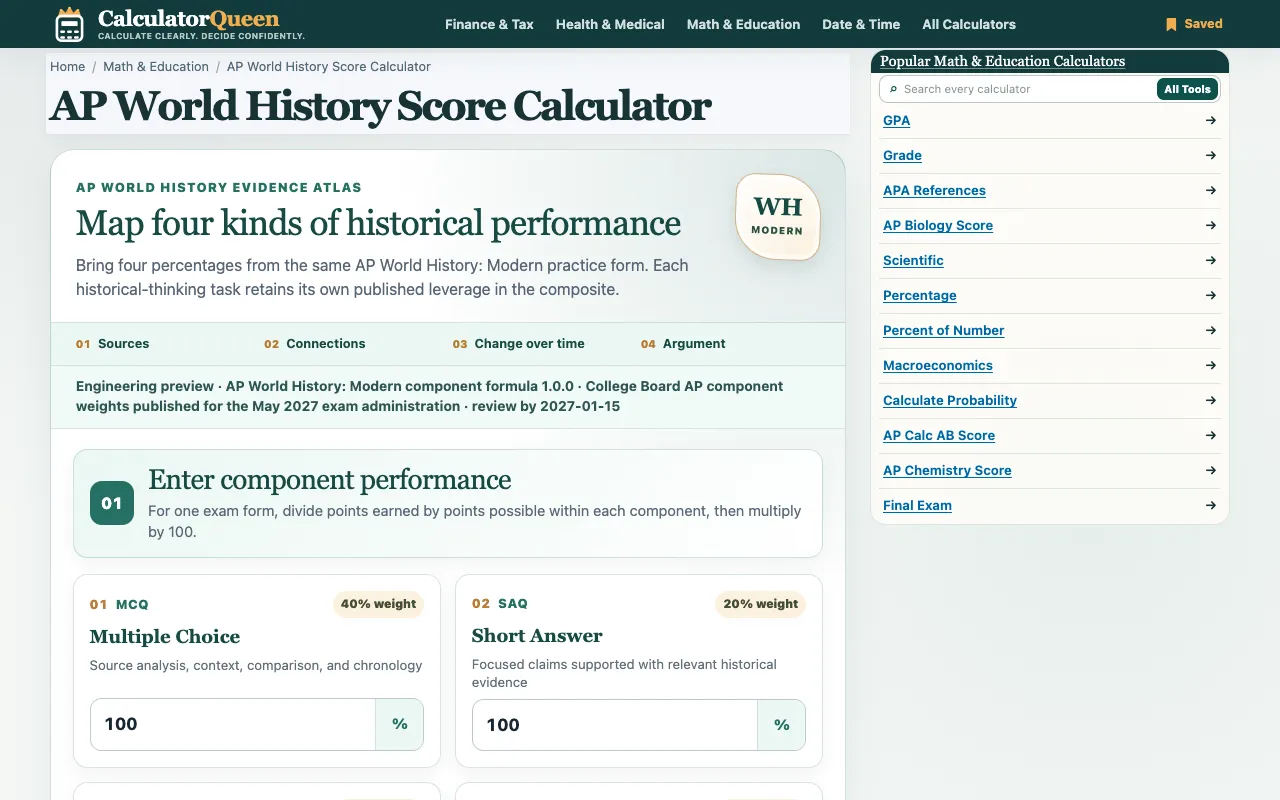
The AP World History Score Calculator on Calculator Queen estimates a student's AP World History: Modern exam score by accepting raw point inputs for multiple-choice, short-answer, document-based, and long-essay sections. It applies the official weighting percentages—40% MCQ, 20% SAQ, 25% DBQ, and 15% LEQ—to produce a composite score on a 0–100 scale. The output includes a detailed breakdown showing each component's weighted contribution, allowing users to see exactly how their performance in each section impacts the final estimate. The result is explicitly labeled as an unofficial estimate, and no account creation is required to use the tool.
How to use the Calculator Queen AP World History Score Calculator
- 1
Open the AP World History Score Calculator on Calculator Queen
- 2
Enter the number of points earned for the Multiple Choice Questions section
- 3
Enter the number of points earned for the Short Answer Questions section
- 4
Enter the number of points earned for the Document-Based Question section
- 5
Enter the number of points earned for the Long Essay Question section, then click Calculate to view the weighted composite score and component breakdown
Best for
Students preparing for the AP World History: Modern exam who want a quick, unofficial estimate of their potential score based on practice or actual test performance.
Limitations
- Result is an unofficial estimate and not an official College Board score
- Calculator applies only the dated program rules confirmed for the 2027 exam administration
- Input performance is based on raw points; conversion to the 1–5 AP scale requires additional interpretation
AP World History Score Calculator FAQ
- Can this calculator give me my official AP score?
- The calculator applies the official component weights (40% MCQ, 20% SAQ, 25% DBQ, 15% LEQ) to compute a composite score on a 0–100 scale, but it is not an official College Board determination.
- What happens if I leave a section blank?
- Each section has a designated weight; omitting an input means the weighted composite cannot be computed accurately.
- Does the calculator convert the composite score to the 1–5 AP scale?
- The result is labeled as an unofficial estimate on a 0–100 scale; the AP score scale (1–5) is not automatically applied.
- Is the calculator updated for the most recent exam format?
- The tool is published under the site's policy and reflects the component formula version 1.0.0 as registered; it is not guaranteed to reflect future exam format changes.
Similar tools
Based on shared tags