Grade Calculators
Our Grade Calculators category features 6 free tools designed to help students calculate grades, convert between GPA and letter grades, and track academic performance efficiently. From GPA calculation tools to test calculators and letter grade conversion utilities, these resources provide a comprehensive suite of solutions for managing academic results. Whether you are a high school student trying to figure out your semester grade or a college professor needing to quickly assess class averages, our grade calculators offer the tools you need to stay organized and informed.
17 tools




Guide
About grade calculators tools
Academic grading involves multiple steps: converting raw scores to percentages, applying weightings for different assignments, and translating results into letter grades or GPA values. Students and educators often need to track progress across courses with varying credit hours, assignment types, and grading scales. This category provides tools that automate those calculations, reducing errors and saving time whether you are preparing for a semester end or reviewing performance mid-term.
Before selecting a tool, it helps to understand the difference between cumulative GPA and term GPA, and how credit hours affect weighted calculations. A final grade calculator typically requires your current score, the weight of the final exam, and the target grade you want to achieve. GPA calculators may use unweighted scales (0.0–4.0) or weighted scales that give extra points for advanced courses. Knowing whether your institution uses plus/minus grading (A-, B+) versus a simple A/B/C scale will also determine which converter or calculator matches your needs.
Common pitfalls include entering percentages as decimals, forgetting to include all credit hours, or assuming a single calculator works for both high school and college systems. Some tools are designed specifically for AP exam scoring, using College Board formulas, while others focus on semester grades or cumulative GPA. Checking that a tool supports the specific grade type—letter grade, percentage, or GPA—and the correct credit-hour format will prevent having to re-enter data across multiple calculators.
Find the right tool
Grade Calculators tools by task
GPA & cumulative tracking
GPA calculators and college GPA calculators help students determine their overall grade point average by entering course grades and credit hours. These tools support both unweighted and weighted calculations, making it easier to see how advanced courses affect your average. The high school GPA calculator specifically handles unweighted and weighted GPAs, while the GPA calculation tool provides step-by-step explanations for each course entered.
Final & weighted course grades
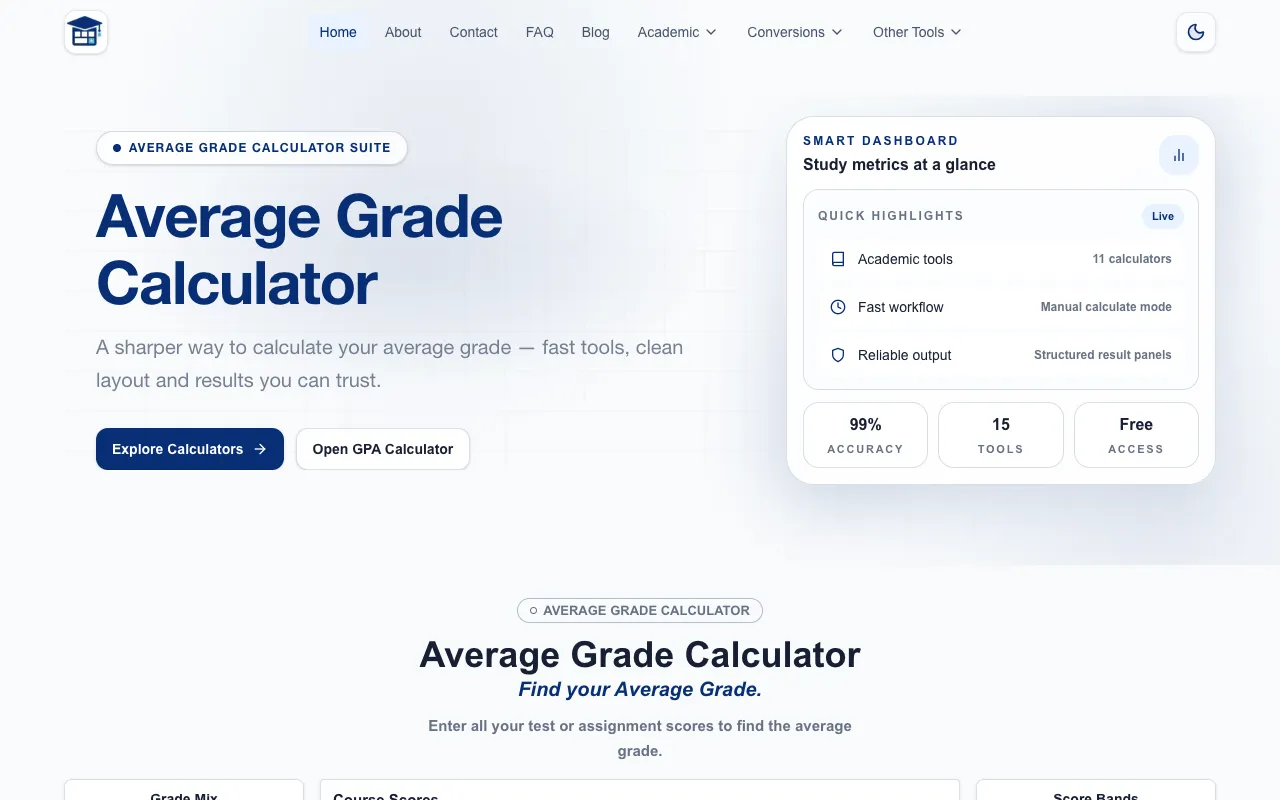
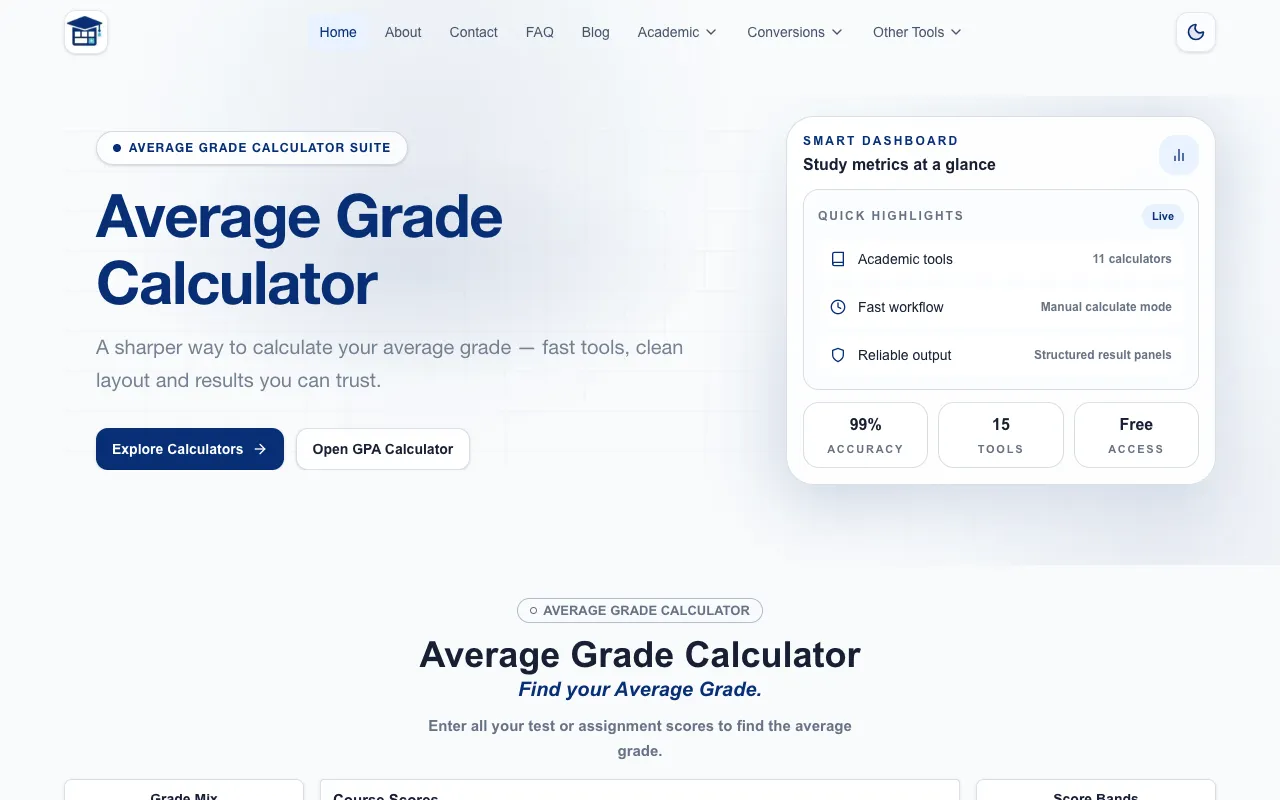
Final grade calculators and weighted grade calculators are used when you need to determine what score you need on a remaining assignment or exam to reach a target course grade. They accept scores from different components—such as homework, quizzes, and a final exam—along with each component's percentage weight. The grade calculator and weighted-grade-calculator both handle these multi-part calculations, allowing you to input current scores and see how the final exam will impact your standing.
Letter grade and GPA conversion
Converting between numeric GPAs and letter grades is a frequent need for transcripts and applications. The GPA to letter grade conversion tool maps a 4.0 scale to letter equivalents, while the letter grade to GPA conversion tool translates letter grades such as A, B+, or C- into their point values on the standard 4.0 scale. These converters ensure that your grades are represented correctly whether you are filling out a form or comparing results across different grading systems.
Assignment and test scoring
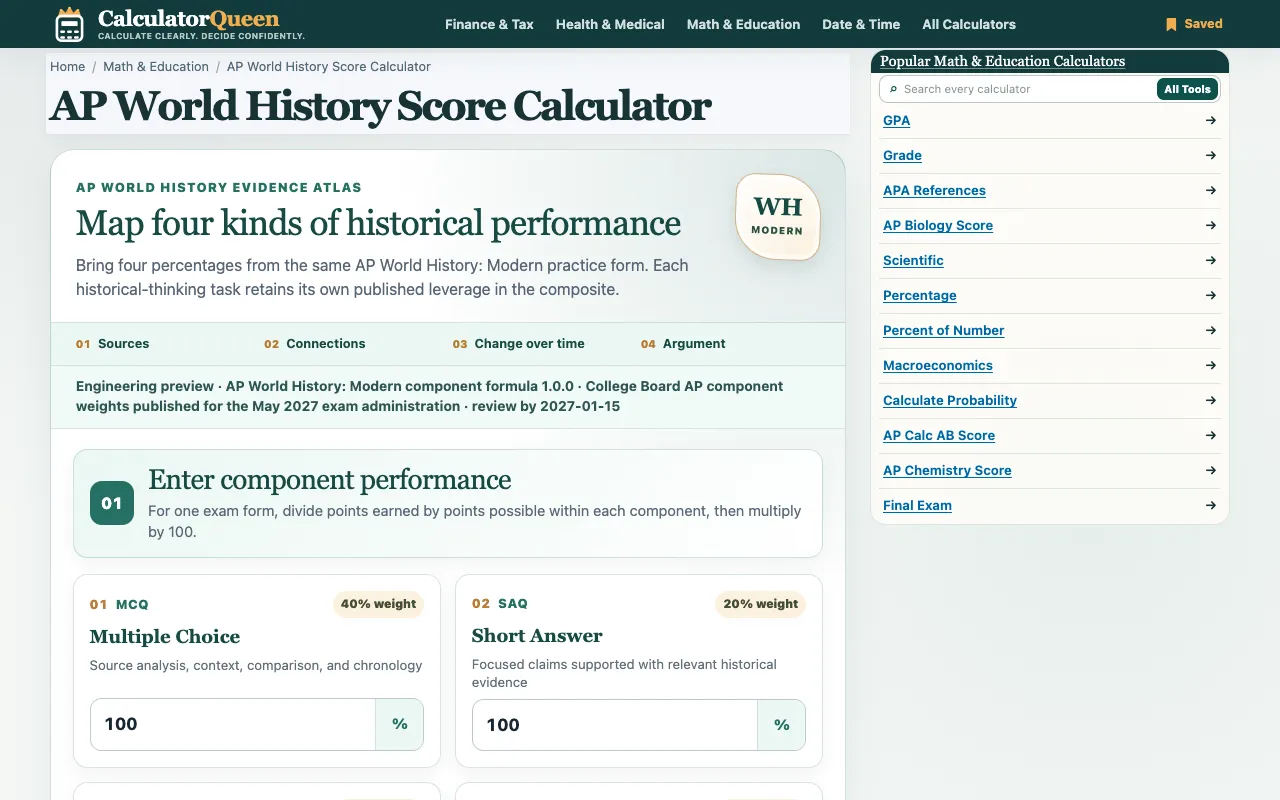
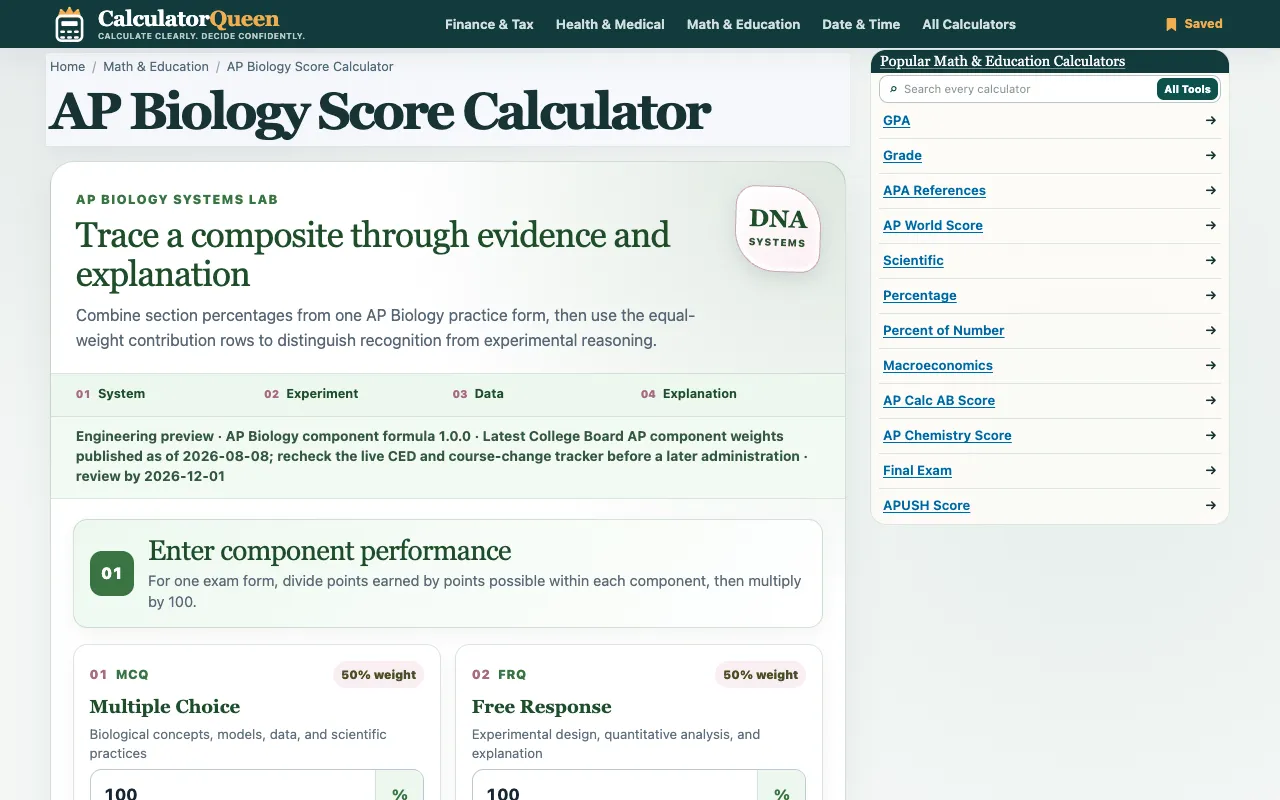
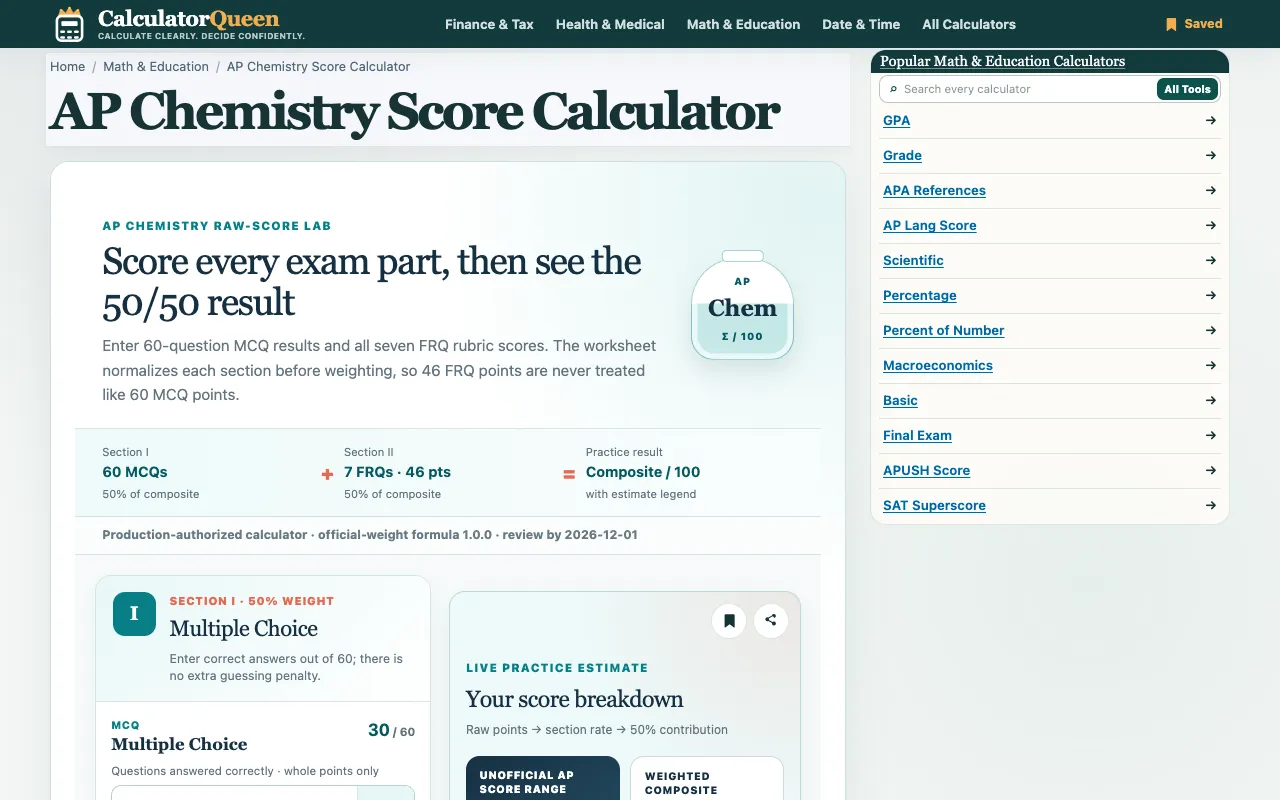
Test calculators and grade calculation tools determine scores based on total points possible and points earned, often producing a percentage or letter grade automatically. The EZ Grader Calculator is designed for quick, manual-style grading of multiple students, while the grade calculation tool handles more detailed assignment scoring. For subject-specific exams, the AP World History, AP Biology, and AP Chemistry score calculators estimate exam results using College Board formulas and raw score inputs.
Questions
Grade Calculators FAQ
- How do I calculate my final grade if I only know my current percentage?
- You can use a final grade calculator by entering your current score, the weight of the final exam, and the grade you want to end up with. The tool will compute the minimum score you need on the final to reach your target.
- What is the difference between unweighted and weighted GPA?
- An unweighted GPA treats every course the same on a 0.0 to 4.0 scale, while a weighted GPA gives extra points for advanced or honors courses, often on a 5.0 scale. Check which type your school reports before using a calculator.
- Can I convert a letter grade to GPA for any course?
- Yes, a letter grade to GPA conversion tool maps standard letter grades to their point equivalents on the 4.0 scale, such as A to 4.0 and B+ to 3.3. Some institutions use plus/minus variations, so verify the scale matches your school's policy.
- What should I do if my AP exam score calculator gives a different result than expected?
- AP score calculators use raw scores from multiple-choice and free-response sections with College Board formulas. Small differences can arise from rounding or the specific version of the exam, so treat the result as an estimate rather than a final score.
- Do I need a separate tool for calculating percentages and letter grades?
- Many grade calculators produce both a percentage and a letter grade automatically. If you only need one format, you can use a conversion tool to switch between them after entering your scores.