GeneratorsFree Tool

Random Team Generator

Provided byCodeBeautifycodebeautify.org

Random Team Generator

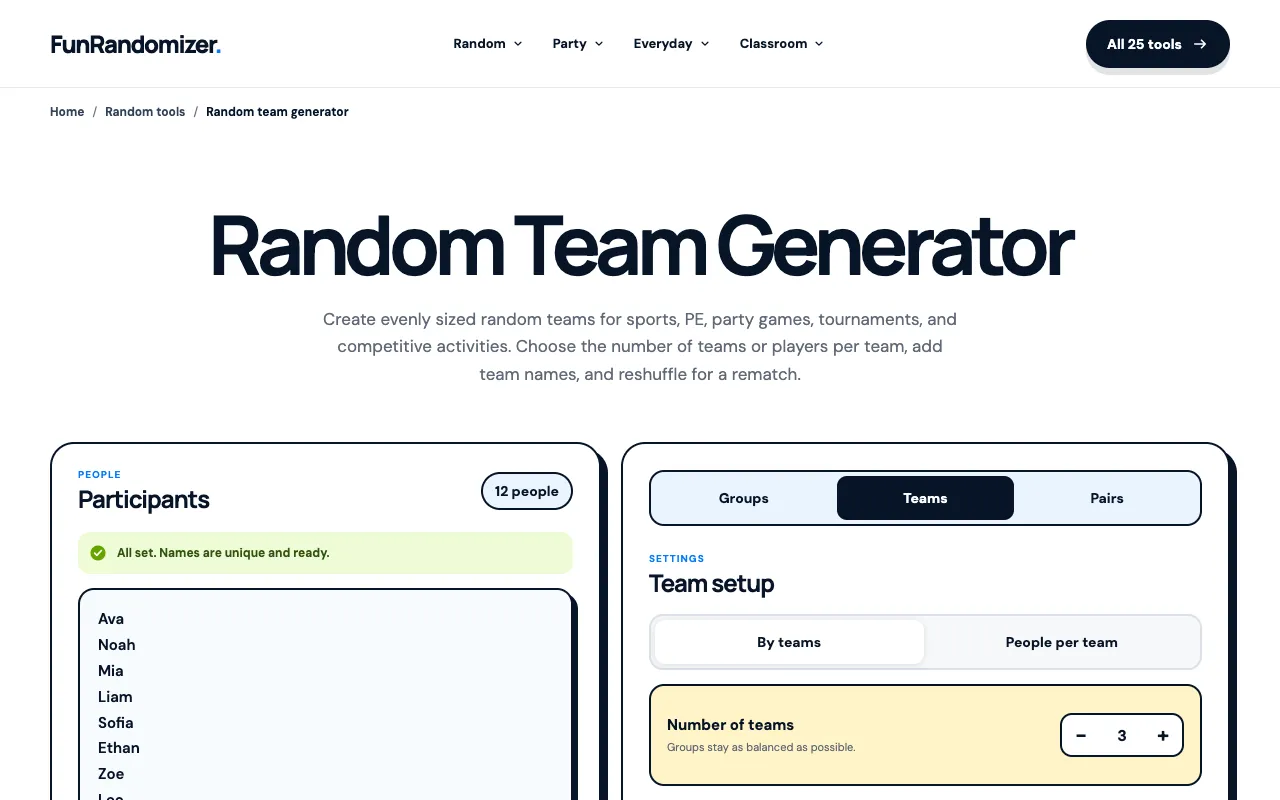
Screenshot of Random Team Generator on CodeBeautify
codebeautify.orgOpen the live tool →
About this tool

What Random Team Generator does

The Random Team Generator on CodeBeautify takes a list of names and allocates them into a specified number of teams or groups. Users paste their roster into the input field, set the desired team size or number of groups, and the tool distributes participants randomly, aiming for an even spread when possible. The output presents the randomized groupings, ready to copy or use for classroom icebreakers, corporate exercises, or social events. It provides a quick way to form balanced squads without manual sorting. While the site hosts many utilities, this specific generator focuses on a straightforward input-and-distribute process, lacking the complex customization or advanced sorting filters found in some dedicated educational platforms, but making up for it with immediate accessibility and no registration requirement.

Step by step

How to use the CodeBeautify Random Team Generator

  1. 1

    Paste a list of names into the input field on CodeBeautify

  2. 2

    Enter the desired number of teams or the team size

  3. 3

    Click the generate button to randomize the distribution

  4. 4

    Review the randomized groupings displayed in the output area

  5. 5

    Copy or save the team assignments as needed

Is it right for you

Best for

Educators, event organizers, or anyone needing to quickly form random groups from a list of names without manual sorting or registration.

Limitations

  • No option to exclude specific pairings or enforce custom constraints
  • Distribution is random and may not meet specific fairness criteria beyond even sizing
  • Interface is minimal and lacks advanced filtering or saving features
Questions

Random Team Generator FAQ

Can I import a spreadsheet of names instead of typing them manually?
The tool accepts pasted text, so you can copy names from a spreadsheet or document and paste them directly into the input field.
What happens if the names don't divide evenly into the chosen number of teams?
The generator aims for an even distribution when possible, but the random allocation may result in teams of slightly varying sizes depending on the total count and team setting.
Is there a limit to how many names I can enter at once?
The material does not specify a character or name limit, but very large lists may affect performance or display formatting on the page.
Can I use this tool for team assignments that require specific roles or positions?
No, the tool randomizes groupings based on name lists and team size; it does not assign roles, skills, or preferences to individual members.