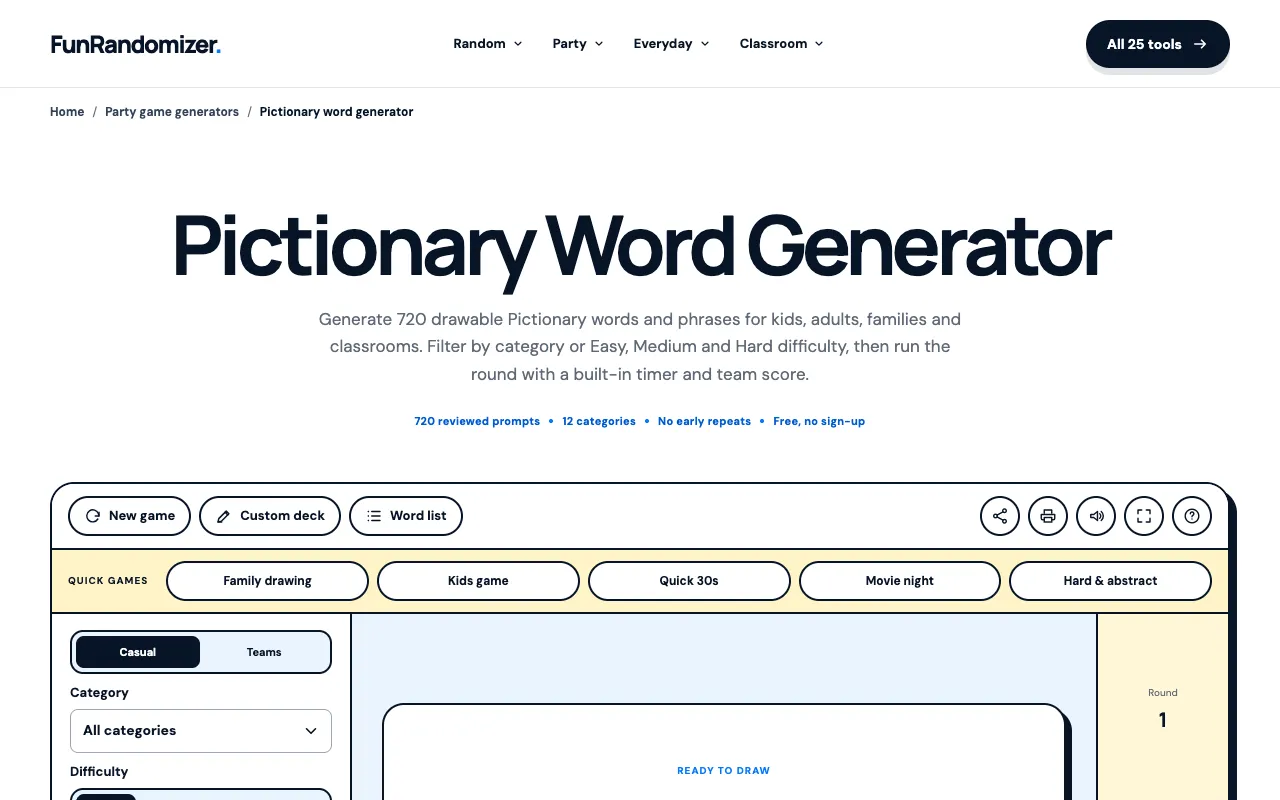
Pictionary Word Generator

What Pictionary Word Generator does
The Pictionary Word Generator at CodeBeautify provides random vocabulary suitable for drawing games. Users can specify how many words they need, and the tool outputs a list of general nouns and concepts designed to be drawn rather than described. It serves as a convenient alternative to manual word sourcing, offering diverse terms that facilitate engaging gameplay for individuals, party planners, educators, or creative groups. The interface is straightforward, requiring only a number input to produce a ready-to-use word list.
How to use the CodeBeautify Pictionary Word Generator
- 1
Open the Pictionary Word Generator at CodeBeautify
- 2
Enter the desired number of words in the input field
- 3
Click the Generate button to produce the list
- 4
Review the output of random vocabulary terms
- 5
Use the generated words for drawing and guessing in your game
Best for
Educators, party planners, or casual players who need a quick, no-cost source of varied drawing prompts without manual brainstorming.
Limitations
- No categorization or themed word lists available
- Output is limited to general nouns and concepts
- Interface lacks advanced customization options
Pictionary Word Generator FAQ
- Can I generate words for a specific theme or category?
- No, the tool generates general nouns and concepts across different categories; it does not support custom themes or specialized vocabulary.
- Is there a limit to how many words I can generate at once?
- The material does not specify a maximum limit, but users input a desired number, and the tool outputs that quantity of words.
- Do the generated words work for all age groups?
- The words are general nouns and concepts suitable for broad use, but educators should review the output for appropriateness with younger audiences.
- Can I save or export the generated word list?
- The material does not mention save or export functionality; users typically copy the displayed list for their needs.