Pictionary Word Generator
Generate 720 random Pictionary words and phrases for kids or adults. Filter by category and Easy, Medium or Hard, the...
What Pictionary Word Generator does
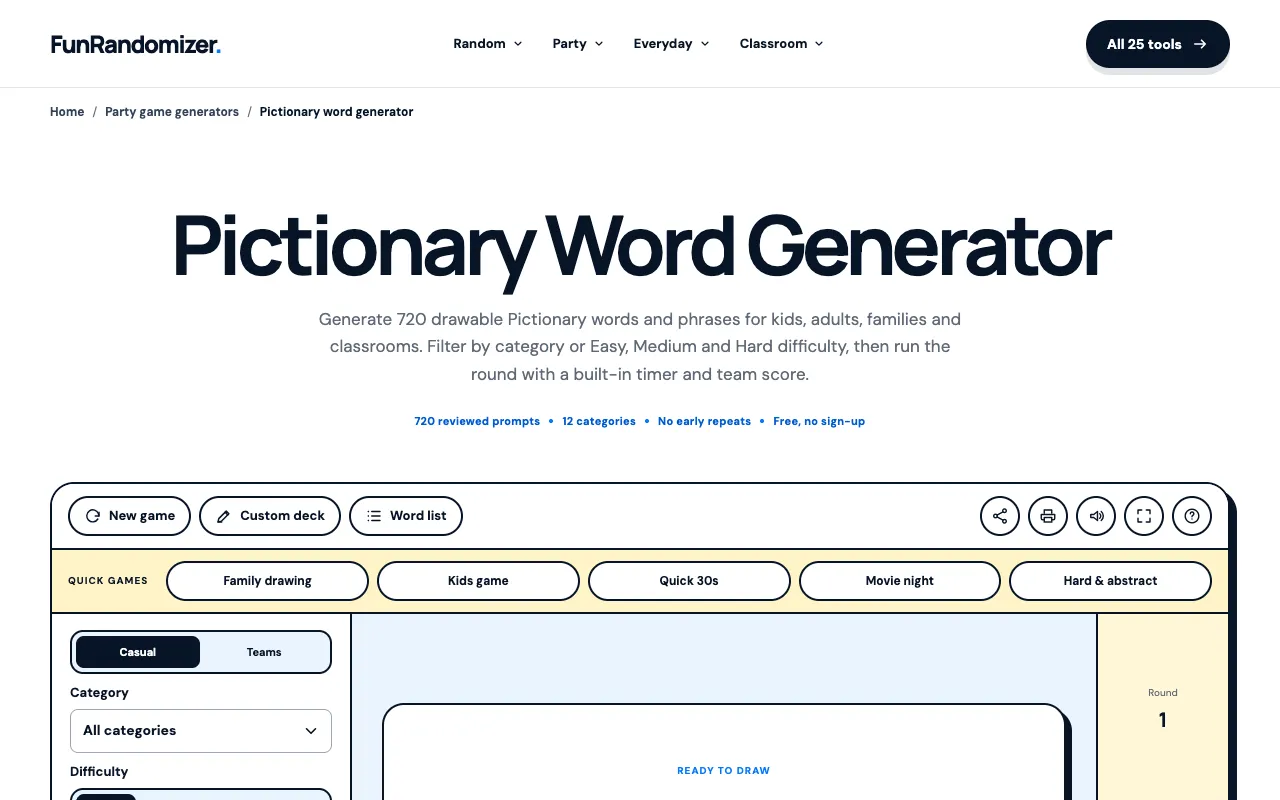
The Pictionary Word Generator on FunRandomizer produces random drawable words and phrases for gameplay. Users select from 12 categories and choose Kids, Family, or Adults to tailor prompts to their audience. The tool includes a built-in timer, team scoring, and a private prompt mode that reveals one to three choices to the artist before hiding the word during the round. All 720 prompts are pre-reviewed, and the shuffled deck prevents early repeats, offering a structured alternative to random word lists.
How to use the FunRandomizer Pictionary Word Generator
- 1
Choose the category and audience from the 12 drawing categories and Kids/Family/Adults options
- 2
Set Easy, Medium, or Hard difficulty to match the round timer to player skill
- 3
Reveal one private prompt for the artist, then hide the selected word before the timed round begins
- 4
Keep score by marking prompts correct or skipped and continue through the shuffled deck without early repeats
Best for
Families, classroom ESL groups, and remote teams who need a shared timer, scoring, and category-filtered vocabulary on a single device.
Limitations
- No unit switching between metric and imperial measurements
- Results are estimates based on pre-generated prompt decks
- Ads may appear on the page
Pictionary Word Generator FAQ
- Can I add my own custom words to the Pictionary generator?
- The tool allows adding custom vocabulary for visual recall and speaking practice, making it suitable for lesson review and low-prep classroom use.
- How does the timer work during a round?
- The built-in timer runs alongside the private prompt mode; the artist sees one to three drawable choices before the word is hidden and the timed round begins.
- Are the prompts appropriate for all age groups?
- Users select Kids, Family, or Adults audiences, and categories can be filtered to match, ensuring age-appropriate vocabulary without an NSFW deck.
- What happens if I mark a prompt as skipped?
- Marking a prompt correct or skipped updates the team score and advances the deck, preventing early repeats through the shuffled set of 720 words.