Time Card Calculator
Time Card Calculator from CalcFrog.
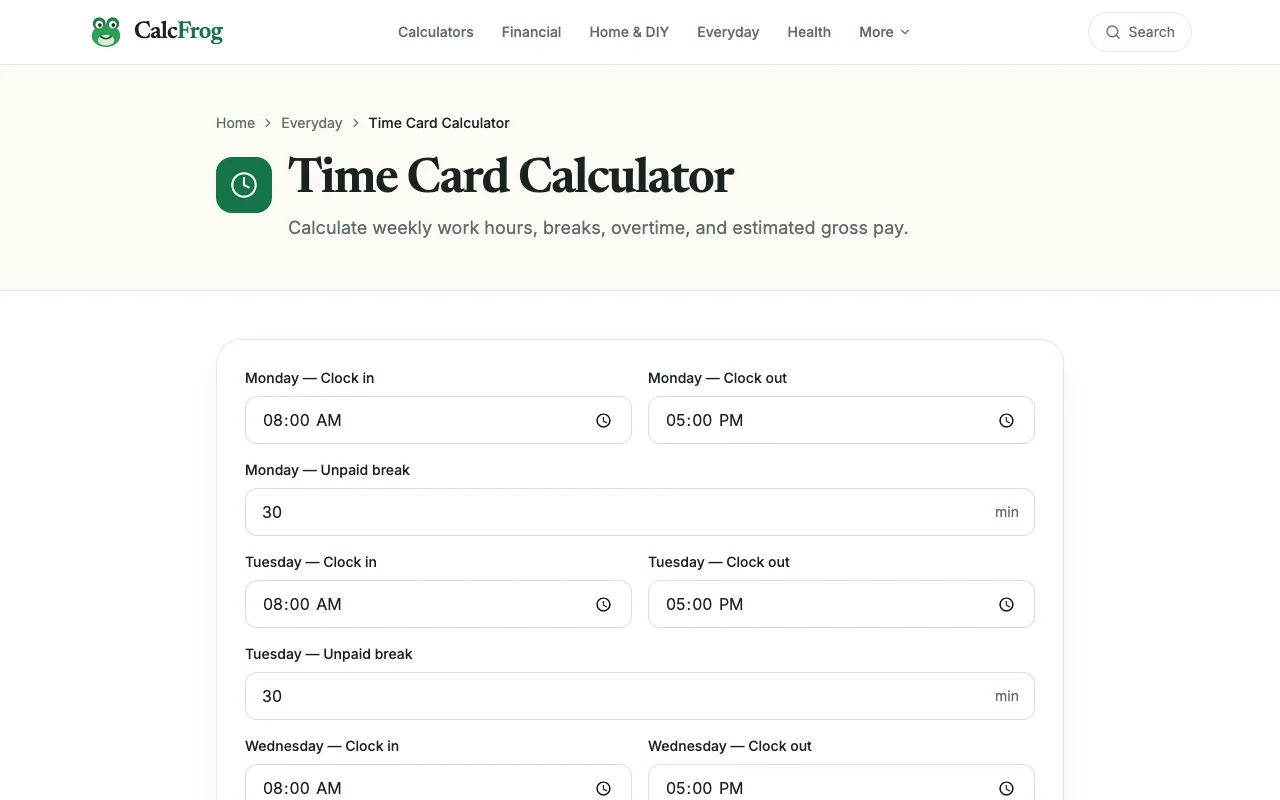
What Time Card Calculator does
The Time Card Calculator on CalcFrog is a web-based tool that simplifies the process of tracking weekly work hours and earnings. Users input their daily work times and hourly rates, and the calculator processes these figures to generate a comprehensive time card summary. It is designed to handle various overtime situations, ensuring that total earnings are calculated accurately according to standard labor rules. The result is a straightforward way to track labor hours and wages without manual spreadsheet work.
How to use the CalcFrog Time Card Calculator
- 1
Open the Time Card Calculator on CalcFrog and enter your daily start and end times for each workday.
- 2
Input your hourly rate of pay into the designated field.
- 3
Submit the entered data to generate a weekly time report.
- 4
Review the calculated total hours worked and the corresponding earnings breakdown.
- 5
Use the output to verify hours against your records or to prepare payroll summaries.
Best for
This option suits freelancers, remote workers, or anyone needing to quickly generate accurate weekly time reports and earnings summaries from daily work logs.
Limitations
- Results depend on accurate manual entry of start and end times.
- Overtime rules may follow standard defaults and not specific company policies.
- The tool requires an internet connection and a web browser to access.
Time Card Calculator FAQ
- Can the calculator handle different overtime rates for different days?
- The tool incorporates rules for various overtime situations, but specific rate variations would need to be entered manually as hourly rates for each relevant day.
- Is there a limit to how many days I can enter in a week?
- The interface is designed for weekly reports, but the material does not specify a hard cap on the number of days; users can typically enter multiple daily entries to build a full week's summary.
- Does the tool save my data for future use?
- The material does not mention data persistence; calculations are performed based on the current session input and are not stored long-term by the site.
- Can I print or export the time card summary?
- The material does not describe printing or export features; users can copy the generated summary from the page for their own records.
More Time Card Calculator tools
- 01Calculator.netcalculator.net
This free time card calculator generates weekly time reports based on provided work times and hourly rates. It can ac...
- 02Omni Calculatoromnicalculator.com
Time card calculator counts how many hours you worked this week based on the time you started, the time you finished,...
Similar tools
Based on shared tags