Everyday Tools3 options compared

Time Card Calculator

Calculates weekly time reports by accepting user input for work times and hourly rates. The tool processes these figures to generate comprehensive time card summaries, making tracking labor hours straightforward. It incorporates rules for various overtime situations, ensuring that total earnings accurately reflect standard working weeks as well as any additional compensation owed for extra hours...

Editors’ Top PickBased on community votes
Other OptionsRanked by votes
  1. Screenshot of Omni Calculator
    02
    Omni Calculator
    omnicalculator.com

    Time card calculator counts how many hours you worked this week based on the time you started, the time you finished,...
Side by side

Time Card Calculator options compared

ToolBest forStrengthsLimitations
Calculator.net
calculator.net
Users who need format flexibility and saved entries
  • Accepts various time formats (8:00AM, 15:30)
  • Browser save feature for future use
  • FLSA wage information displayed on page
  • Rounding options may complicate simple calculations
Omni Calculator
omnicalculator.com
Quick hour calculations with a clean interface
  • Simple hour tracking with break deduction
  • Straightforward total hours display
  • Fewer formatting options than Calculator.net
  • No mention of saved entries or advanced overtime rules
CalcFrog
calcfrog.com
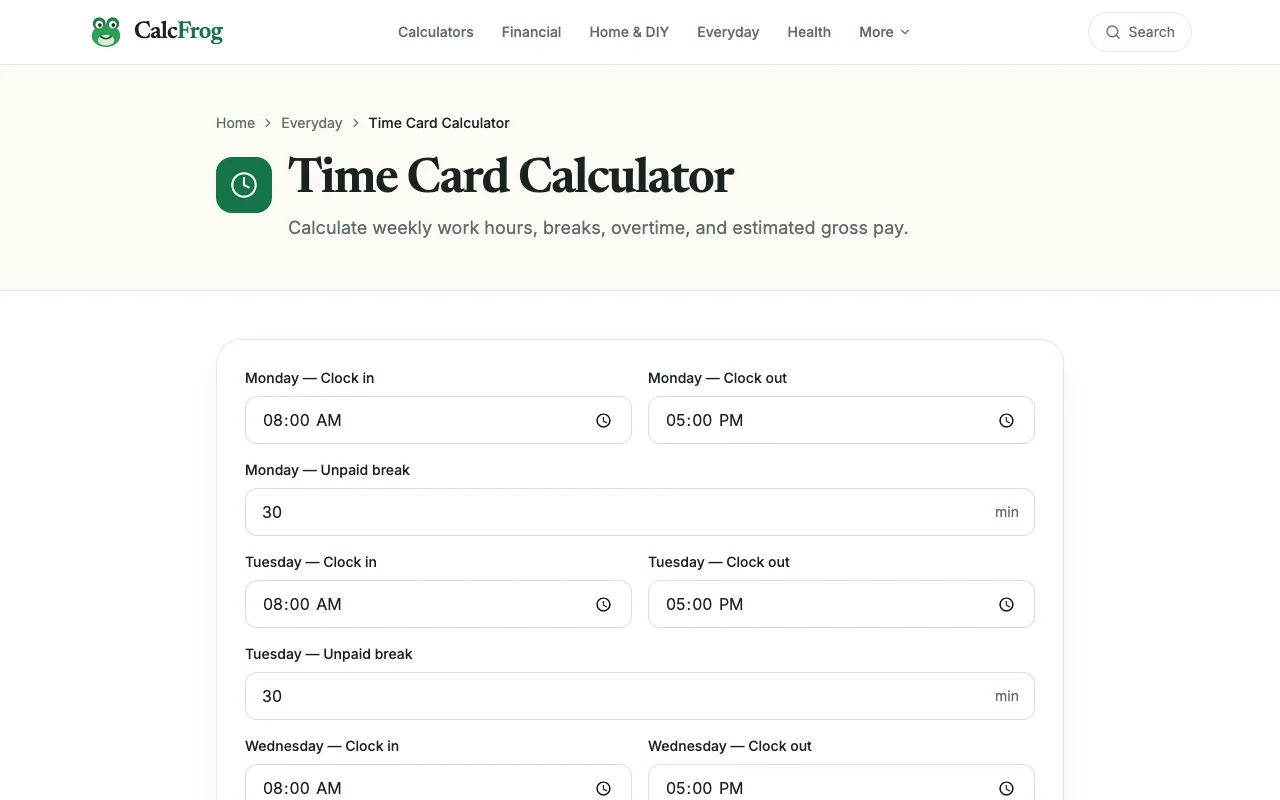
Basic time card calculations on CalcFrog
  • Dedicated time card calculator from CalcFrog
  • No live page excerpt available
  • Zero community votes suggests limited user feedback

Buyer's guide

How to choose a time card calculator

When picking a time card calculator, consider whether you need format flexibility (like 8:00AM vs decimal hours) and if you want to save your work for later. If you're tracking standard work weeks with regular breaks, a simple calculator like Omni Calculator suffices. If you deal with varied shift times, rounding options, or need to reuse entries, Calculator.net's format acceptance and browser save feature offer practical advantages.

Questions

Time Card Calculator FAQ

Can I use these calculators for multiple employees at once?
Calculator.net allows you to save values in your browser, which helps with repeated use, but each tool processes one entry at a time. For multiple employees, you would need to run separate calculations or use the saved data as a template.
How do these tools handle overtime calculations?
Calculator.net includes overtime rules under FLSA guidelines, with options for daily or weekly overtime thresholds. Omni Calculator focuses on total hours worked minus break time, without detailed overtime rules mentioned in its excerpt.
Do I need to install anything to use these time card calculators?
No installation is required. All three tools run directly in your web browser - Calculator.net, Omni Calculator, and CalcFrog are accessible through their respective websites without downloads.
Can I round time entries to specific increments?
Calculator.net offers rounding options to the nearest 5, 10, 15, 30 minutes, or hour. The other tools do not mention rounding features in their available excerpts.
Are these calculators free to use?
Yes, all three tools are listed as free on The Free Tools Directory. Calculator.net and Omni Calculator are hosted on their respective free websites, and CalcFrog's time card calculator is available without cost.
Keep Exploring

Related tools in Everyday Tools

View all →