RF Link Budget Calculator
RF link budget calculator for wireless system design and field analysis. Input transmitter power, antenna gain, cable...
What RF Link Budget Calculator does
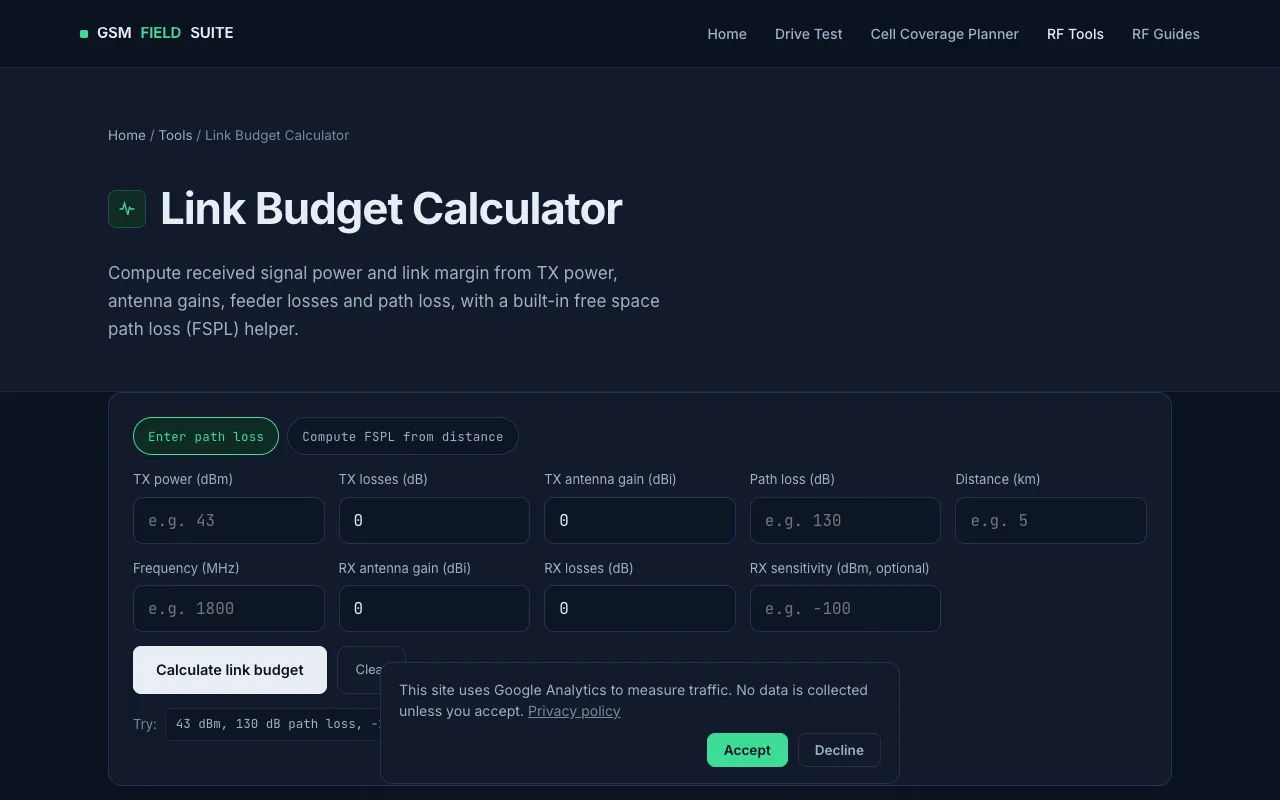
The RF Link Budget Calculator is a browser-based tool for estimating received signal strength and link margin in wireless system design. Users input transmitter power, antenna gains, cable losses, frequency, and distance to calculate the received power at the end of the propagation path. The result supports both network planning and field verification during drive tests or site assessments, providing a quick way to evaluate RF scenarios without complex manual formulas. It is designed for rapid calculations across cellular networks, wireless links, and system deployment planning. No registration is required to access the calculator.
How to use the GSM Field Suite RF Link Budget Calculator
- 1
Open the RF Link Budget Calculator on the GSM Field Suite website
- 2
Enter the transmitter power in dBm or dB as the starting signal level
- 3
Input antenna gain values for both transmitter and receiver in dBi
- 4
Specify cable losses in dB and the operating frequency in MHz or GHz
- 5
Enter the distance between antennas in meters or kilometers to receive the estimated received power and link margin
Best for
Wireless engineers and field technicians who need to quickly estimate link performance for system design, network planning, or field verification without installing software or creating accounts.
Limitations
- Results are estimates based on the input parameters provided
- No unit switching between metric and imperial distance measurements
- Interface and options are specific to the GSM Field Suite platform
RF Link Budget Calculator FAQ
- Can the RF Link Budget Calculator be used for both indoor and outdoor wireless links?
- Yes, the tool estimates received power and link margin for various RF scenarios, including cellular networks and wireless links, making it suitable for both indoor planning and outdoor field assessments.
- Does the calculator account for cable losses between the transmitter and antenna?
- Yes, users can input cable losses in decibels, and the tool factors these losses into the final received power calculation.
- Is there a limit to the distance or frequency that can be entered into the calculator?
- The material does not specify upper limits for distance or frequency; the tool supports rapid calculations for various RF scenarios, but extreme values may produce estimates outside typical operational ranges.
- Do I need to create an account to use the RF Link Budget Calculator?
- No registration is needed—the browser-based tool delivers instant results immediately upon entering the required parameters.
Similar tools
Based on shared tags