Online Notepad
A distraction-free notepad that opens straight into a blank page with the cursor already in it. Keeps multiple notes,...
What Online Notepad does
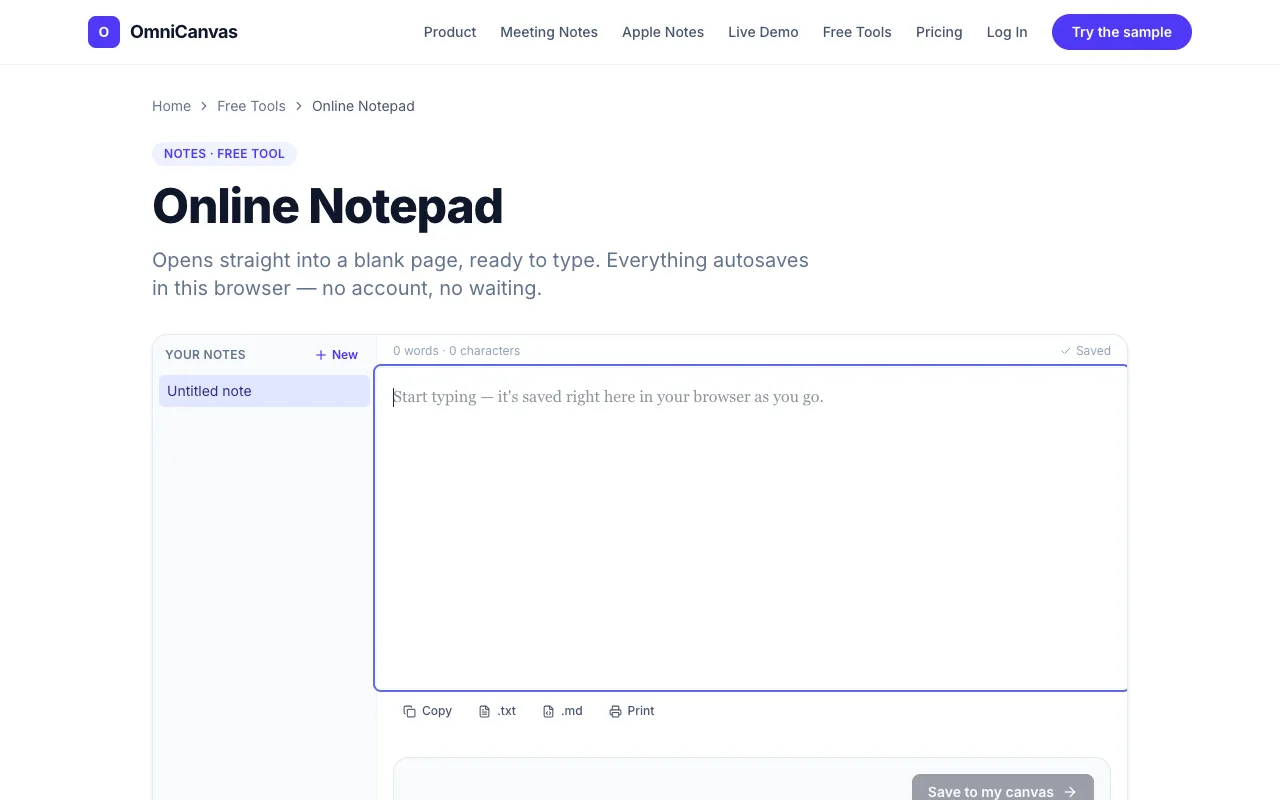
Online Notepad is a browser-based text editor that opens instantly to a blank page, ready for typing without any setup. It functions as a simple notepad for quick note-taking, offering basic editing capabilities and the ability to save and export work locally. Users can maintain multiple notes within the interface, switching between them via a sidebar, and can export individual notes as plain-text or Markdown files for use outside the browser. The service requires no account creation and imposes no waiting period before use.
How to use the OmniCanvas Online Notepad
- 1
Open the Online Notepad page in your web browser
- 2
Begin typing immediately in the focused writing area
- 3
Work across multiple notes using the sidebar to switch between them
- 4
Export any note as a plain-text or Markdown file when needed
- 5
Close the tab with confidence that your work autosaves to browser storage
Best for
Developers, students, and remote workers who need a frictionless tool for quick note-taking, drafting replies, or jotting thoughts while already engaged in other tasks.
Limitations
- No unit switching or advanced formatting beyond basic options
- Results and notes are stored locally in browser storage, not cloud-synced by default
- Interface is minimal and lacks the feature set of full-featured text editors
Online Notepad FAQ
- Will my notes be lost if I clear my browser cookies or switch devices?
- Notes are saved to your current browser's local storage, so clearing cookies or using a different device will remove access to saved notes.
- Can I export my notes to use in other applications?
- Yes, any note can be exported as a plain-text or Markdown file for use outside the browser.
- Is there a limit to how many notes I can create or how long each note can be?
- You can keep as many notes as you want, and there is no stated limit on the length of individual notes.
- Do I need to create an account to start using the notepad?
- No account or signup is required; the tool opens directly to a blank page for immediate use.