Developer Tools2 options compared

Markdown Editor

Converts Markdown syntax into formatted HTML quickly and easily. Offers real-time preview of the rendered output, making editing more intuitive. Suitable for developers, bloggers, writers, and anyone needing to create readable documents with a simple markup language. Helps users efficiently format their content using Markdown syntax, enhancing readability and reducing errors in document...
Editors’ Top PickBased on community votes
Other OptionsRanked by votes
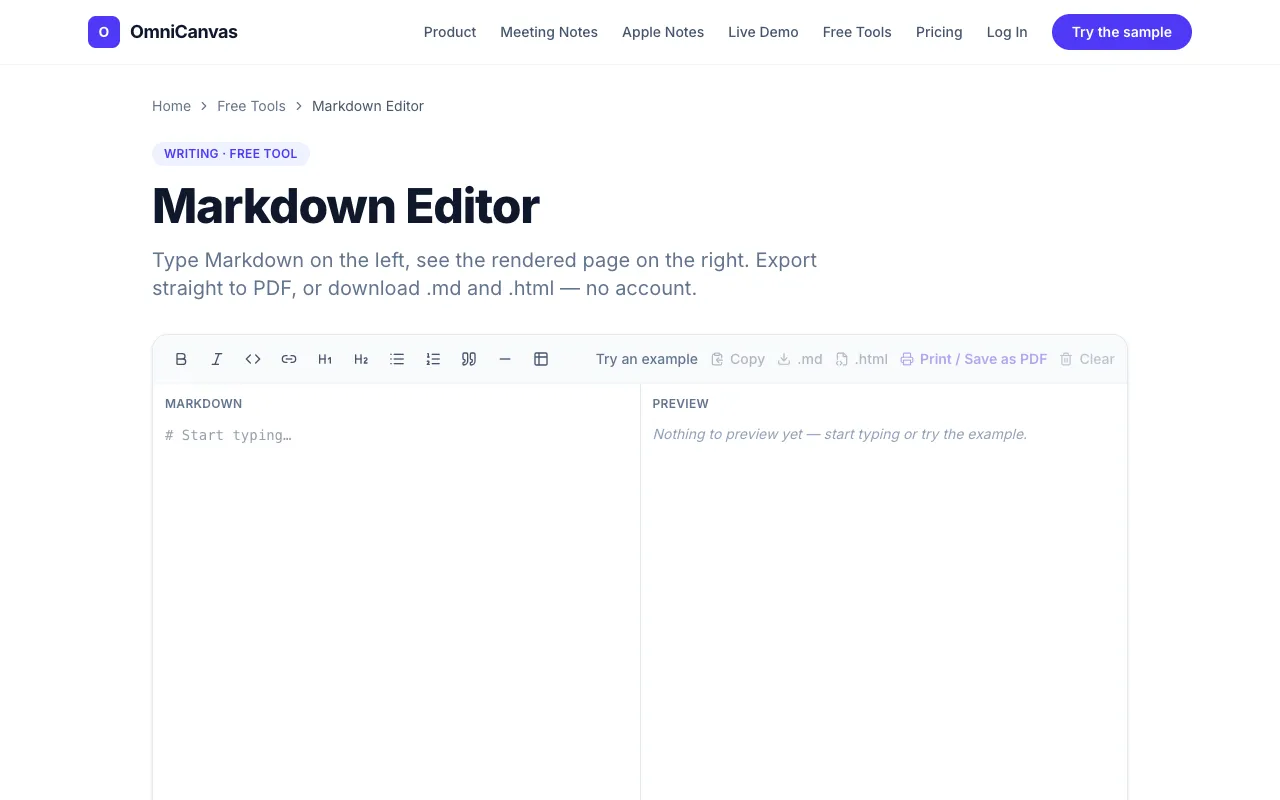
  1. Screenshot of OmniCanvas
    02
    OmniCanvas
    omnicanvasnotes.com

    A split-pane Markdown editor with live preview, autosave, and export to .md, HTML or PDF. No account and no watermark...
Side by side

Markdown Editor options compared

ToolBest forStrengthsLimitations
CodeBeautify
codebeautify.org
Quick markdown testing
  • Real-time preview of formatted output
  • Supports loading markdown URLs and files
  • Ads on the page
  • Relies on community votes for support
OmniCanvas
omnicanvasnotes.com
Watermark-free export and autosave
  • Split-pane live preview
  • Export to .md, HTML, or PDF without account or watermark
  • Autosaves to browser as you type
  • No community votes recorded
  • May be part of a larger note-taking platform

Buyer's guide

How to choose a markdown editor

If you need to quickly test a snippet of markdown or convert a file, CodeBeautify works well for simple input and output. If you are writing longer content and want your work saved automatically and exported cleanly without signing up, OmniCanvas handles that flow without interruptions.

Questions

Markdown Editor FAQ

Can I use these editors offline?
No — both tools run in your browser online. OmniCanvas autosaves to your browser locally, but you need an internet connection to open the site.
Do either of these tools store my content on their servers?
OmniCanvas says it keeps your draft saved in your browser only, with no upload required. CodeBeautify’s behavior isn’t specified, but the page mentions social sharing as support.
Can I export my markdown as a PDF?
OmniCanvas offers one-click PDF export. CodeBeautify does not list PDF export in its features; it focuses on previewing and sharing markdown online.
Which tool is better for writing a README file?
OmniCanvas is better because it lets you export a clean .md file and a styled .html file without an account or watermark, which is useful for publishing documentation.
Is there a limit on how much text I can write?
The material does not specify length limits for either tool. If you are pasting large documents, OmniCanvas’s browser-based autosave may handle it more smoothly than CodeBeautify’s preview rendering.
Keep Exploring

Related tools in Developer Tools

View all →