JWT Debugger
Decode JWT claims in your browser and optionally verify HS256 signatures. Tokens never leave this device; do not past...
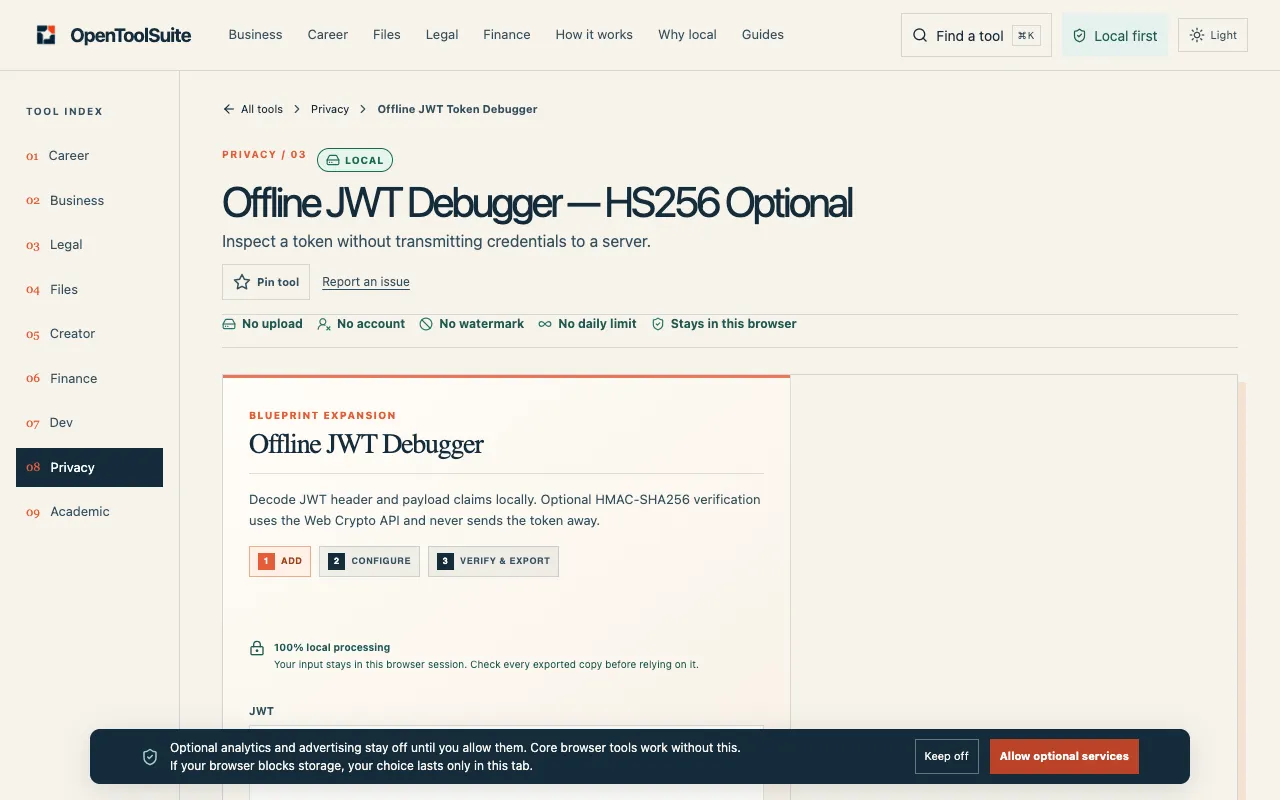
What JWT Debugger does
JWT Debugger is a browser-based tool for decoding and validating JSON Web Tokens. Users paste a token to instantly see its header, payload claims, and signature details. The site offers optional HS256 signature verification using a secret key, allowing users to confirm token integrity locally. All processing happens within the browser, meaning tokens never travel to a server, which addresses common security concerns about exposing credentials.
How to use the OpenToolSuite JWT Debugger
- 1
Paste the JWT token into the input field on the JWT Debugger page
- 2
The tool automatically decodes the header and payload claims
- 3
Optionally provide an HS256 secret key to verify the token's signature
- 4
Inspect the decoded result and copy or download the output as needed
Best for
Developers and security researchers who need to quickly inspect and validate JWT tokens without exposing sensitive data to external servers.
Limitations
- No unit switching or format conversion options beyond decoding
- Signature verification requires the user to supply the correct HS256 secret key
- Results depend entirely on the accuracy of the input token and key provided
JWT Debugger FAQ
- Does JWT Debugger store the tokens I paste?
- No. The decoding and verification actions run entirely within your browser session; tokens are not transmitted to or stored by OpenToolSuite.
- Can I use JWT Debugger for production secrets?
- The site advises against pasting production secrets casually, as the tool is intended for inspection and debugging rather than secure credential management.
- What happens if I provide an incorrect HS256 key for verification?
- The signature verification will fail, and the tool will indicate that the token's signature could not be validated with the given key.
- Is the offline JWT Debugger forensic proof?
- No. Treat the results as a practical inspection tool; the output is only as reliable as the facts you input and the key you supply for verification.
More JWT Debugger tools
Similar tools
Based on shared tags