Developer Tools2 options compared

JWT Debugger

JWT Debugger helps users decode, verify, and debug JSON Web Tokens (JWTs) in real-time. Enter a JWT into the interface, and it automatically decodes its payload and displays the header and signature for verification. Users can also validate the signature using their own secret or key to ensure integrity and authenticity of the token. Developers, security analysts, and anyone involved with...

Editors’ Top PickBased on community votes
Other OptionsRanked by votes
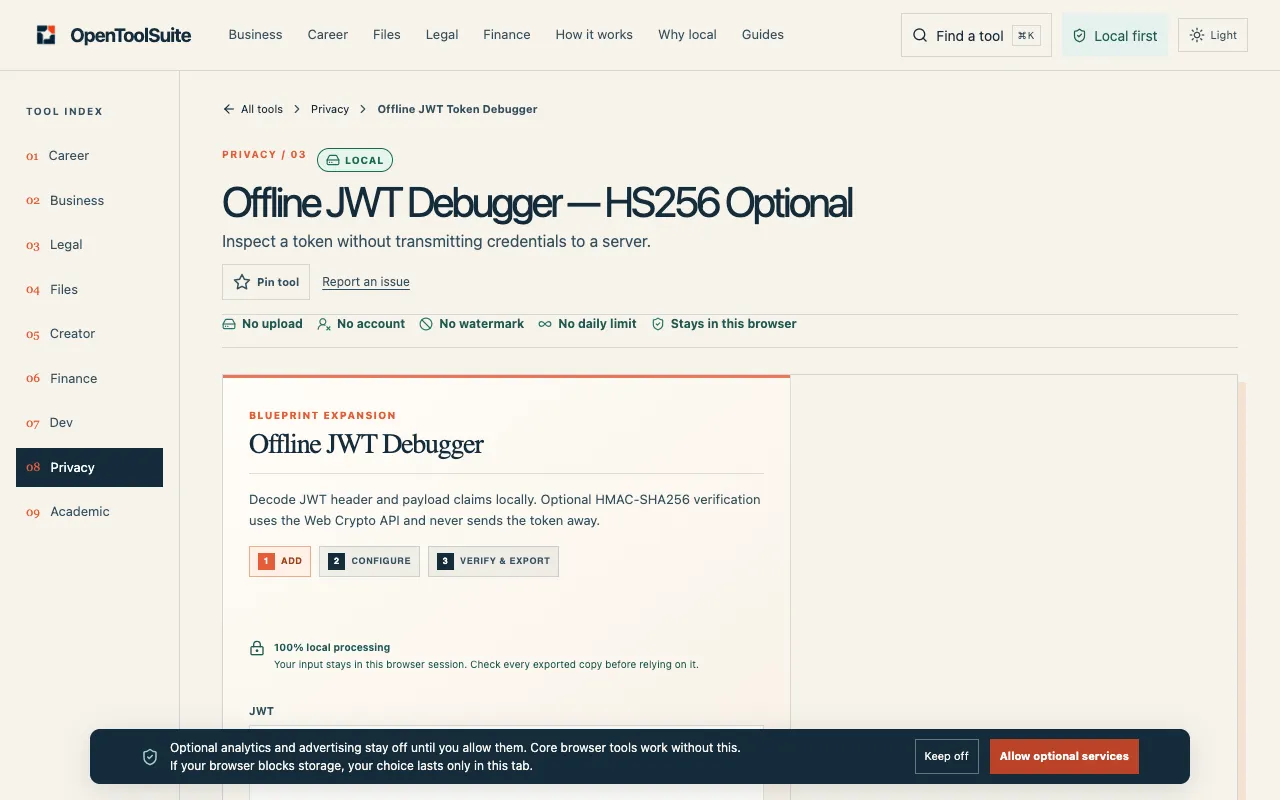
  1. Screenshot of OpenToolSuite
    02
    OpenToolSuite
    opentoolsuite.com

    Decode JWT claims in your browser and optionally verify HS256 signatures. Tokens never leave this device; do not past...

Side by side

JWT Debugger options compared

ToolBest forStrengthsLimitations
JSON Web Token Debugger
jwt.io
Quick JWT decoding and verification
  • Visual header and payload breakdown
  • Built-in signature verification with secret input
  • Requires internet connection
  • Sends token data to the hosting site
OpenToolSuite
opentoolsuite.com
Offline JWT inspection in browser
  • Tokens stay in the browser, no server transmission
  • HS256 signature verification option
  • Fewer display features compared to jwt.io
  • Limited to HS256 signature type

Buyer's guide

How to choose a jwt debugger

If you need to quickly decode a JWT and check its signature against a secret, jwt.io provides the most complete visual breakdown and verification options. If you are working with sensitive tokens and cannot send them to any external site, OpenToolSuite lets you decode and verify entirely within your browser, keeping the token on your device.

Questions

JWT Debugger FAQ

Can I use these tools to decode any JWT without issues?
Both tools can decode standard JWTs, but jwt.io offers more detailed breakdowns and signature verification. OpenToolSuite is limited to HS256 signature types and is designed for offline use.
Is it safe to paste my JWT into jwt.io?
jwt.io is a widely used industry tool, but since it sends the token to the website, you should avoid pasting production secrets or tokens containing sensitive data. For highly sensitive tokens, use OpenToolSuite which keeps everything in your browser.
What is the difference between JWT decoding and verification?
Decoding simply reads the token's header and payload. Verification checks the signature using a secret or key to confirm the token hasn't been tampered with and is authentic.
Do I need to install anything to use these JWT debuggers?
No installation is needed for either tool; both run in your web browser. OpenToolSuite operates completely offline once the page loads.
Can I generate a new JWT with these tools?
jwt.io includes an encoder/generator feature to create new tokens. OpenToolSuite's notes focus on decoding and verification, so generation capability may be limited or absent.
Keep Exploring

Related tools in Developer Tools

View all →