Paint Calculator
Free paint calculator: estimate how many liters or gallons of paint you need for any room. Input wall area, number of...
What Paint Calculator does
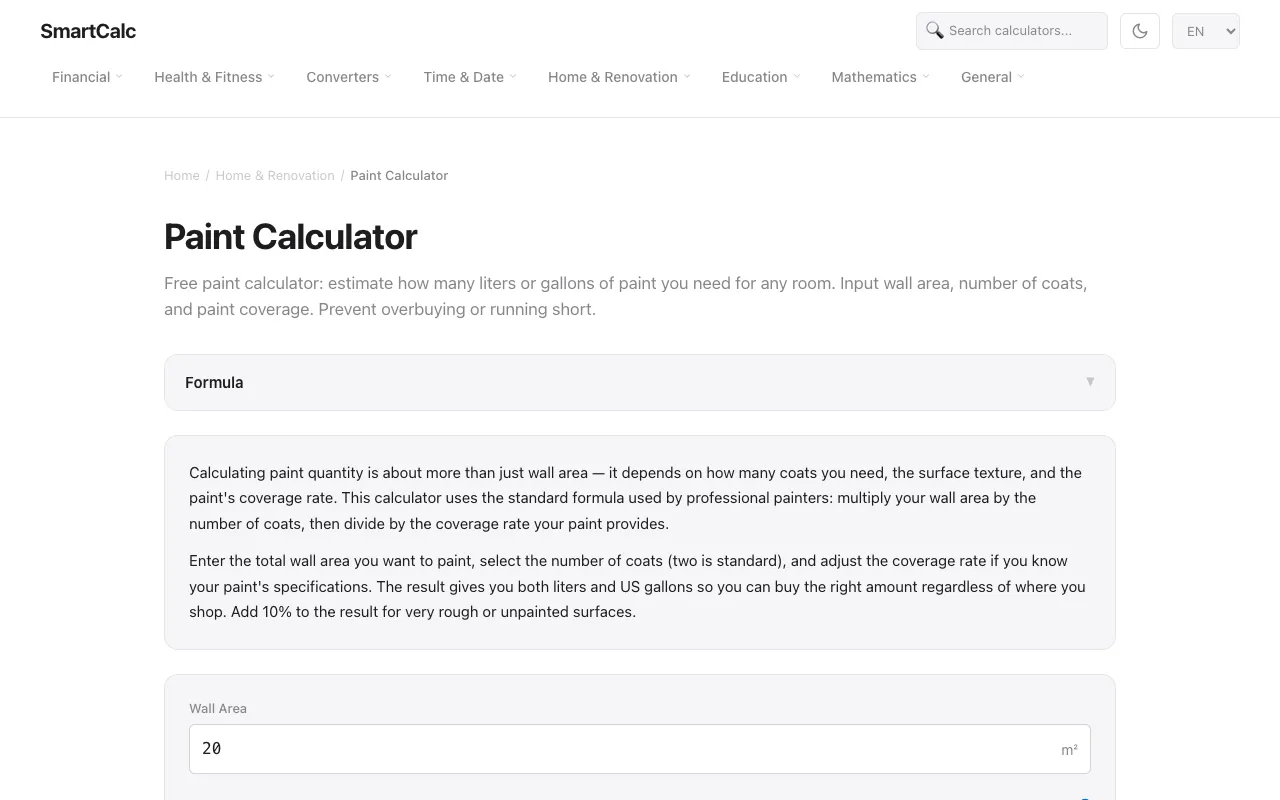
A free paint calculator that estimates how many liters or gallons of paint are needed for any room. Users input wall area, select the number of coats, and adjust the coverage rate to prevent overbuying or running short. The tool uses the standard professional formula: multiply wall area by the number of coats, then divide by the paint's coverage rate. Results are provided in both liters and US gallons, and users can add a 10% buffer for rough or unpainted surfaces. The interface includes example values and pro tips about typical coverage rates and surface texture effects.
How to use the SmartCalc Paint Calculator
- 1
Enter the total wall area you want to paint in square meters or feet
- 2
Select the number of coats (the default is two, standard for most projects)
- 3
Adjust the paint coverage rate if you know your paint's specifications, or use the example range of 8–12 m² per liter
- 4
Review the result showing liters and US gallons needed, and add 10% for rough or porous surfaces
Best for
DIY painters and home renovators who want a quick, free estimate of paint volume and cost before shopping, especially those measuring in metric or imperial units and needing both liter and gallon outputs.
Limitations
- Coverage rates are estimates and vary by paint brand, color, and surface texture
- Does not automatically subtract door and window areas from total wall space
- Results depend on user-provided coverage rates and may need adjustment for very rough surfaces
Paint Calculator FAQ
- How do I calculate the wall area for painting?
- Multiply the wall height by the wall width for each wall, then add them together. A standard 4m × 3m room with 2.5m ceilings has about 35 m² of wall area.
- How many coats of paint do I need?
- Two coats are recommended for most painting projects, as one coat rarely provides even coverage, especially when changing colors.
- Can I switch between liters and gallons in the results?
- Yes, the calculator provides both liters and US gallons so you can buy the right amount regardless of where you shop.
- Should I add extra paint for rough or unpainted surfaces?
- Yes, the tool suggests adding 10% to the result for very rough or unpainted surfaces, such as fresh plaster, which absorb more paint.
More Paint Calculator tools
- 01Omni Calculatoromnicalculator.com
Paint calculator helps you calculate the amount and cost of paint needed to paint the walls of a room.
- 02GQ Calcgqcalc.com
Use this paint calculator to estimate gallons and whole cans from room dimensions, wall area, doors and windows, ceil...
- 03Kitsetkitset.app
Estimate paint gallons from wall area, coats, coverage per gallon and waste percentage. Useful for rooms and projects.
Similar tools
Based on shared tags