Mortar Calculator
Estimate masonry mortar bags from installed brick or block count, product-specific units-per-bag coverage, and mortar...
What Mortar Calculator does
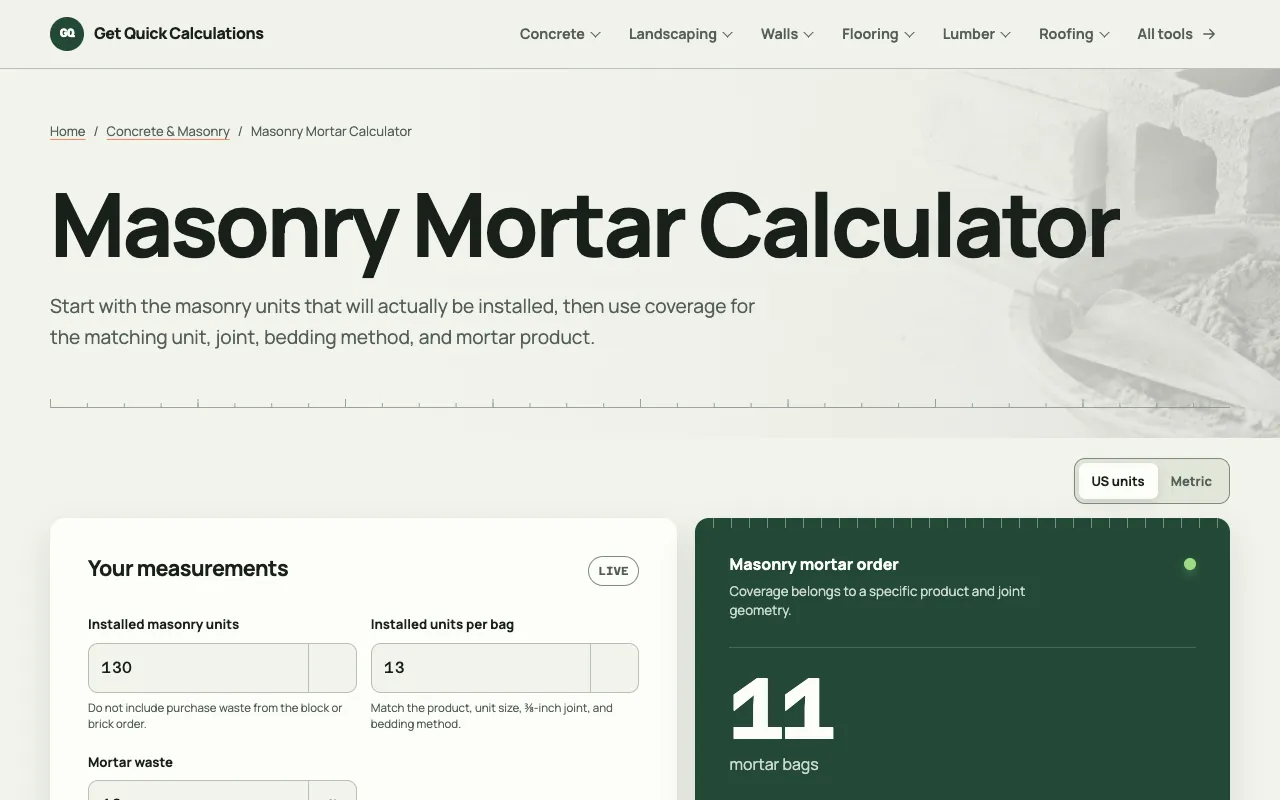
The GQ Calc Mortar Calculator estimates the number of mortar bags required for wall construction projects. Users enter wall dimensions or the total number of installed masonry units, select the mortar product and joint geometry, and the tool calculates the precise bag count needed. The output includes both a fractional result and a whole-bag purchase recommendation, allowing users to verify the math against product labels before ordering materials.
How to use the GQ Calc Mortar Calculator
- 1
Measure the total number of installed masonry units in the project
- 2
Select the mortar product and joint geometry from the provided options
- 3
Enter the mortar waste percentage if desired, or use the default
- 4
Review the calculated bag count and fractional breakdown shown on screen
Best for
Homeowners, builders, and contractors who need accurate mortar bag estimates for brick or block walls and want to avoid over-ordering by using product-specific coverage rates.
Limitations
- Coverage rates depend on specific product labels and joint geometry
- Results are estimates and may vary with actual site conditions
- Does not account for purchase waste from the brick or block order itself
Mortar Calculator FAQ
- How does the calculator handle mortar waste?
- Users can input a mortar waste percentage, or the tool applies a default allowance. The waste factor is added to the installed unit count before dividing by the product's units-per-bag coverage.
- Can I use this calculator for both bricks and concrete blocks?
- Yes, the tool supports both standard bricks and hollow concrete masonry units (CMU). Coverage rates differ by product, so users must select the mortar mix that matches their specific unit geometry and bedding method.
- What happens if I enter the total brick purchase count instead of installed units?
- The calculator is designed to use installed masonry units, not the purchase quantity. Entering purchase counts may result in a double-counting of waste allowances, leading to an overestimate of mortar needed.
- Does the tool show the calculation formula used?
- Yes, the calculator displays the formula and allows users to show the full calculation, which is based on installed units plus waste divided by the product's published units-per-bag coverage.
More Mortar Calculator tools
Similar tools
Based on shared tags