Construction3 options compared

Grout Calculator

Calculates the amount of tile grout needed for tiling projects by measuring the dimensions of the tiles and spaces between them. Users input tile size, spacing, and wall height or length, and the calculator outputs the required volume of grout in cubic inches or milliliters. Helps users ensure they have enough grout on hand before starting their tiling project, preventing shortages that could...

Editors’ Top PickBased on community votes
Other OptionsRanked by votes
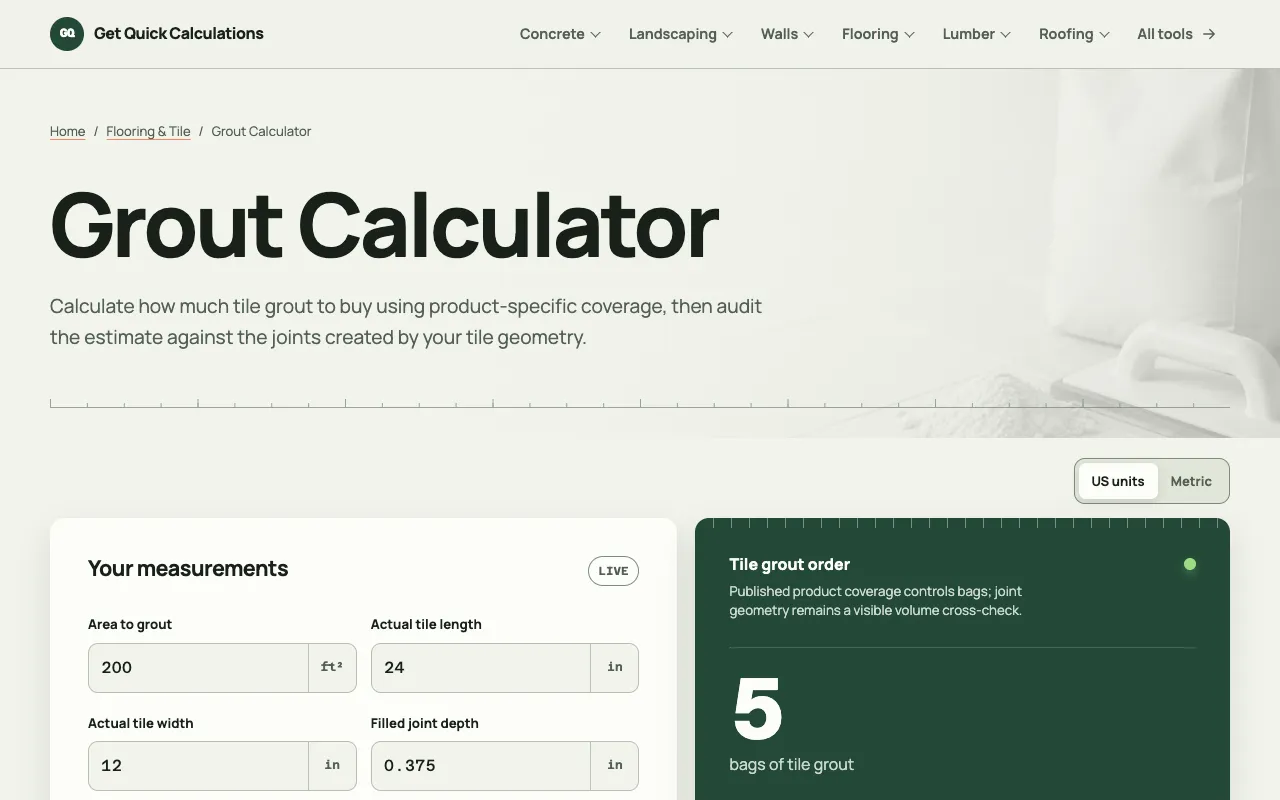
  1. Screenshot of GQ Calc
    02
    GQ Calc
    gqcalc.com

    Estimate tile grout bags from tiled area, product coverage, waste, bag size, tile dimensions, joint width, and joint-...

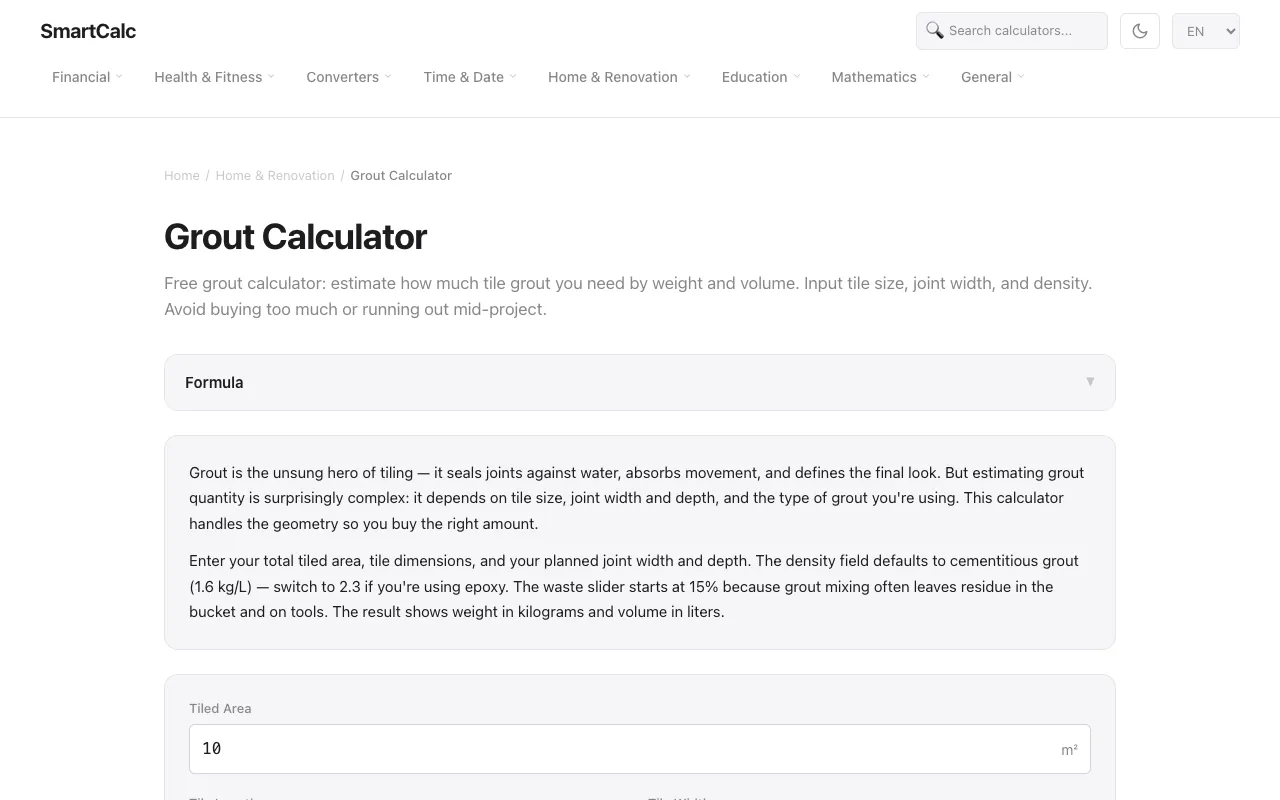
  2. Screenshot of SmartCalc
    03
    SmartCalc
    smartcalc.top

    Free grout calculator: estimate how much tile grout you need by weight and volume. Input tile size, joint width, and ...

Side by side

Grout Calculator options compared

ToolBest forStrengthsLimitations
Omni Calculator
omnicalculator.com
Quick estimates from basic dimensions
  • Simple input fields
  • Outputs volume and bag counts
  • No product-specific assumptions
  • Fewer unit options
  • No waste or coverage adjustments
GQ Calc
gqcalc.com
Verifying bag counts against product coverage
  • Shows product coverage per bag
  • Transparent method and editable assumptions
  • Cross-checks joint volume geometry
  • More fields to fill out
  • Interface relies on published product data
SmartCalc
smartcalc.top
Estimating grout by weight and volume with density options
  • Handles weight and volume output
  • Density switch for cement vs epoxy grout
  • Waste slider for real-world mixing loss
  • Requires metric inputs (cm, kg/L)
  • Fewer unit options for area

Buyer's guide

How to choose a grout calculator

When picking a grout calculator, start with the size of your tiled area and the tile dimensions; if you already know the grout product you plan to use, look for a tool that lets you input its coverage per bag so you get an exact bag count rather than an estimate. Differences that matter are whether the calculator asks for joint depth, allows you to adjust for waste, and whether it outputs both volume and bag numbers — these affect how quickly you can shop for materials without back‑calculating later.

Questions
Grout Calculator FAQ

How do I account for grout waste when calculating how many bags to buy?
Most calculators include a waste percentage field; set it to 15% as a default because grout mixing and cleanup typically leave residue in the bucket and on tools, then round up the bag count to the next whole bag.
Should I measure joint depth as the full tile thickness or the actual grout fill depth?
Use the actual depth that will be filled with grout, not the full tile thickness, because grout only fills the joint space between tiles.
What is the difference between cementitious and epoxy grout density?
Cementitious grout defaults to around 1.6 kg/L, while epoxy grout is denser at about 2.3 kg/L; switching the density field changes the weight result accordingly.
Can I use these calculators for both floor and wall tiling projects?
Yes, enter the total tiled area in square meters or feet, along with tile and joint dimensions; the calculator will output grout volume or bag count regardless of orientation.
Why do two calculators give different bag counts for the same project?
Differences come from whether the tool uses published product coverage per bag, includes a waste slider, or assumes a specific joint depth; check the method or editable assumptions to see which matches your grout product.
Keep Exploring

Related tools in Construction

View all →