Fence Calculator
Use this wood fence calculator to estimate posts, rail stock, and pickets for one straight run from spacing, board wi...
What Fence Calculator does
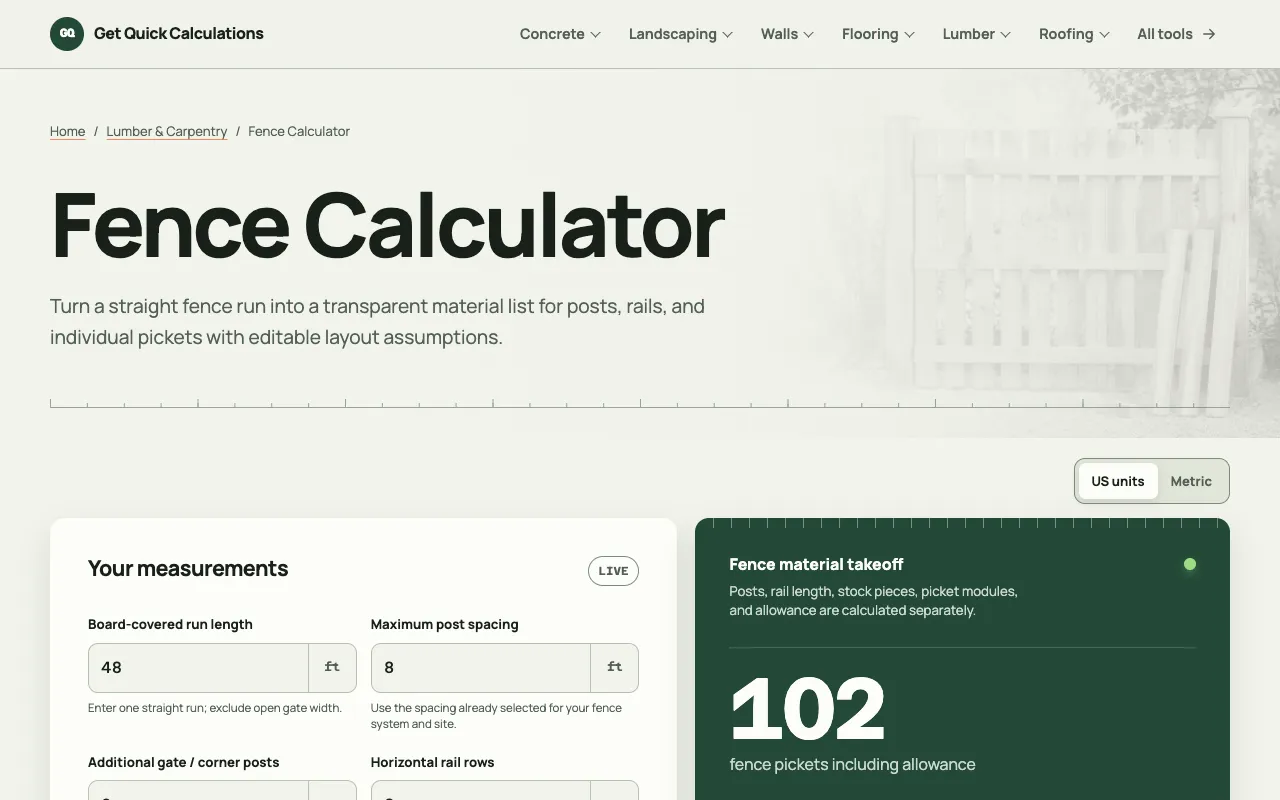
A wood fence calculator that estimates the number of posts, rails, and pickets needed for one straight, board-covered run. Users enter the board-covered length, maximum post spacing, rail row count, picket width, gap between pickets, and a waste allowance to receive a detailed material takeoff. The output separates posts, rail linear footage and required stock pieces, and picket modules, showing both the base count and the adjusted total after the waste percentage is applied. A transparent calculation base is displayed so the user can verify the math, and explicit fields for gate, corner, and transition posts acknowledge that those must be added separately. The tool supports both US and metric units and lets the user edit product assumptions at any time.
How to use the GQ Calc Fence Calculator
- 1
Enter the board-covered run length, excluding any open gate width.
- 2
Set the maximum post spacing that your fence system requires.
- 3
Specify the number of horizontal rail rows and the actual picket width.
- 4
Input the gap between pickets and your desired waste allowance percentage.
- 5
Review the calculated totals for posts, rail stock pieces, and pickets to order, then add gate, corner, or transition posts as needed.
Best for
DIY homeowners and small contractors who need a quick, transparent estimate of fence materials for a single straight run and want to see the math behind the numbers.
Limitations
- Calculates only one straight, board-covered run; gate, corner, and transition posts must be entered separately.
- Results depend on the user-entered waste allowance and gap settings; different assumptions produce different totals.
- No automatic unit conversion between US and metric; the user must select the desired unit system at the start.
Fence Calculator FAQ
- Can this calculator account for gates or corners in the same run?
- The calculator shows a transparent calculation base so you can verify the math. If the numbers seem off, check that you’ve entered the correct board width, gap, and waste allowance, and confirm the unit system you’re using.
- What does the waste allowance percentage do?
- The tool explicitly displays the calculation base (e.g., ceil[(576 + 0.5) in ÷ 6 in] = 97; ceil(97 × 1.05) = 102 pickets), so you can see exactly how the final number was derived.
- Does the calculator support metric units?
- The live page excerpt lists 'US units | Metric' as available options, and the calculation method is described in terms that apply to either system.
- How are rail stock pieces determined?
- The calculator separates rail linear footage from the minimum stock pieces required, and notes that every real rail joint must land on an approved support, which may increase the piece count beyond the minimum.
More Fence Calculator tools
Similar tools
Based on shared tags