Drywall Calculator
Free drywall calculator: estimate how many plasterboard sheets, joint compound, screws, and tape you need. Enter wall...
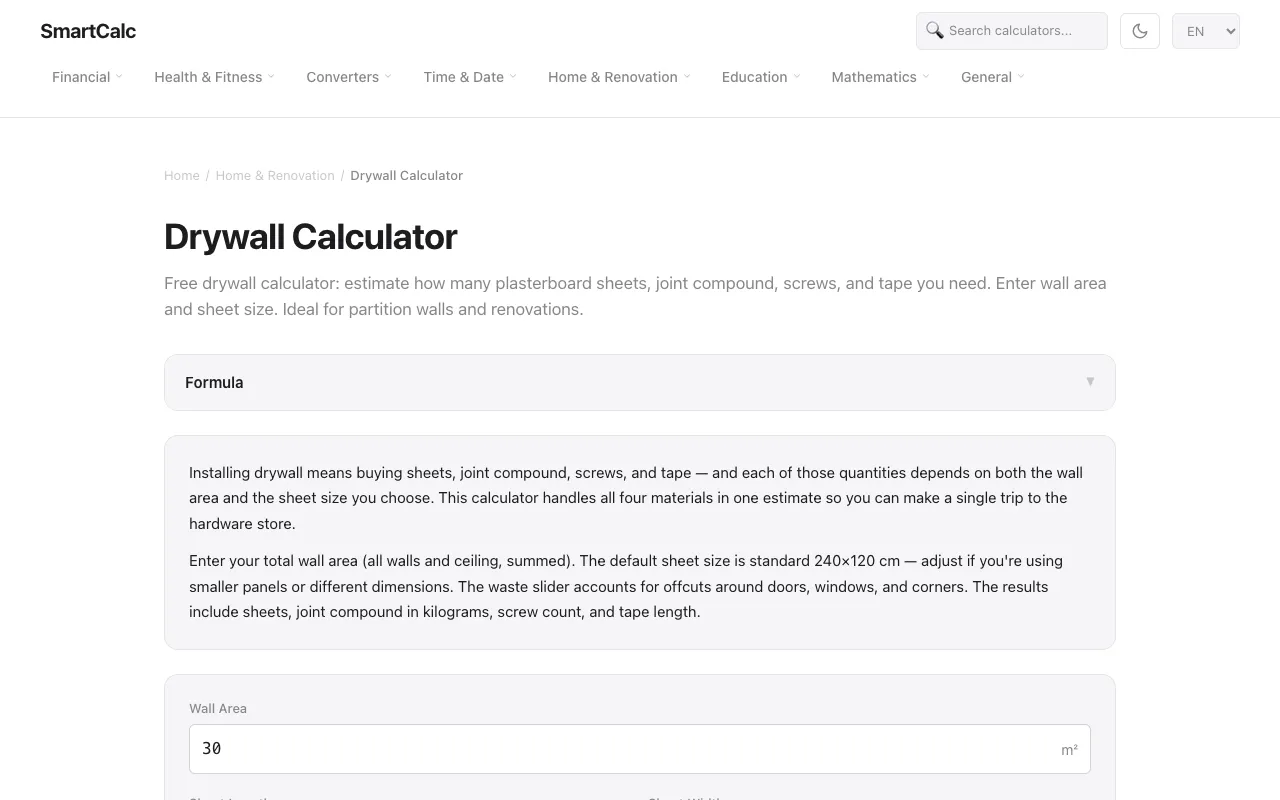
What Drywall Calculator does
The Drywall Calculator on SmartCalc.top estimates the full set of materials needed for drywall installation by accepting a total wall area and sheet dimensions. Users receive a single figure for the number of plasterboard sheets, plus calculated amounts of joint compound in kilograms, screw count, and tape length, all adjusted for a configurable waste percentage. The tool combines these four material estimates into one result, allowing a single hardware store trip rather than separate calculations for each item. The site’s version distinguishes itself by presenting a waste slider that accounts for offcuts around doors, windows, and corners, and by displaying the underlying formula behind each result. The example output breaks down exactly how the sheet count, joint compound weight, screw quantity, and tape length are derived from the input numbers, giving users transparency about the math. Additional guidance on board thickness for ceilings versus walls, and the requirement for moisture-resistant boards in kitchens and bathrooms, appears directly on the page without leaving the tool.
How to use the SmartCalc Drywall Calculator
- 1
Enter the total wall area in square meters, including all walls and the ceiling
- 2
Adjust the sheet length and width centimeters if using non-standard panel sizes
- 3
Set the waste percentage slider to account for offcuts around openings
- 4
View the results showing the required number of sheets, joint compound in kilograms, screw count, and tape length
- 5
Reference the pro tips on board thickness and moisture-resistant options for specific room types
Best for
Homeowners, contractors, and DIY enthusiasts planning a drywall installation who want a quick, all-in-one material estimate before purchasing supplies.
Limitations
- Waste percentage is a manual slider adjustment and may not match every site’s exact offcut patterns
- Results are estimates based on standard joint compound coverage rates and screw spacing
- No unit switching beyond centimeters and square meters; imperial measurements must be converted externally
Drywall Calculator FAQ
- What size are the standard drywall sheets used by the calculator?
- Standard plasterboard sheets are 240 × 120 cm (8×4 ft), covering 2.88 m². Smaller 180 × 90 cm panels are also available for repairs.
- How is the amount of joint compound calculated?
- The calculator applies roughly 0.5 kg of joint compound per square meter of board, then multiplies by the number of sheets to give a total weight in kilograms.
- Can I use this tool for ceiling-only projects?
- Yes, enter the ceiling area in the total wall area field; the tool treats all surfaces uniformly and includes pro tips for ceiling board thickness.
- Does the calculator account for doors and windows?
- A waste percentage slider lets you adjust for offcuts around openings; the default is 10%, but users can increase it for more complex room layouts.
More Drywall Calculator tools
Similar tools
Based on shared tags