Concrete Block Calculator
Estimate concrete blocks for walls with openings, waste, special units, and pallet rounding. Supports US and metric m...
What Concrete Block Calculator does
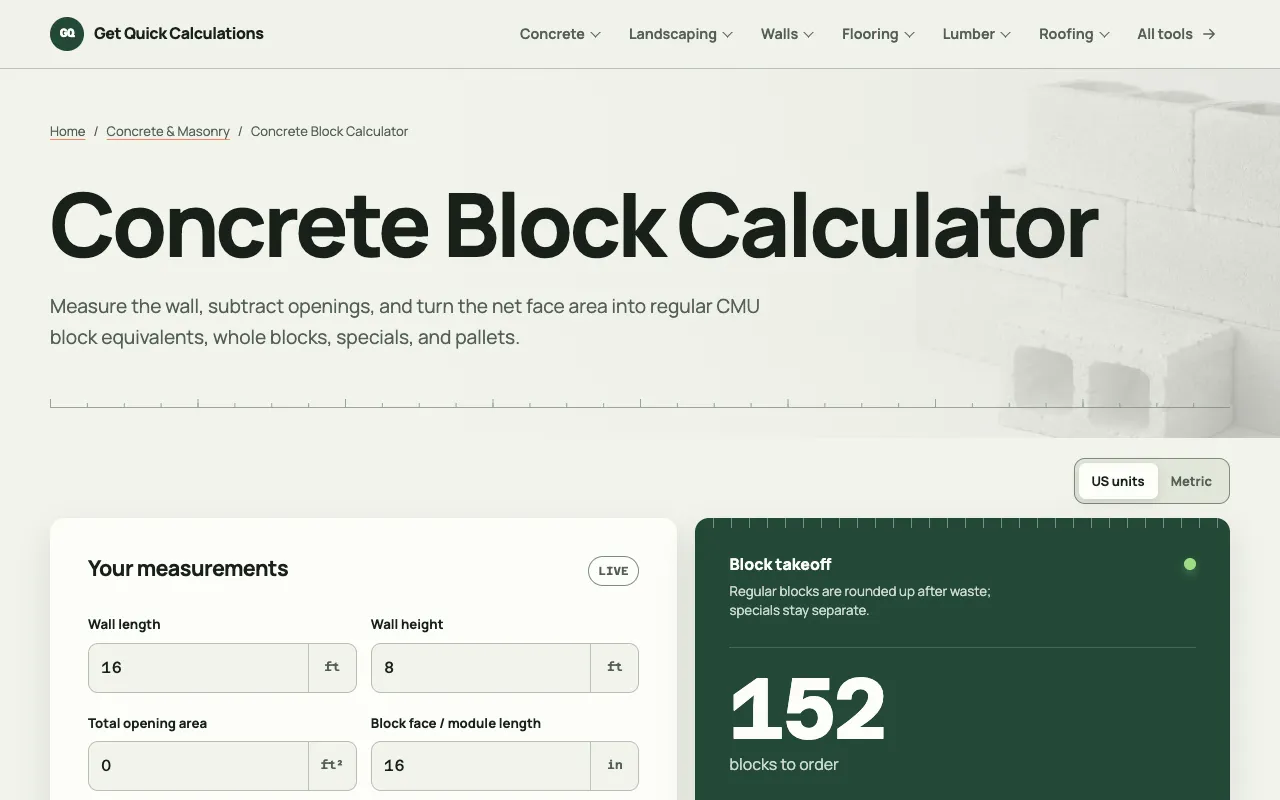
The Concrete Block Calculator on GQ Calc estimates the number of blocks needed for a wall by first determining the net wall area—total wall area minus the face area of doors and windows. Users input wall dimensions in US or metric units, specify block face length and height (with optional joint allowances), and set a waste percentage. The tool then computes regular block quantities, rounds them up after applying waste, and keeps special units like corners or lintels separate. A pallet count view adjusts to the user’s supplier’s pack size, providing a practical ordering estimate.
How to use the GQ Calc Concrete Block Calculator
- 1
Measure the total wall length and height, then enter those values into the calculator.
- 2
Input the face length and height of the concrete block, adjusting for joint thickness if needed.
- 3
Enter the combined area of all doors and windows to subtract from the gross wall area.
- 4
Set the expected waste percentage and check the supplier’s pallet count for pallet rounding.
- 5
Review the output, which separates regular units, special units, and pallet quantities for ordering.
Best for
DIY homeowners and small contractors who need a quick, transparent estimate of block quantities and pallet needs for a wall project.
Limitations
- Results are area estimates and do not account for exact bond patterns or cut layouts.
- Special units such as corners or lintels must be entered manually and remain separate from the regular block count.
- Pallet rounding depends on the user-editable supplier pack size and may not match all supplier inventories.
Concrete Block Calculator FAQ
- Can this calculator handle walls with multiple doors and windows?
- Yes, you can add the face area of every door and window; the tool subtracts the total from the gross wall area before computing block quantities.
- Does the tool support metric measurements?
- The calculator supports both US and metric units, allowing users to input dimensions in their preferred measurement system.
- How does the waste percentage affect the final block count?
- Waste is applied once to the unrounded regular-unit equivalent; the result then rounds up to a whole block to ensure enough material is ordered.
- What happens if I have special units like corner blocks or lintels?
- Special units are kept separate from the regular block estimate; the calculator provides a separate count that you can add to your order alongside the regular units.
More Concrete Block Calculator tools
Similar tools
Based on shared tags