42 tools
Converts between metric and imperial length units using formulas and reference tables on the website https://www.metric-conversions.org/length-conversion.htm. Users can easily input a value in one unit, select the desired output unit, and receive an accurate conversion. Helps users quickly and accurately convert measurements for various applications including cooking, construction, and travel between countries with different measurement systems.
Converts area units across multiple measurement systems, supporting metric, imperial, and US customary standards. Users input measurements in one unit, and the tool quickly provides accurate conversions into various other standard formats. This comprehensive utility allows individuals to maintain dimensional consistency whether they are working with global or localized measurements, ensuring precision for any comparative task involving surface area. Serves as an essential resource for a wide variety of users needing reliable area calculations. Students use it for academic projects and coursework, while DIY enthusiasts rely on it when planning construction or crafting projects that require different unit systems.
Converts weight and mass units across metric and imperial systems, offering quick and easy conversions between pounds, kilograms, grams, and more. Ideal for anyone needing to switch between different measurement systems, from fitness enthusiasts tracking body weight to chefs following recipes that require specific ingredient measurements. Helps users quickly and accurately convert weights for various applications, whether for personal health, cooking, or international travel.
Converts time durations across various units including seconds, minutes, hours, days, weeks, months, and years. Users input a time value in one unit, select the target conversion unit, and receive the equivalent duration in the chosen unit. Students, researchers, and professionals who need to standardize time measurements for projects, presentations, or academic work would find this tool particularly useful.
Converts angles between degrees, radians, gradians, and other angular units with just a few clicks. Ideal for students, engineers, and anyone needing to perform quick angle conversions in their work or studies. Helps users simplify complex calculations, adjust settings for various applications, and save time in fields requiring precise angular measurements.
Converts energy and power units across various systems, including joules, calories, kilowatt-hours, BTU, and horsepower. Accessible online, users input values in one unit to instantly get equivalent measurements in others. Ideal for students, engineers, and anyone needing quick, accurate conversions for academic or professional projects.
Converts units across various categories with ease, offering a comprehensive interface for quick and accurate measurements. Users can select from categories including length, weight, volume, temperature, and more, input their values, and instantly receive conversions to over 40 different units within each category. Ideal for students, professionals, and anyone needing to quickly compare or convert units of measurement across various fields such as cooking, construction, science, and everyday tasks.
Converts between metric units for various categories including length, weight, volume, temperature, and more using an extensive reference table. Users can quickly find conversion factors and perform calculations by looking up values in a comprehensive, easy-to-navigate format. Students, scientists, engineers, and anyone needing to work with metric measurements will benefit from this tool's quick reference capabilities for precise conversions without the need for complex calculations or specialized software.
Converts video files into MP4 format with adjustable quality and resolution settings. Users can upload videos from their computer or use a direct URL to convert them. The tool offers customizable options for output file size and dimensions, ensuring compatibility with various devices and platforms. Helps users easily share videos online by converting them to a widely supported format. Ideal for content creators, educators, and anyone needing to distribute video content across different devices and social media platforms.
Converts Apple QuickTime MOV files to widely-supported MP4 format. Users upload their MOV files, select output settings, and download converted MP4 videos for compatibility with various devices and platforms. Ideal for video editors, podcasters, and anyone who needs to share or store MOV files on devices that don't support the format. Converts large files quickly without losing quality, making it a practical tool for those working with video content.
Converts audio files between formats into MP3 with adjustable bitrate using an online service. Users can upload audio files of various types, select desired output format and quality settings, and download converted MP3 files quickly. Suitable for music enthusiasts looking to standardize their audio collection in MP3 format, podcasters needing high-quality MP3 exports for distribution, students working on projects that require specific audio formats, and anyone seeking a convenient way to convert audio files without the need for software installation.
Converts MP4 videos to MP3 audio by extracting the video's audio track and saving it as an MP3 file. Simple, user-friendly interface allows users to upload their MP4 files and select desired output settings before starting the conversion process. Ideal for music enthusiasts, content creators, and anyone looking to easily extract and use the audio from their videos without the need for additional software installation.
Converts documents between formats including Word, PDF, RTF, ODT, EPUB, and more using an intuitive online interface. Users upload their document, select the desired output format, and wait for the conversion to complete before downloading the new file. Students, professionals, and anyone needing to share or access documents in different formats will find this tool invaluable. It saves time and effort in manually converting files or dealing with compatibility issues across different software applications.
Converts PDF content to editable Microsoft Word format while preserving layout. Users upload their PDF files, select conversion options, and download the converted documents ready for editing in Word. Helps users easily convert important documents from PDF format to a more versatile Word document for editing, sharing, or further processing. Ideal for businesses, students, and professionals needing to edit text or images within PDF files.
Converts between EPUB, MOBI, AZW3, PDF, and other ebook formats. Users upload an ebook in one format, select the desired output format from a list of options, and start the conversion process. The tool handles the technical details automatically. Ideal for anyone who needs to change ebook file formats for compatibility with different devices or platforms.
Converts between ZIP, RAR, 7Z, TAR, and other compressed-archive formats. Users upload their archive file to the converter's website, select the desired output format, and click convert. The tool then processes the file and downloads the converted version to the user's device. Useful for anyone who needs to change the format of their archive files for compatibility with different software or devices, such as web developers, data analysts, students working on group projects, or users migrating from one operating system to another.
Cuts video clips to specific durations using an intuitive interface, enabling users to easily trim unwanted parts from their videos. Suitable for anyone looking to edit video content, including students, filmmakers, and social media managers, allowing them to create shorter clips for sharing on platforms with time limits or simply organize their footage.
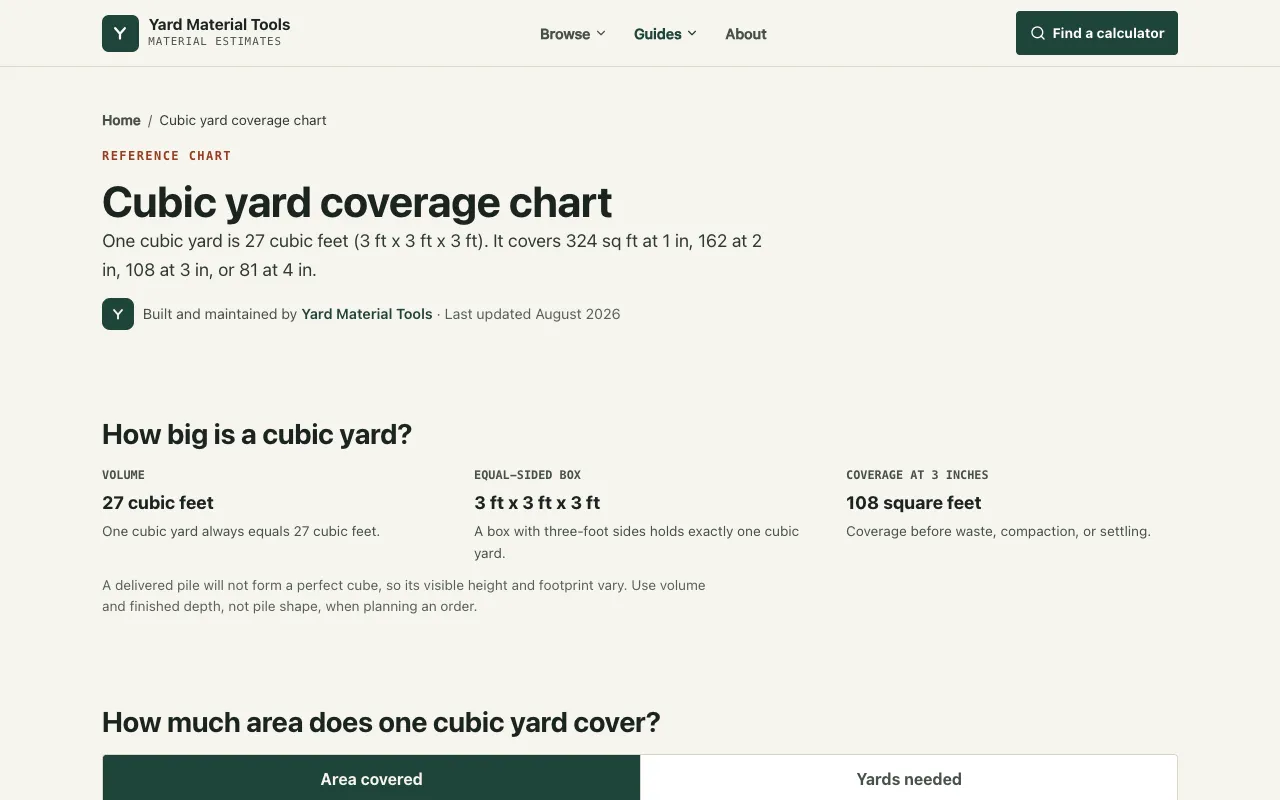
Reference calculator and coverage chart for landscape materials including gravel, mulch, topsoil, sand, and other yard materials commonly used in landscaping. Shows square-foot coverage rates at various depths and converts between cubic yards, tons, and other measurements to help with accurate material ordering and project planning. The chart clarifies exactly how much total material is needed based on the area being covered and the depth desired for the installation. Includes printable reference materials and planning assets that work offline, making it easy to translate specific coverage depth requirements into the total quantities you'll need to purchase for completing your landscaping projects.