Trigonometry Calculator
Calculate sine, cosine and tangent for an entered angle in degrees or radians, with normalized angle and undefined ta...
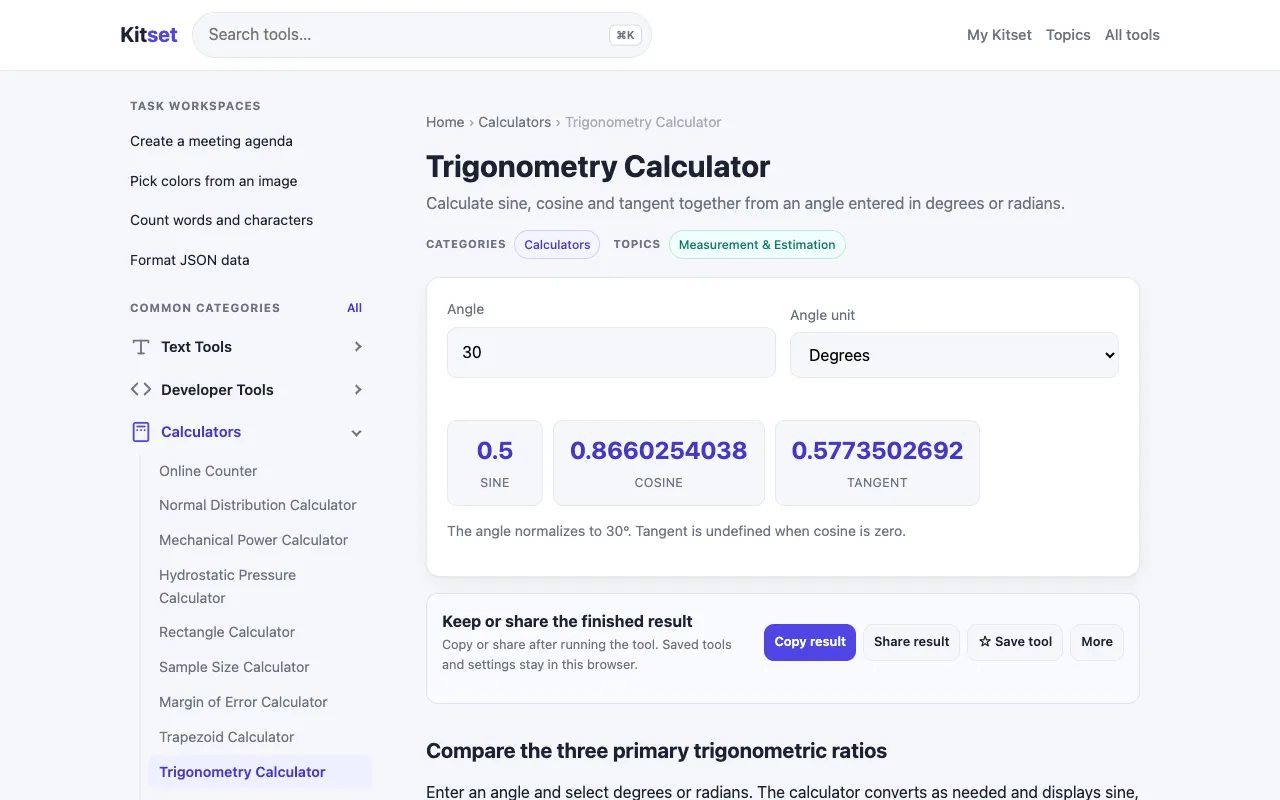
What Trigonometry Calculator does
A trigonometry calculator that accepts an angle in degrees or radians and returns the primary function values: sine, cosine, and tangent. It also handles undefined tangent cases and normalizes the angle output. Users can input two sides or one side and an angle of a right triangle to determine missing side lengths or angle measures. The interface is designed for straightforward data entry without requiring account creation or subscription.
How to use the Kitset Trigonometry Calculator
- 1
Open the Trigonometry Calculator on kitset.app
- 2
Enter an angle value and select degrees or radians from the input field
- 3
View the calculated results for sine, cosine, and tangent, with undefined tangent cases handled automatically
- 4
Input two side lengths or one side and one angle of a right triangle to solve for missing measurements
- 5
Review the normalized angle output and any computed side lengths displayed on screen
Best for
Students and educators who need a quick, account-free way to compute trigonometric function values or solve right triangle problems without navigating complex menus.
Limitations
- No step-by-step solution breakdown shown
- Focused on primary functions; other trigonometric ratios may require additional steps
- Results are estimates based on input precision
Trigonometry Calculator FAQ
- Can the calculator handle angles larger than 360 degrees?
- Yes, the tool normalizes any angle input to its equivalent within the standard range, so values beyond 360 degrees or 2π radians are processed correctly.
- What happens if I enter an angle that results in an undefined tangent?
- The calculator identifies and handles undefined tangent cases, displaying appropriate output rather than returning an error or null value.
- Is there a way to switch between degrees and radians after entering an angle?
- Users select the unit (degrees or radians) at the time of input; the interface does not support retroactive unit conversion after the angle is entered.
- Can this tool solve for angles when only side lengths are known?
- Yes, by entering two side lengths of a right triangle, the calculator determines the missing angle measures using inverse trigonometric functions.
More Trigonometry Calculator tools
Similar tools
Based on shared tags