Printable Calendar Generator
PCalen generates customizable printable calendars for personal and professional use. Users can create yearly or month...
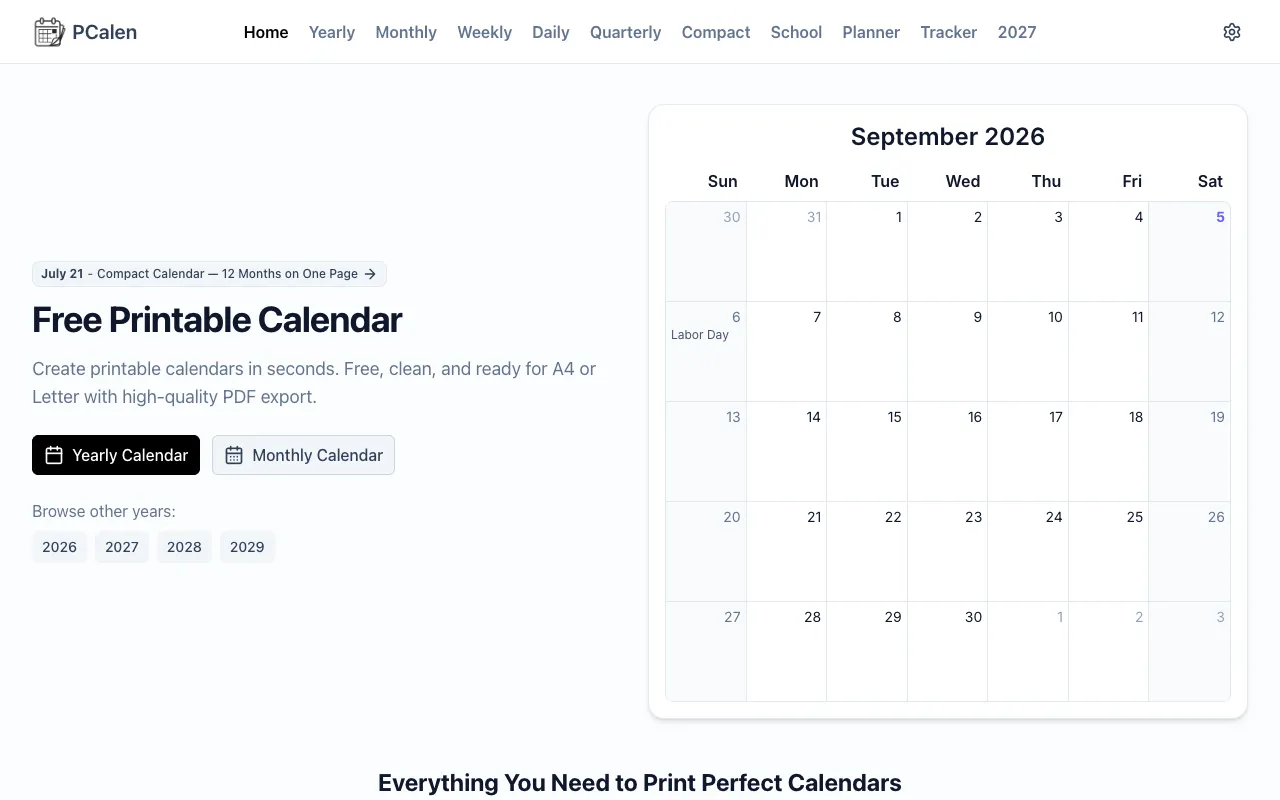
What Printable Calendar Generator does
PCalen is a free printable calendar generator that lets users create yearly or monthly layouts with customizable paper sizes (A4 or Letter) and export them as high-quality PDFs. The platform supports adding international holidays, highlighting weekends, showing week numbers, and applying hand-selected Google fonts for personalization. Beyond standard grids, it offers planner and tracker templates, color-coded notes for specific dates, and precision print controls including binding edge offsets. Users can generate single-page PDFs, share high-res PNGs, or export entire years as batch-ready files without needing design software.
How to use the PCalen Printable Calendar Generator
- 1
Visit PCalen and select a yearly, monthly, or weekly layout from the template options.
- 2
Choose paper size (A4 or Letter), orientation, and margin settings, then toggle holidays, week numbers, or color-coded notes for specific dates.
- 3
Select a Google font and adjust any additional design preferences before previewing the calendar.
- 4
Click the export button to download the calendar as a single-page PDF, a high-res PNG, or a batch-ready PDF for the entire year.
- 5
Print the exported file directly or share it digitally for personal or professional scheduling.
Best for
Individuals and teams who need quick, customizable printable calendars without design software, especially those who want color-coded notes, holiday toggles, or batch PDF exports for multiple months.
Limitations
- Notes are saved locally and may not persist across devices or sessions.
- Advanced customization options are limited to the available template and font selections.
- Export formats are restricted to PDF and PNG; other file types are not supported.
Printable Calendar Generator FAQ
- Can I add my own custom events or holidays to the calendar?
- Yes, PCalen allows you to toggle international holidays and add color-coded notes (red, yellow, green) to any date, which will render in the exported PDF or PNG file.
- What paper sizes and orientations are available for export?
- You can select A4 or Letter paper sizes and choose between portrait and landscape orientation before generating the PDF.
- Is it possible to export an entire year as one file?
- Yes, the platform offers a batch-ready PDF export that compiles the full year into a single downloadable file.
- Do the color-coded notes save if I return to the site later?
- Notes are saved locally in your browser, so they will persist as long as you use the same device and browser, but they do not roam across different computers or browsers.
Similar tools
Based on shared tags