Text Alphabetizer
Alphabetically Ordered is a free online tool for sorting and alphabetizing text lists. Users paste any list or block ...
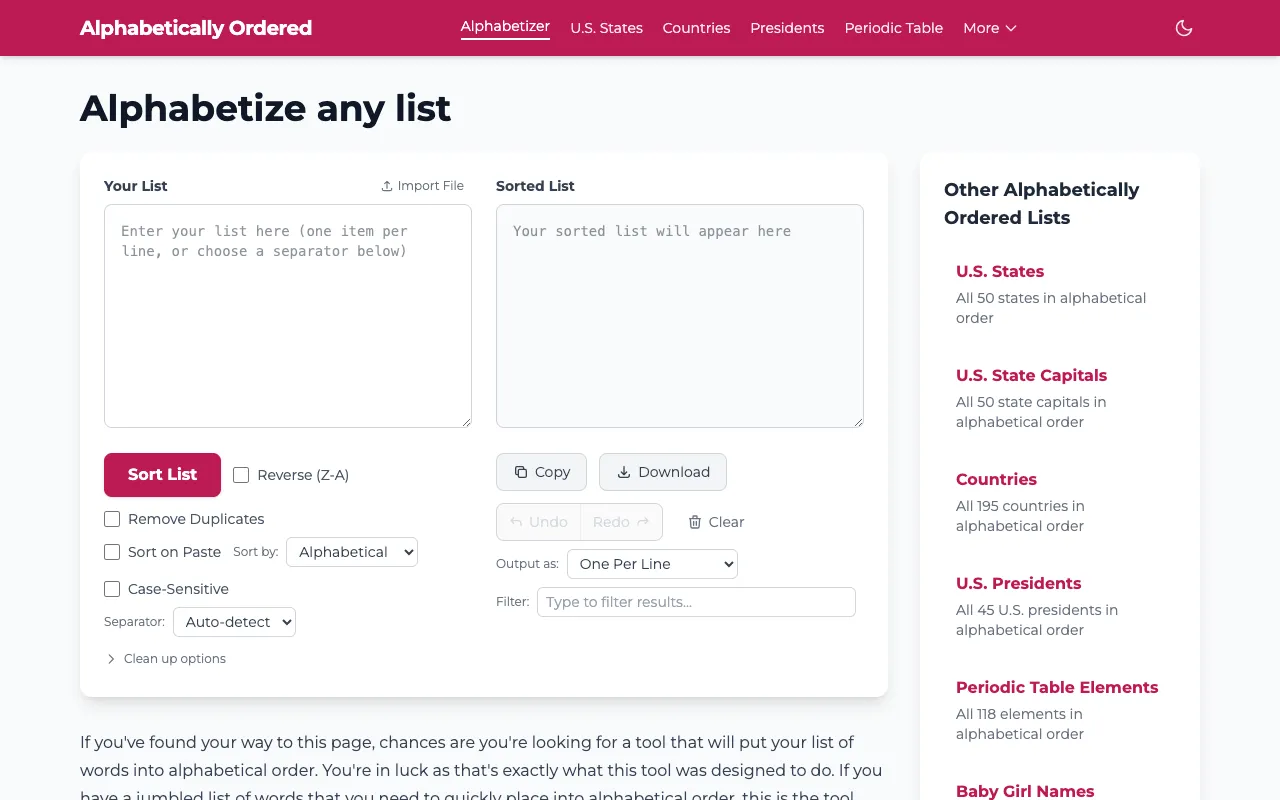
What Text Alphabetizer does
Text Alphabetizer is a free online tool for sorting and alphabetizing text lists. Users paste any list or block of text and the tool instantly organizes it in alphabetical order, with options to sort A-Z or Z-A based on preference. The simple interface makes it accessible for casual users sorting quick lists. The tool includes several customization options for different sorting needs. Features include case sensitivity control to differentiate uppercase and lowercase letters, the ability to sort by the last word instead of the first, and various other sorting filters for specialized use cases. Output can be formatted as one per line, numbered list, bulleted list, comma-separated, tab-separated, HTML list, or JSON array.
How to use the Alphabetically Ordered Text Alphabetizer
- 1
Paste your list or block of text into the tool's input area
- 2
Select your preferred sort direction (A-Z or Z-A) and any additional options such as case sensitivity or sorting by last word
- 3
Choose your desired output format from the available list formats
- 4
Click the sort button to instantly organize your text and copy or download the result
Best for
Casual users who need to quickly organize jumbled word lists, bullet points, or simple text items into alphabetical order without installing software or dealing with complex settings.
Limitations
- No unit switching capabilities
- Results are estimates based on the text provided
- Interface is designed for quick sorting rather than advanced text manipulation
Text Alphabetizer FAQ
- Can I sort text that contains numbers or special characters?
- Yes, the tool supports numeric sorting and various column delimiters including tab, comma, space, and semicolon, allowing you to sort lists with mixed content effectively.
- What output formats are available for the sorted list?
- You can output your sorted list as one per line, a numbered list, a bulleted list, comma-separated values, tab-separated values, an HTML list, or a JSON array depending on your needs.
- Is there a limit to how much text I can sort at once?
- The material does not specify a character or line limit, but the tool is designed for quick sorting of typical lists rather than extremely large datasets.
- Can I remove duplicate entries when alphabetizing?
- Yes, the tool includes a 'Remove Duplicates' option that will eliminate repeated entries from your sorted output.