Text & EncodingFree Tool

PDF reader

Provided byRapidTablesrapidtables.com

PDF reader

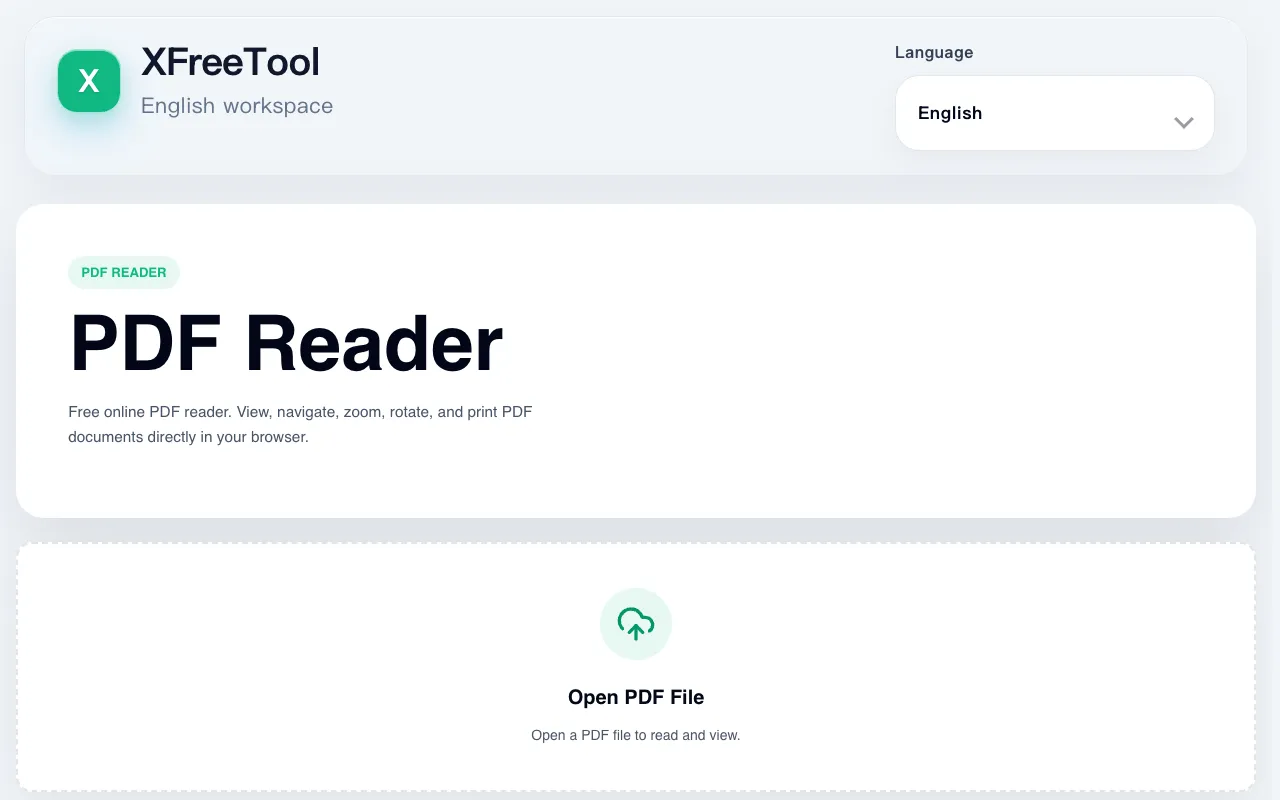
Screenshot of PDF reader on RapidTables
rapidtables.comOpen the live tool →
About this tool

What PDF reader does

The PDF reader on RapidTables allows users to open and view Portable Document Format files directly within a web browser, eliminating the need for desktop software. It supports basic functionalities such as converting PDFs into editable formats like HTML, Word, and plain text, as well as extracting textual data from document pages. The interface provides tools for zooming, page navigation, and text selection, making it suitable for on-the-go reading or editing of reports and papers. It serves as a quick way to inspect file structure and retrieve information from uploaded documents.

Step by step

How to use the RapidTables PDF reader

  1. 1

    Upload a PDF file to the RapidTables PDF reader interface

  2. 2

    Use the zoom and navigation controls to move through document pages

  3. 3

    Select text or convert the file to an editable format such as HTML, Word, or plain text

  4. 4

    Extract or edit the retrieved information as needed

  5. 5

    Download or save the converted output for further use

Is it right for you

Best for

Students, researchers, and anyone who needs to view, convert, or extract text from PDF files without installing dedicated desktop software.

Limitations

  • Conversion results may vary depending on the complexity of the original PDF layout
  • Advanced PDF features such as forms, annotations, or multi-page editing may not be fully supported
  • File size limits or processing delays may apply depending on server load
Questions

PDF reader FAQ

Can I edit the converted text after downloading it to my computer?
Yes, converting a PDF to Word or plain text on RapidTables produces an editable file that you can open and modify with standard word processors or text editors.
Is there a file size limit for PDFs uploaded to the reader?
The material does not specify a maximum file size, but very large PDFs may take longer to process or require a stable internet connection.
Does the tool preserve the original formatting when converting to Word or HTML?
Conversion quality depends on the source PDF; simple layouts typically convert well, while complex designs with columns, tables, or graphics may lose some formatting fidelity.
Do I need to create an account to use the PDF reader on RapidTables?
No account is required; you can upload and process PDF files directly through the browser-based interface.