Variance Calculator
Calculate population variance, sample variance and sample standard deviation from a comma-, space- or semicolon-separ...
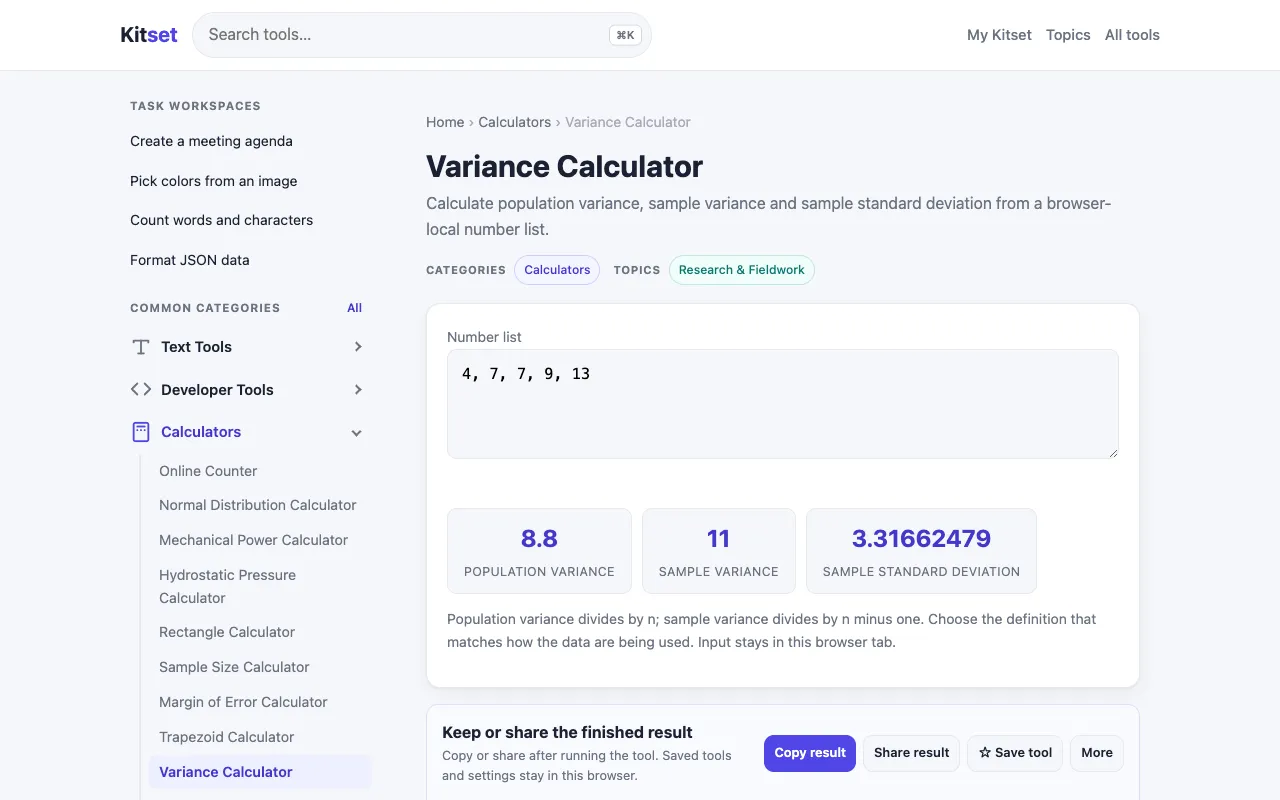
What Variance Calculator does
The Variance Calculator on Kitset allows users to compute population variance, sample variance, and sample standard deviation from a single dataset. By entering a list of numbers separated by commas, spaces, or semicolons, the tool outputs the mean, variance, and standard deviation, providing a quick way to understand data dispersion. It serves as a straightforward statistical utility for anyone needing to analyze the spread of a numeric dataset without manual calculation errors.
How to use the Kitset Variance Calculator
- 1
Open the Variance Calculator on Kitset
- 2
Enter your dataset as a comma-, space-, or semicolon-separated list of values
- 3
Click the calculate button to process the numbers
- 4
Review the calculated mean, variance, and standard deviation displayed on screen
- 5
Use the results for statistical analysis or data interpretation
Best for
Researchers and students who need to quickly calculate population variance, sample variance, and standard deviation from a simple list of numbers.
Limitations
- No explicit mention of result export or save functionality
- Interface and input validation details are not specified in the stored notes
- Dependence on correct formatting of the input list for accurate results
Variance Calculator FAQ
- Can I use this calculator for both population and sample variance?
- Yes, the tool computes population variance, sample variance, and sample standard deviation from the same dataset, allowing users to compare both measures.
- What format should I use when entering my data values?
- You can enter your data as a comma-, space-, or semicolon-separated list of values; the calculator accepts all three separators.
- Does the calculator show the mean of the dataset along with the variance?
- Yes, the output includes the mean, variance, and sample standard deviation, giving a complete summary of the dataset's central tendency and dispersion.
- Is there a limit to how many numbers I can enter at once?
- The stored notes do not specify a maximum input size, but the tool is designed for typical dataset entries rather than extremely large numerical arrays.
More Variance Calculator tools
- 01Number Convertnumberconvert.com
Calculate variance and standard deviation of any data set. Supports both population and sample variance with step-by-...
- 02Omni Calculatoromnicalculator.com
The variance calculator finds the variance of a set of numbers. It is a measure of how tightly clustered the data is ...
Similar tools
Based on shared tags