Relative Standard Deviation Calculator
RSD Calculator computes Relative Standard Deviation, coefficient of variation, standard deviation, variance, mean, ra...
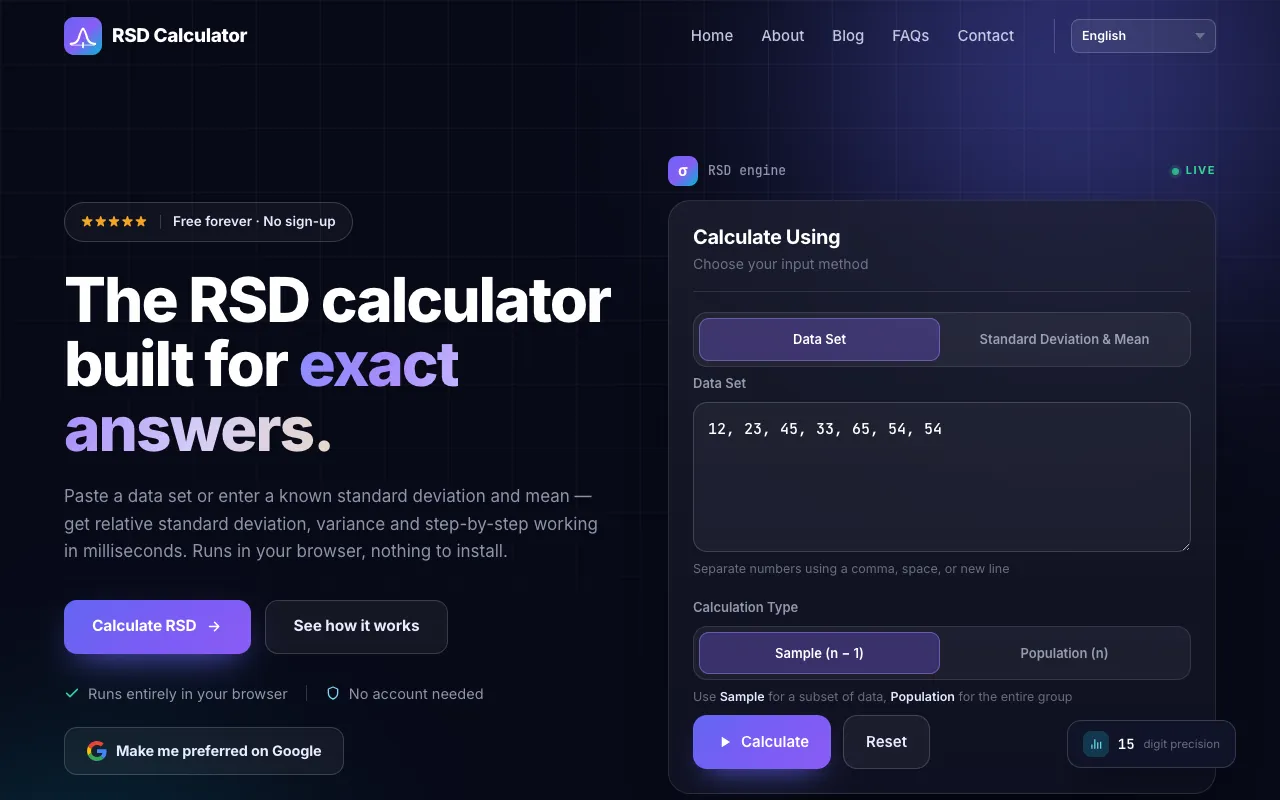
What Relative Standard Deviation Calculator does
The Relative Standard Deviation Calculator on rsdcalculator.com computes the RSD, standard deviation, variance, mean, and other summary statistics from a dataset. Users can paste raw values or input a known standard deviation and mean to receive instant results with a detailed step-by-step breakdown. The tool supports both sample and population calculations, making it suitable for laboratory quality control, finance, and academic work. All computations run in the browser with 15-digit precision and no installation required, and the output includes the RSD as a percentage (coefficient of variation), along with count, sum, range, minimum, and maximum values.
How to use the RSD Calculator Relative Standard Deviation Calculator
- 1
Open the RSD Calculator on rsdcalculator.com
- 2
Choose an input method: paste a data set or enter known standard deviation and mean values
- 3
Select the calculation type: Sample (n − 1) for a subset or Population (n) for the entire group
- 4
Click Calculate to view the RSD, standard deviation, variance, mean, and full step-by-step working
- 5
Use Reset to clear entries and start a new calculation
Best for
Students, teachers, scientists, and data analysts who need quick, transparent RSD calculations with step-by-step explanations and support for both sample and population datasets.
Limitations
- Results are estimates based on input data quality
- Standard deviation and mean must meet minimum value requirements (mean non-zero, standard deviation ≥ 0)
- No unit conversion or data transformation features included
Relative Standard Deviation Calculator FAQ
- What is the difference between Relative Standard Deviation and Coefficient of Variation?
- RSD and CV describe the same quantity; RSD is expressed as a percentage while CV is written as a decimal. Both are dimensionless and allow comparison of variability across datasets with different units or scales.
- Can I use this calculator for population data rather than a sample?
- Yes, the tool offers a Calculation Type selector to choose between Sample (n − 1) for a subset of data and Population (n) for the entire group, adjusting the denominator accordingly.
- What input formats are accepted for entering data values?
- Users can paste a data set or enter values separated by commas, spaces, or new lines. The calculator also accepts direct input of a known standard deviation and mean.
- Are the results shareable or exportable?
- The calculator displays results live on screen with a step-by-step breakdown. While the site does not mention export functions, the output can be copied or referenced for reports and quality control documentation.
More Relative Standard Deviation Calculator tools
Similar tools
Based on shared tags