StatisticsFree Tool

Margin of Error Calculator

Provided byOmni Calculatoromnicalculator.com

Calculate precise margins of error with our easy-to-use calculator. Get accurate results using the margin of error fo...
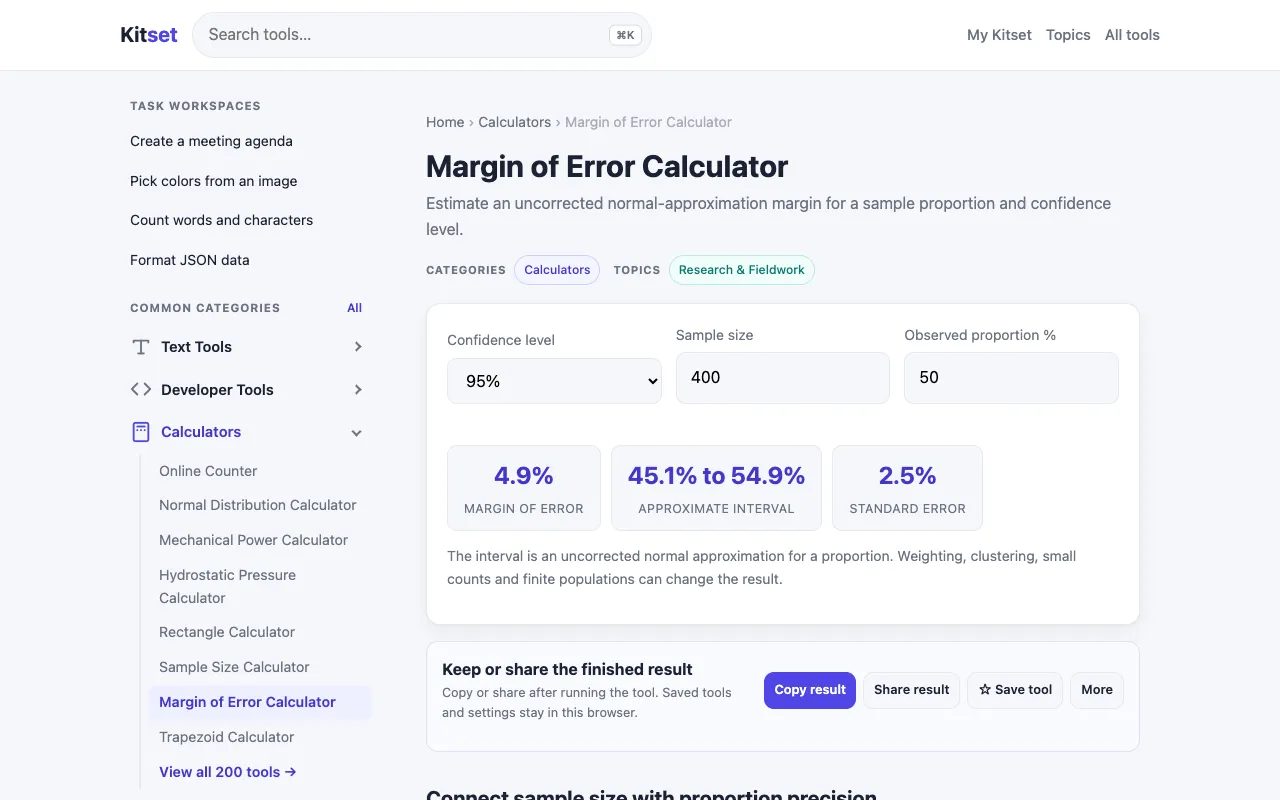
Screenshot of Margin of Error Calculator on Omni Calculator
omnicalculator.comOpen the live tool →
About this tool

What Margin of Error Calculator does

The Margin of Error Calculator on Omni Calculator lets users compute precise margins of error for survey data by entering sample size, confidence level, population size, and sample proportion. The tool outputs the margin of error as a percentage, indicating how much survey results may differ from the true population value. A finite population correction (FPC) option is included, with a note that this factor should be applied when the sample represents at least 5% of the total population. The calculator also provides a brief explanation of margin of error, describing it as a measure of random sampling error and how it reflects the reliability of survey results. Users can share or reload their calculations, and the site offers links to 27 similar journalist's guide calculators for related tasks like percentage and weight conversions.

Step by step

How to use the Omni Calculator Margin of Error Calculator

  1. 1

    Select the confidence level (e.g., 90%, 95%) from the dropdown menu

  2. 2

    Enter the sample size from your survey data

  3. 3

    Input the population size if applying finite population correction, or leave blank for large populations

  4. 4

    Provide the sample proportion (percentage of respondents giving a specific answer) to refine the calculation

  5. 5

    View the resulting margin of error displayed as a percentage range below the inputs

Is it right for you

Best for

Researchers, educators, and students conducting surveys or polls who need a quick, accurate margin of error calculation without manually applying statistical formulas.

Limitations

  • No unit switching between percentages and raw decimal values
  • Results are estimates based on input values and assume random sampling
  • Finite population correction must be manually assessed against the 5% rule; the tool does not auto-enforce this threshold
Questions

Margin of Error Calculator FAQ

What does the margin of error percentage actually mean for my survey results?
The margin of error percentage tells you the range within which the true population value is likely to fall. For example, a 5% margin of error with 95% confidence means that if you repeated the survey many times, 95% of the results would fall within 5 percentage points of your observed sample proportion.
When should I use the finite population correction (FPC) option?
Use the FPC option when your sample size is at least 5% of your total population. The calculator includes a note reminding users of this rule; applying FPC reduces the margin of error when sampling a significant portion of a finite group.
Can I calculate margin of error if I don't know my sample proportion?
Yes. If you have no prior estimate for the proportion, using 0.5 (50%) as the sample proportion gives the most conservative (largest) margin of error, ensuring your sample size is sufficient for any possible result.
How does changing the confidence level affect the margin of error?
Higher confidence levels (e.g., moving from 90% to 95%) produce a larger margin of error because you are demanding more certainty that the true value lies within the interval. Lower confidence levels produce a smaller margin of error but less certainty about capturing the true population parameter.
Keep Exploring

Similar tools

Based on shared tags