01

01
Calculator.net
calculator.net
Calculator to compute the confidence interval or margin of error of a sample based on the desired confidence level. I...
Calculates confidence intervals and margins of error for sample data based on user inputs. Users provide necessary statistics, including the desired confidence level, to determine the range within which a true population parameter likely falls. The tool processes these variables to output the computed interval and also generates an accompanying error bar diagram for visual representation of the...
Calculator to compute the confidence interval or margin of error of a sample based on the desired confidence level. I...

The confidence interval calculator finds the confidence level for your data sample.
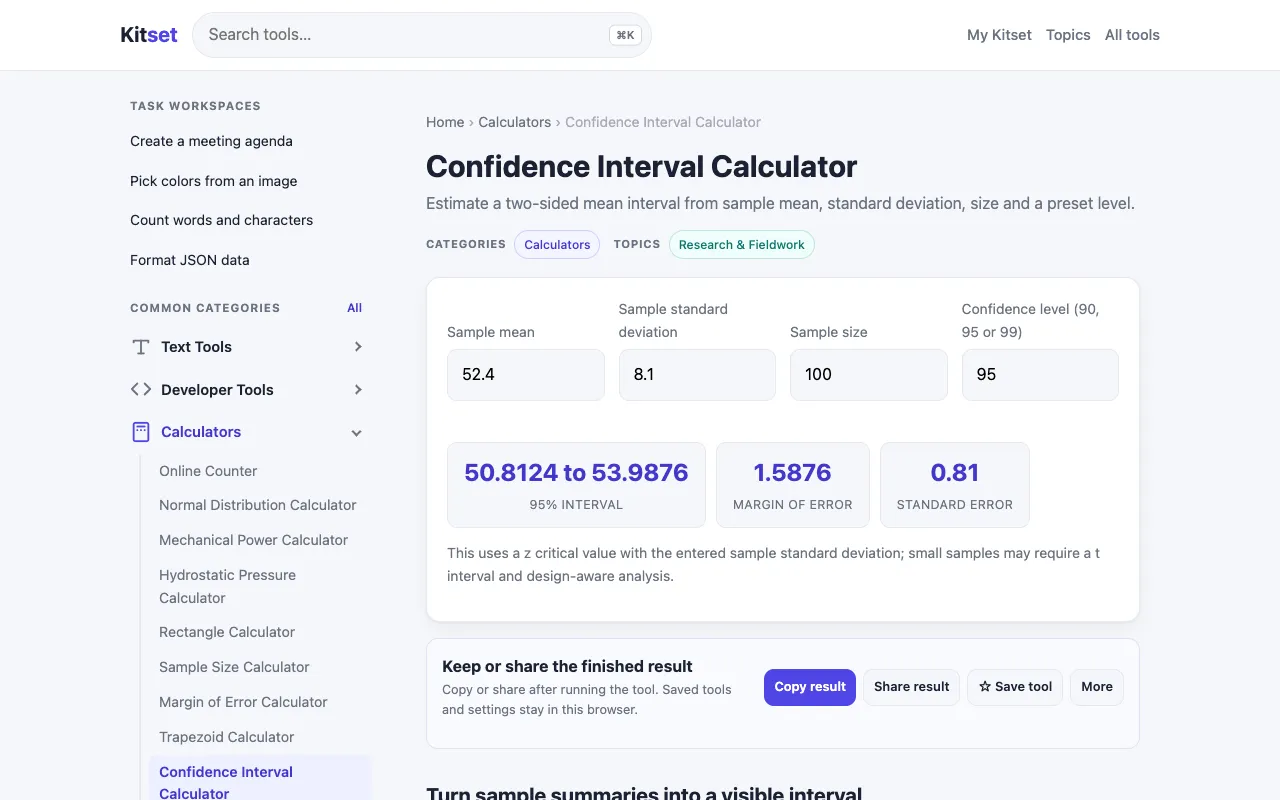
Estimate a 90, 95 or 99 percent two-sided confidence interval for a mean using sample summary values and a z critical...
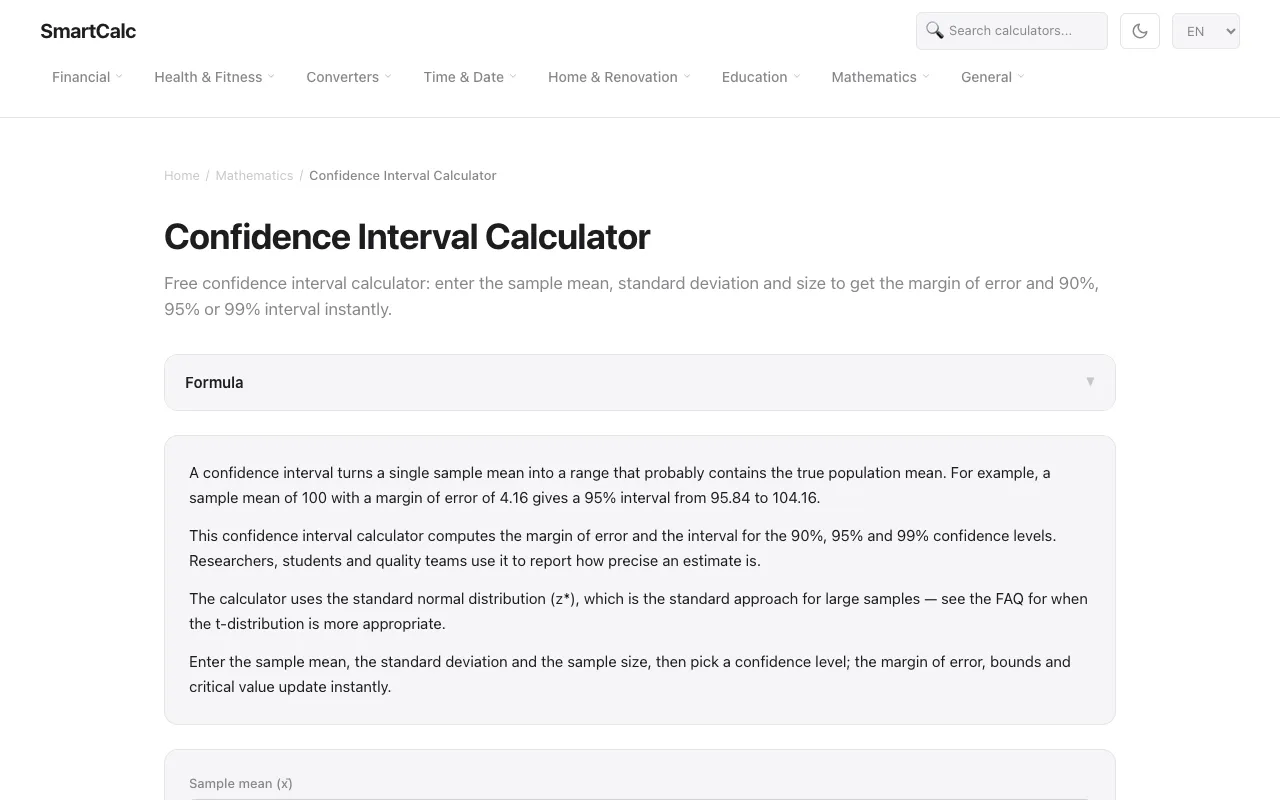
Free confidence interval calculator: enter the sample mean, standard deviation and size to get the margin of error an...
Side by side
| Tool | Best for | Strengths | Limitations |
|---|---|---|---|
| Calculator.net calculator.net | Quick interval with diagram |
|
|
| Omni Calculator omnicalculator.com | Modern interface with sample size tips |
|
|
| Kitset kitset.app | Basic z-interval estimates |
|
|
| SmartCalc smartcalc.top | Instant 90/95/99 percent intervals |
|
|
Buyer's guide
When picking a confidence interval calculator, first decide whether you need a visual diagram of the margin of error. If a picture helps your explanation, Calculator.net provides an error bar chart out of the box. If you prefer a cleaner interface and want to explore how changing the sample size affects your interval, Omni Calculator offers that guidance linked from the results page. For quick checks where you just need the numeric interval and margin of error, SmartCalc and Kitset both deliver the core numbers instantly, but SmartCalc is more transparent about its use of the normal distribution for large samples.
Questions