Salary & IncomeFree Tool

Time and a Half Calculator

Provided byOmni Calculatoromnicalculator.com

This time and a half calculator is designed to help you to calculate your holiday and overtime pay.
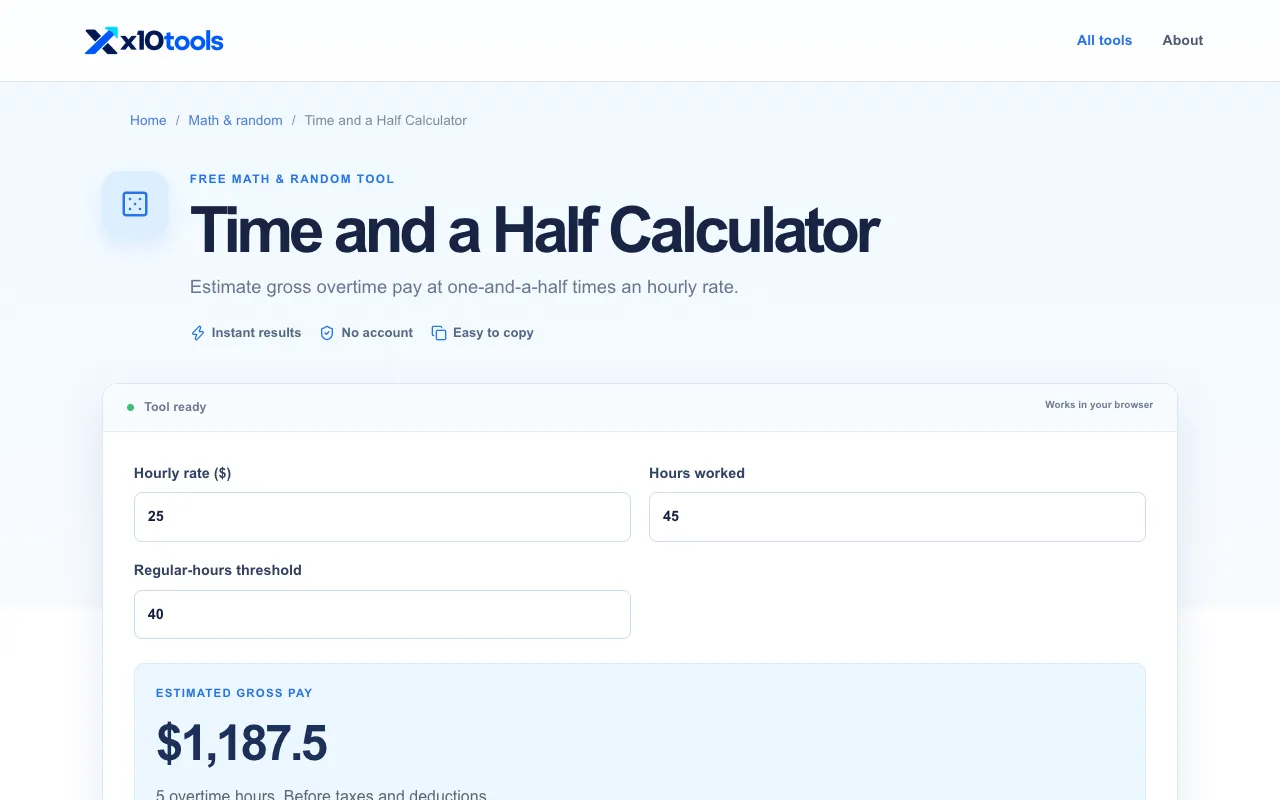
Screenshot of Time and a Half Calculator on Omni Calculator
omnicalculator.comOpen the live tool →
About this tool

What Time and a Half Calculator does

A time and a half calculator helps you determine overtime and premium pay rates based on your regular hourly wage. You input your standard pay rate and the hours worked at different tiers—standard, time and a half, double time, and triple time—to see the monetary value of each category and a final total. This provides a clear breakdown of earnings for holiday work, extended shifts, or any situation involving enhanced pay rates. The tool is designed for anyone who needs to quickly calculate adjusted wages without manual math, whether for personal record-keeping or payroll verification. On Omni Calculator, the interface presents a side-by-side comparison of rates. Users enter a base hourly rate, and the site automatically computes the time and a half, double time, and triple time equivalents. The layout displays total pay for each category separately, then sums them into a final amount. This structured format is more organized than many basic calculators, which often require manual multiplication or only handle a single overtime multiplier. The site also includes contextual explanations of overtime concepts and links to related salary tools, offering a more educational experience alongside the calculation.

Step by step

How to use the Omni Calculator Time and a Half Calculator

  1. 1

    Enter your standard hourly pay rate into the designated field

  2. 2

    Input the number of hours worked at the standard rate

  3. 3

    Specify hours worked at time and a half, double time, and triple time as applicable

  4. 4

    View the calculated totals for each pay tier and the combined final amount earned

Is it right for you

Best for

This option suits employees, freelancers, or payroll administrators who need to calculate overtime and holiday pay quickly and see a clear total without manual multiplication.

Limitations

  • Results are based on the entered hourly rate and hours; actual pay may vary by employer policy or local labor laws
  • The tool does not withhold taxes or account for deductions
  • It assumes standard multiplier rates and does not support custom overtime percentages
Questions

Time and a Half Calculator FAQ

How do I calculate time and a half pay manually?
Multiply your regular hourly wage by 1.5 to find the overtime rate, then multiply that rate by the number of overtime hours worked.
Can this calculator handle double or triple time rates?
Yes, the tool allows you to input hours for double time (2x rate) and triple time (3x rate) alongside standard and time and a half hours.
Does the calculator include taxes or deductions in the total?
No, the tool provides gross earnings before taxes or other deductions are applied.
What if I only work standard hours with no overtime?
You can enter zero for the overtime hour fields; the calculator will then display your total earnings based solely on standard hours and rate.
Keep Exploring

Similar tools

Based on shared tags