Overtime Calculator
Calculate overtime pay from hourly rate, regular hours, overtime hours and overtime multiplier. Includes total pay.
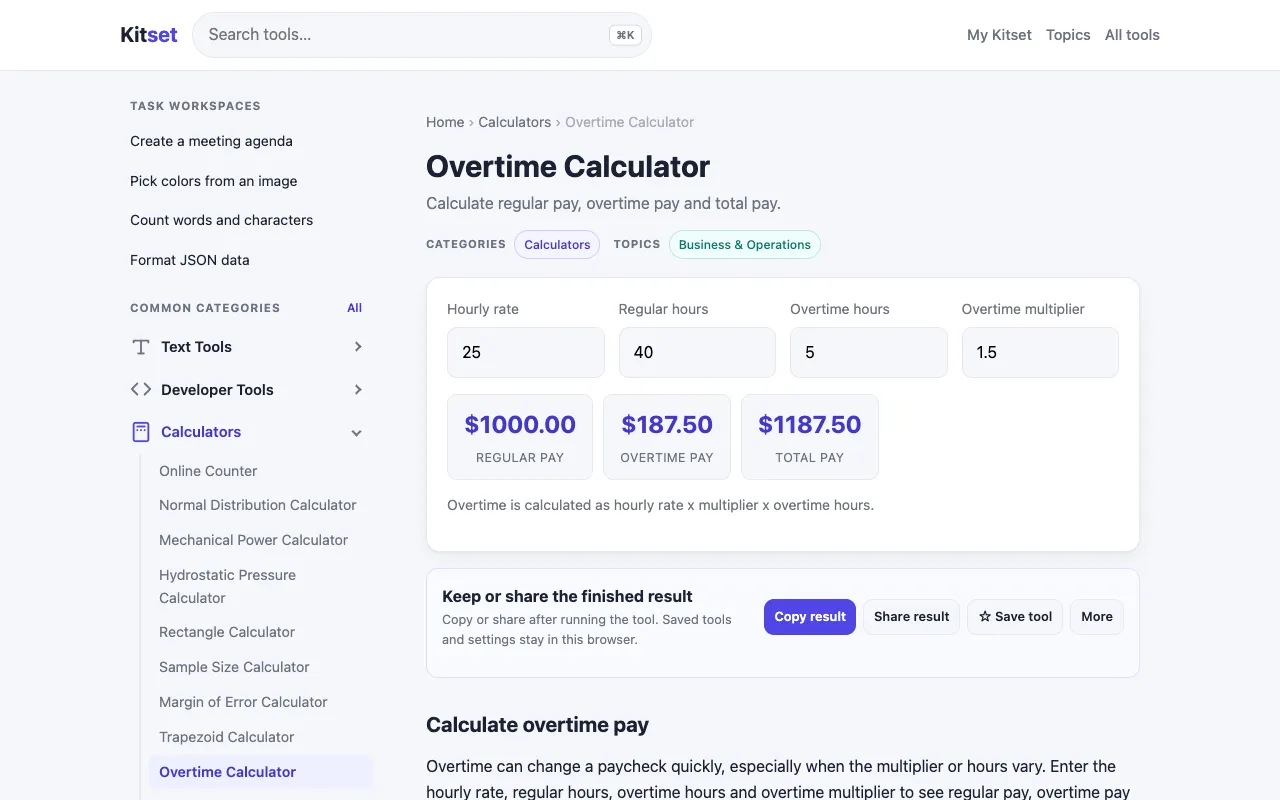
What Overtime Calculator does
The Overtime Calculator on Kitset helps users determine total earnings by factoring in hourly rate, regular hours, overtime hours, and a customizable overtime multiplier. The tool outputs both the overtime pay amount and the combined total wages, giving a clear picture of income from standard and extra hours. It is designed for anyone needing to quickly calculate wages without manual math or complex spreadsheets. Kitset’s version stands out for its straightforward input fields that accept regular hours, overtime hours, and a multiplier setting, allowing users to adjust the overtime rate to match their specific employment agreement. The interface focuses on essential fields without unnecessary clutter, and the result displays total pay clearly, making it easy to compare scenarios or verify pay stubs. Unlike some calculators that lock you into fixed time-and-a-half rules, this tool lets you set the multiplier, which is useful for varied contract terms.
How to use the Kitset Overtime Calculator
- 1
Enter your standard hourly rate in the designated field
- 2
Input the number of regular hours worked in the regular hours box
- 3
Input the number of overtime hours worked in the overtime hours box
- 4
Set the overtime multiplier (e.g., 1.5 for time-and-a-half) or leave at default
- 5
View the calculated overtime pay and total wages displayed below the inputs
Best for
Professionals and hourly workers who need to calculate total wages including overtime pay, especially those with non-standard overtime multipliers or who want to compare different work scenarios quickly.
Limitations
- No unit switching between hours and minutes
- Results are based on user-entered multiplier, not legal default
- Site may contain other content or links that distract from the calculator
Overtime Calculator FAQ
- Can I use this calculator for salaried positions?
- This tool is designed for hourly wage calculations with overtime hours. Salaried employees would need to convert their annual salary to an effective hourly rate before using the calculator.
- What if my overtime rate is different from time-and-a-half?
- You can set a custom overtime multiplier in the designated field. Enter 2.0 for double time, 1.5 for time-and-a-half, or any other rate your contract specifies.
- Does the calculator include taxes or deductions?
- No, the tool calculates gross wages only based on the hourly rate and hours entered. Taxes and deductions must be calculated separately.
- Is the overtime multiplier preset to a specific value?
- The multiplier can be adjusted by the user; it is not preset to a fixed value, allowing flexibility for different employment agreements.
More Overtime Calculator tools
Similar tools
Based on shared tags