Particle Simulator
A browser-based 2D particle simulator that demonstrates physics-based interactions between particles in real time. Th...
What Particle Simulator does
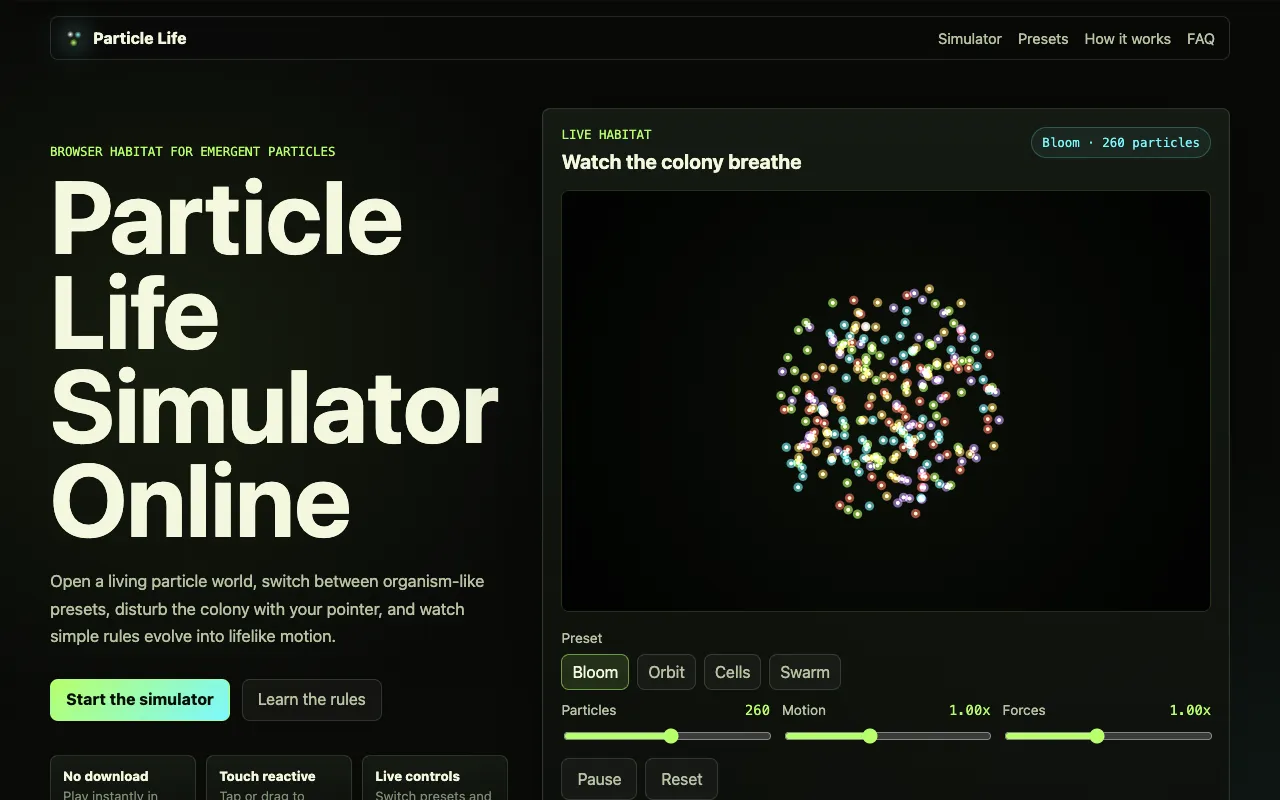
Particle Life is a browser-based 2D particle simulator that demonstrates physics-based interactions between particles in real time. The tool features four interactive presets that showcase different particle behaviors and emergent patterns. Users can disturb the simulation using pointer clicks or touch interactions to observe immediate changes in particle motion, velocity, and forces. The simulator provides controls for adjusting particle count, motion speed, and force strength to customize the simulation experience. Requires no account creation or software downloads, making it instantly accessible from any web browser.
How to use the Particle Life Particle Simulator
- 1
Open the Particle Life simulator in your web browser
- 2
Select one of four starter ecosystems (Bloom, Orbit, Cells, or Swarm) from the preset menu
- 3
Adjust motion speed and force strength using the live controls to customize particle behavior
- 4
Tap or drag on the particle habitat to disturb the colony and observe immediate changes in motion
Best for
Ideal for curious minds and educators who want to explore emergent physics and particle behaviors without installing software or creating an account.
Limitations
- Results are visual demonstrations rather than precise physics calculations
- Particle count and force strength are limited to preset ranges
- No option to save or export custom simulation configurations
Particle Simulator FAQ
- Do I need to download or install anything to use Particle Life?
- No, Particle Life runs entirely in your web browser with no download or account required.
- Can I customize the particle behavior beyond the preset options?
- Yes, the simulator includes live controls to adjust particle count, motion speed, and force strength, allowing you to fine-tune the simulation beyond the four starter presets.
- What happens when I click or drag on the particle habitat?
- Pointer disturbance injects energy into the colony, giving the particles a chance to reorganize into new patterns and clusters.
- Are the particle interactions based on real physics or pre-scripted animation?
- Particle Life is not pre-scripted animation; each colored dot belongs to a family that applies simple attraction or repulsion to nearby particles, creating global behavior over time.
Similar tools
Based on shared tags