PDF Text Layer Checker
PDF Text Layer Checker verifies that your PDF documents contain properly embedded text layers for reliable downstream...
What PDF Text Layer Checker does
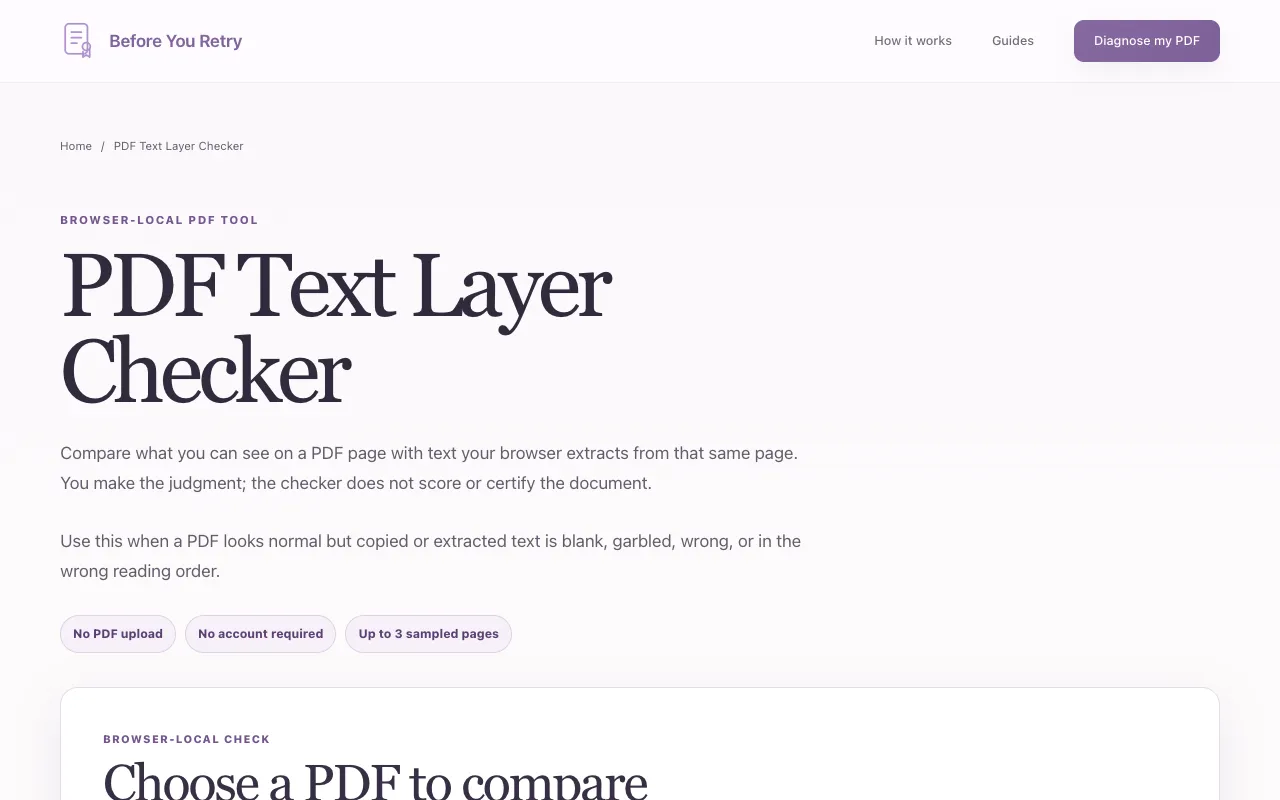
The PDF Text Layer Checker on Before You Retry helps users verify that PDF documents contain properly embedded text layers before relying on them for downstream tasks. By sampling up to three pages, the tool renders each page in the browser and extracts the underlying text, displaying both the visual page and the extracted text side by side. This side-by-side view immediately reveals problems such as missing characters, garbled text, or misaligned order that would otherwise cause failures in AI workflows, OCR systems, or automated extraction pipelines. The process runs entirely within the user's browser, requiring no account signup or file upload, making it a quick spot-check for PDF integrity.
How to use the Before You Retry PDF Text Layer Checker
- 1
Choose a PDF file to upload to the checker
- 2
The browser samples a bounded portion of the PDF locally for initial validation
- 3
Load one sampled page to render it and extract the underlying text from that same page
- 4
Review up to three pages, marking each as Matches closely, Mismatch found, or Can't tell
- 5
Read the bounded local summary that compares the visual page with the extracted text
Best for
Users who need to quickly verify that PDFs contain usable text layers before integrating them into AI workflows, OCR pipelines, or automated text extraction processes, especially those who prefer browser-local processing without file upload
Limitations
- Only samples up to three pages per check, so full-document verification is not possible
- A matching sample does not guarantee the entire PDF is accurate, complete, or AI-ready
- Does not test OCR quality, table structure, checkboxes, forms, or reading order beyond the sampled pages
PDF Text Layer Checker FAQ
- Do I need to create an account or upload my PDF to a server?
- No account signup or PDF file upload is required; the tool runs entirely within your browser locally.
- Can this checker verify an entire PDF document?
- No, it only samples and compares up to three pages; a matching sample does not prove the whole PDF is accurate or complete.
- What kinds of text problems can the checker detect?
- It can detect missing characters or values, garbled or changed text, and text that appears in a different order from the visible page.
- Are the PDF or extracted text sent to Before You Retry or an AI service?
- No, the browser checks the file locally and neither the PDF nor the extracted text is sent to Before You Retry or an AI service.