Internet Speed Test
InternetSpeedGeo provides a free, browser-based internet speed test that delivers results in approximately 30 seconds...
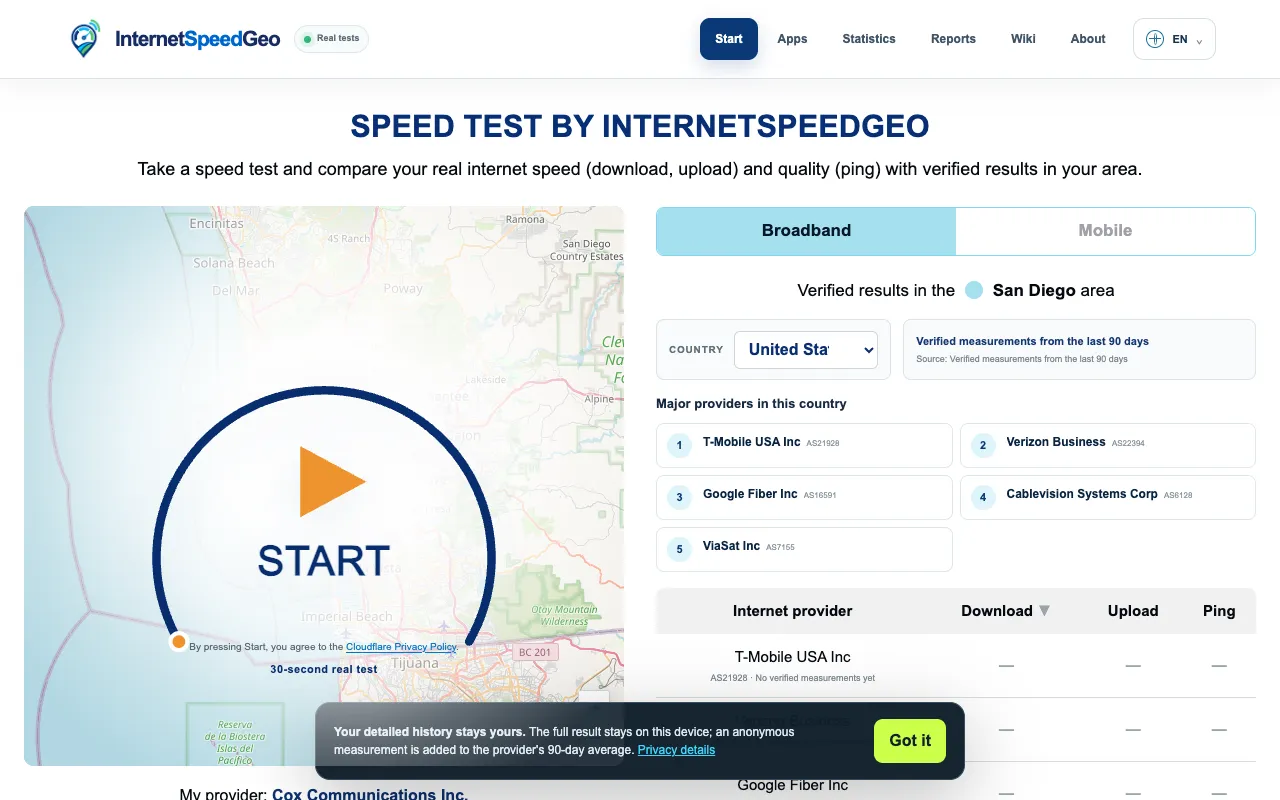
What Internet Speed Test does
InternetSpeedGeo offers a free, browser-based internet speed test that measures ping (latency), download speed, upload speed, and jitter in about 30 seconds. Users receive a comprehensive view of their network performance, with results that include country-aware internet service provider comparisons to contextualize how their connection performs relative to typical benchmarks. The platform emphasizes transparency, delivering accurate metrics without hidden or obscured data points.
How to use the InternetSpeedGeo Internet Speed Test
- 1
Open the InternetSpeedGeo website
- 2
Click the start test button to begin the speed assessment
- 3
Wait approximately 30 seconds while ping, download, upload, and jitter are measured
- 4
Review the displayed results showing your connection metrics and ISP comparison data
- 5
Use the country-aware comparisons to understand how your performance stacks up against regional standards
Best for
Casual users and anyone seeking a quick, transparent overview of their current internet connection quality without needing to install software or create an account.
Limitations
- Results may vary based on real-time network conditions
- No option to test specific server locations beyond the default selection
- Browser-based tests are estimates and may not match ISP-provided measurements exactly
Internet Speed Test FAQ
- How accurate are the speed test results from InternetSpeedGeo?
- The platform delivers transparent and accurate results without hidden metrics, though browser-based tests are estimates that can vary with real-time network conditions and may not match ISP-provided measurements exactly.
- Can I choose which server location to test against?
- The tool uses a default server selection; there is no mentioned option to manually select specific server locations beyond the platform's automatic choice.
- What does jitter measure in the InternetSpeedGeo test?
- Jitter measures the variability in latency over time, providing insight into connection stability beyond simple ping measurements.
- How do the ISP comparisons work in the results?
- Test results include country-aware internet service provider comparisons, helping users understand how their connection performs relative to typical performance benchmarks in their region.