Small Caps Generator
Free small caps text generator. Convert regular letters to Unicode small capitals, compare two styles, and copy them ...
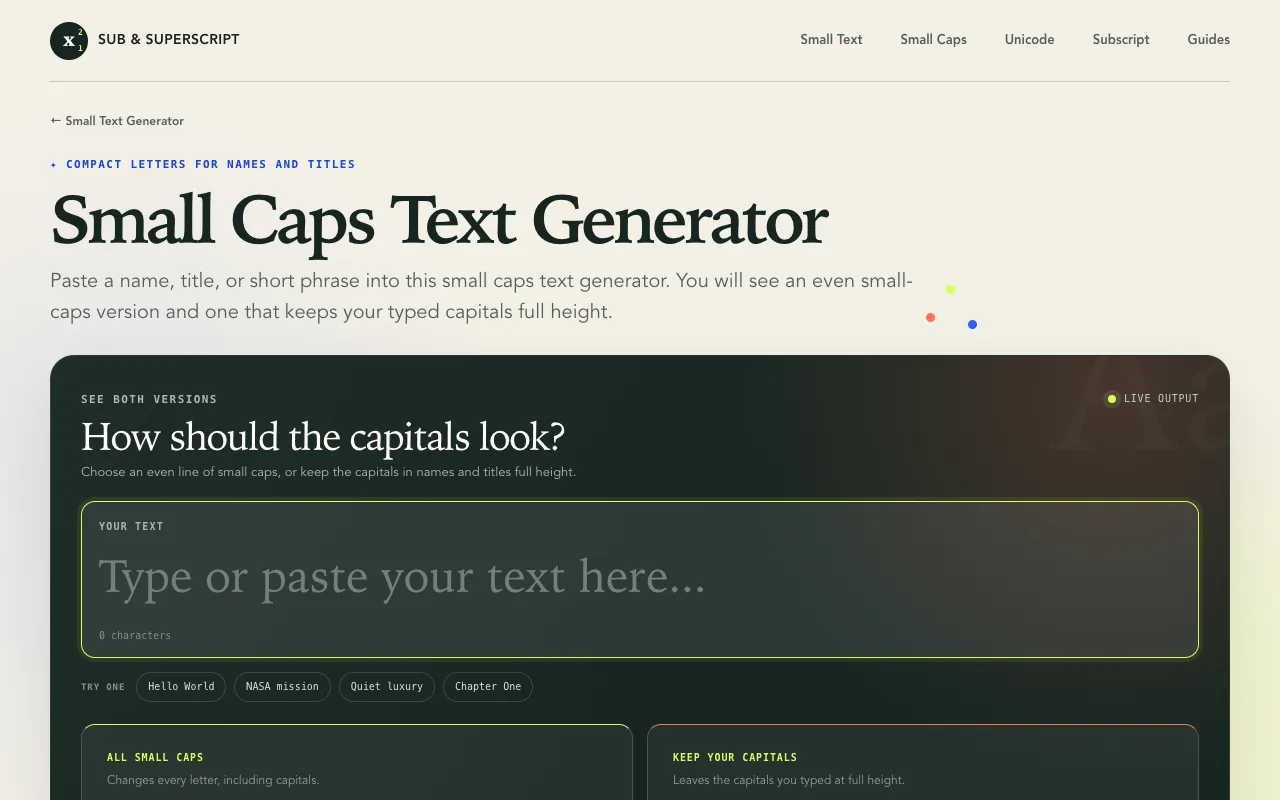
What Small Caps Generator does
A small caps text generator that converts regular letters into Unicode small capital characters. Users paste a name, title, or short phrase and receive two versions: one where every letter becomes compact small caps, and another that keeps typed capitals at full height for better readability in names and titles. The output is copyable text ready for use in bios, usernames, captions, or messages. The tool also includes a Unicode character map showing which letters have small-cap forms and which do not, plus guidance on best use cases for short lines of text.
How to use the Sub & Superscript Small Caps Generator
- 1
Paste a name, title, or short phrase into the small caps text generator
- 2
Choose between the uniform style that changes every letter or the keep capitals style that leaves typed capitals full height
- 3
Review the two generated versions side by side
- 4
Copy the desired style to use in bios, usernames, captions, or messages
- 5
Paste the copied small caps text into the target application or platform
Best for
Graphic designers, web developers, and social media users who need compact capital-style text for short phrases, usernames, bios, or captions where full capitals would feel too aggressive.
Limitations
- Results are estimates as Unicode coverage varies by letter
- No unit switching or formatting customization beyond the two preset styles
- Best suited for short lines of text rather than long paragraphs
Small Caps Generator FAQ
- Can I use the small caps generator for long paragraphs of text?
- The tool is designed for short phrases, names, or titles. Long paragraphs may lose readability as small caps are intended for emphasis in brief lines of text.
- What happens if my text includes numbers or special characters?
- Numbers and special characters pass through unchanged. Only letters with matching Unicode small-cap forms are converted; for example, lowercase x stays as x because no separate small-cap X character exists.
- Is the output true small caps or just a different font?
- The generator uses Unicode small capital characters, which are distinct letterforms rather than a font style. These characters can typically be copied and pasted across platforms that support Unicode.
- Do both styles copy as the same type of text?
- No. The uniform style changes every letter including capitals to compact forms, while the keep capitals style preserves the original capital height for letters you typed in uppercase, leaving only lowercase letters as small caps.
More Small Caps Generator tools
Similar tools
Based on shared tags