Download Time Calculator
Estimate download time from file size and internet speed. Supports MB, GB, TB and Mbps.
What Download Time Calculator does
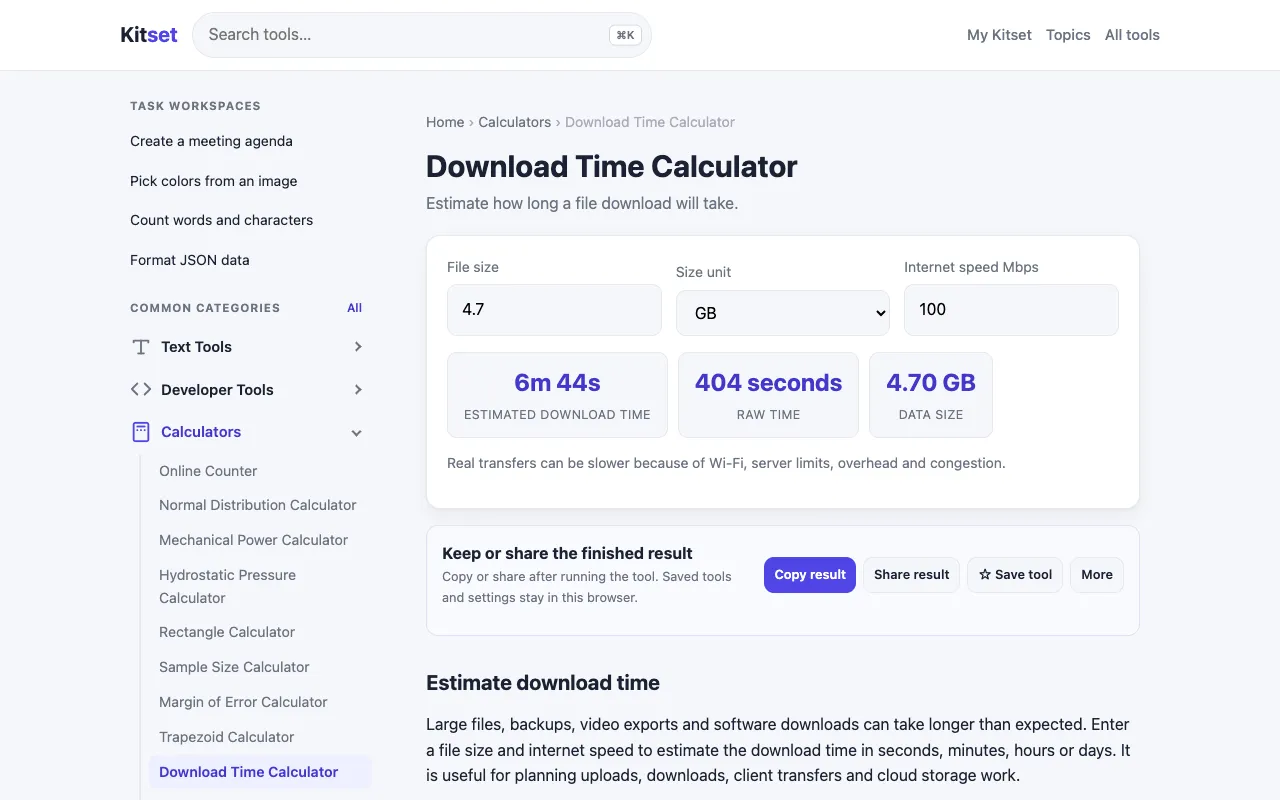
The Download Time Calculator on Kitset estimates how long it will take to download a file by dividing its total size by the user's sustained internet speed. Users enter a file size in megabytes, gigabytes, or terabytes and a download rate in megabits per second, and the tool instantly returns the expected duration. The interface is straightforward, requiring only the two core inputs without unnecessary steps or settings. While the core calculation logic is standard, Kitset's version keeps the process minimal, focusing on the essential inputs and immediate output rather than adding layers of configuration or detailed explanations that some competing calculators include. This makes it a quick reference for anyone needing a rough timeframe without navigating complex menus.
How to use the Kitset Download Time Calculator
- 1
Open the Download Time Calculator on Kitset
- 2
Enter the total file size using megabytes, gigabytes, or terabytes
- 3
Input the sustained download speed in megabits per second
- 4
View the estimated duration displayed immediately after entering both values
Best for
Anyone who needs a quick, no-frills estimate of download duration based on file size and internet speed, particularly users who want results without adjusting settings or reading lengthy explanations.
Limitations
- Relies on the user entering a sustained speed, which may differ from actual connection performance
- Provides estimates only; real-world speeds can vary during the download process
- No option to adjust for network overhead or connection stability
Download Time Calculator FAQ
- Does the Download Time Calculator account for network overhead or connection drops?
- No, the tool provides a basic estimate based on file size and stated speed; it does not factor in protocol overhead, connection stability, or real-time speed fluctuations.
- Can I use the calculator for upload times as well as downloads?
- The tool is designed specifically for download calculations; using it for upload estimates would require reversing the input roles, which the interface does not support.
- What internet speed unit should I enter—megabits or megabytes per second?
- Enter the speed in megabits per second (Mbps) as the calculator expects that unit; file sizes are provided in megabytes, gigabytes, or terabytes for the size input.
- Is the estimated time accurate for very large files, such as those in terabytes?
- The calculator supports terabytes as a size unit, but the result is still an estimate based on the entered speed; actual download time for large files will depend on many factors beyond the tool's control.
More Download Time Calculator tools
Similar tools
Based on shared tags