RVU Calculator
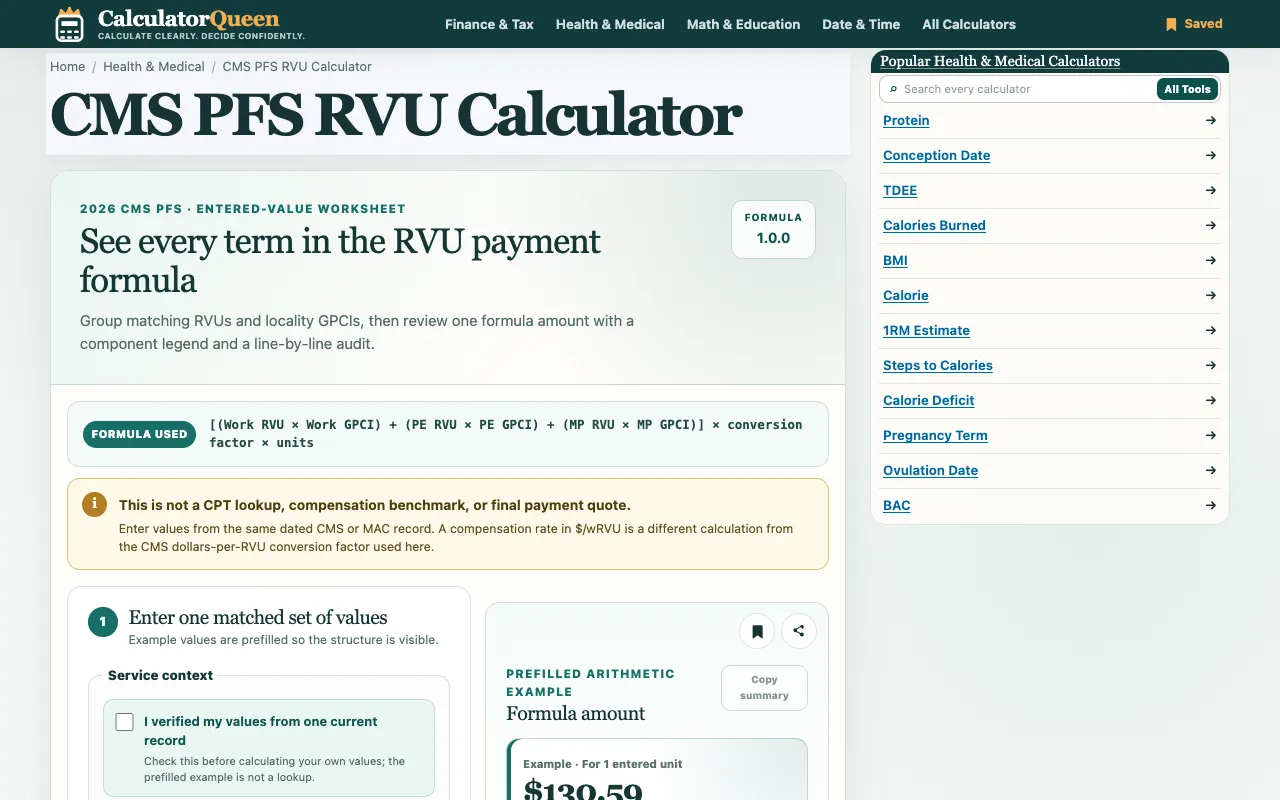
Calculate medical Relative Value Units (RVU) using the CMS Physician Fee Schedule formula. The calculator applies wor...
What RVU Calculator does
The RVU Calculator on Calculator Queen is an informational tool that computes geographically adjusted Relative Value Units using the CMS Physician Fee Schedule formula. Users enter verified work, practice-expense, and malpractice RVU values along with units, and the calculator applies the standard formula to return a total RVU amount, per-unit amount, and work RVU multiplied by its Geographic Practice Cost Index. The site emphasizes that this is an educational calculator, not a payer billing determination or clinical advice, and requires users to verify their inputs against current records before calculating. It supports both facility and non-facility practice-expense settings, allowing the formula to reflect different PE RVU values based on the selected context. The tool also includes a 2026 conversion factor verification and notes that no signup is required to use the calculator.
How to use the Calculator Queen RVU Calculator
- 1
Enter one matched set of verified RVU values into the work, practice-expense, and malpractice fields
- 2
Select the practice-expense setting: facility or non-facility, to determine which PE RVU applies
- 3
Review the entered values and geographic indices displayed row by row with their adjusted totals
- 4
Calculate the result to see the geographically adjusted RVU total, formula amount per unit, and work RVU × GPCI only for the stated population and method
Best for
Medical professionals, billing staff, and students who need to understand how the CMS Physician Fee Schedule formula calculates geographically adjusted RVU totals for a given service context.
Limitations
- Results are estimates based on entered values and may not reflect payer-specific determinations
- No independent expert or third-party review is claimed for the calculation method
- Users must verify inputs against current CMS records as the tool is for educational purposes only
RVU Calculator FAQ
- Can this calculator be used for actual medical billing or insurance claims?
- No, the RVU Calculator is an educational tool that demonstrates the CMS PFS formula and does not represent a payer billing determination, clinical advice, or insurance claim calculation. Users should obtain qualified advice before relying on results for high-stakes decisions.
- What does the Geographic Practice Cost Index (GPCI) adjust in the RVU calculation?
- The GPCI adjusts the work, practice-expense, and malpractice RVU values to reflect geographic cost differences, producing a geographically adjusted RVU total based on the selected practice-expense setting and entered values.
- Is there a difference between facility and non-facility practice-expense settings?
- Yes, the calculator allows users to choose between facility and non-facility settings, which determines which confirmed practice-expense PE RVU value is applied in the formula, resulting in different adjusted totals depending on the context selected.
- Are the example values prefilled in the calculator based on real CMS data?
- Example values are prefilled so the structure is visible, but users are advised to check their own current records before calculating, as the prefilled example is not a lookup and may not reflect the user's specific service or period.