Sleep Calculator
The Sleep Calculator helps users optimize their rest by calculating ideal bedtimes aligned to 90-minute sleep cycles....
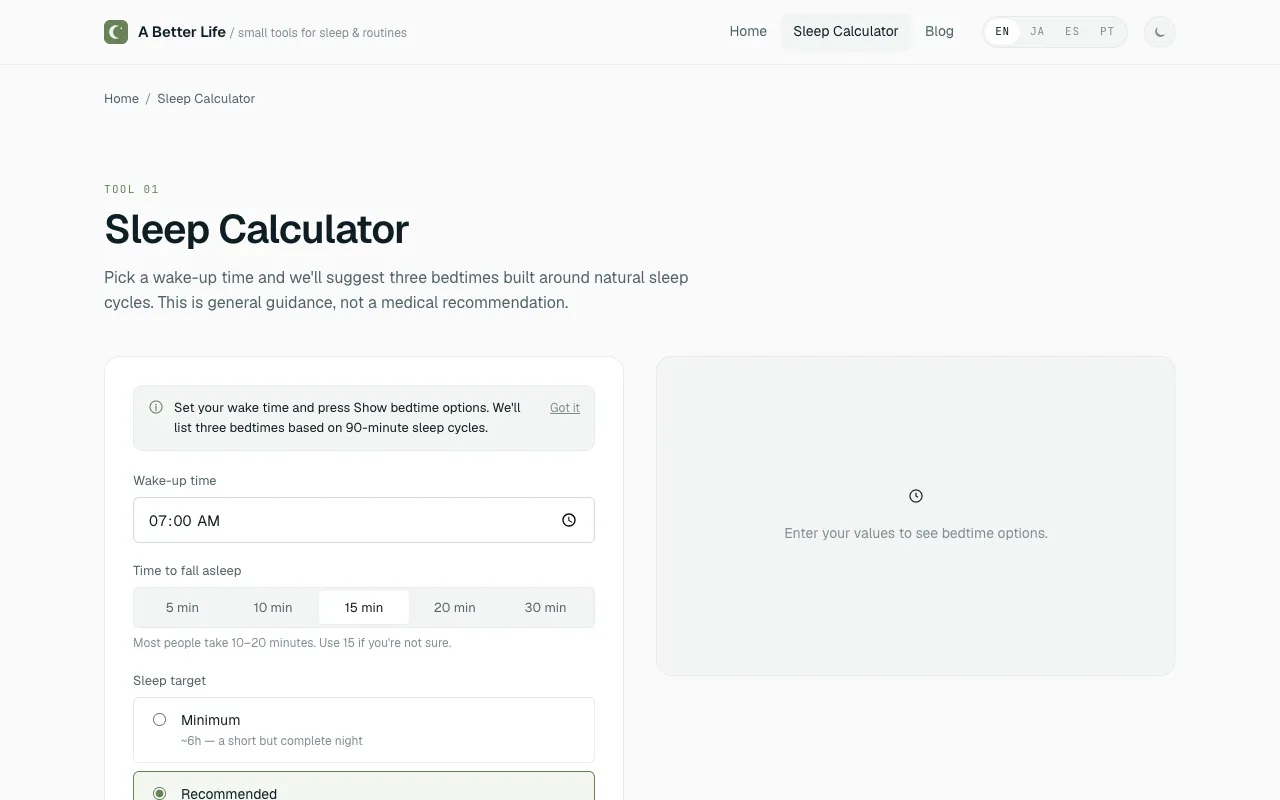
What Sleep Calculator does
A sleep calculator that determines optimal bedtimes and wake-up times by aligning them with natural 90-minute sleep cycles. Users receive three customized bedtime recommendations—minimum, recommended, and extended—based on a target wake-up time, or can work backward from a chosen bedtime. The tool includes a customizable fall-asleep buffer from 5 to 30 minutes and offers options to export results as an ICS calendar event or generate a shareable URL. The results are framed as general estimates with a ±15 minute window, emphasizing consistency over perfection.
How to use the A Better Life Sleep Calculator
- 1
Pick your target wake-up time or your chosen bedtime
- 2
Select your preferred fall-asleep buffer between 5 and 30 minutes
- 3
Review the three bedtime options presented: minimum, recommended, and extended
- 4
Choose the bedtime closest to your actual schedule and set a consistent window each night
Best for
People who want to wake up feeling refreshed by timing their sleep around natural 90-minute cycles and value a customizable buffer and shareable results.
Limitations
- Results are general estimates based on average 90-minute cycles
- Optimal sleep length varies by individual and age
- Times should be treated as windows of ±15 minutes rather than exact targets
Sleep Calculator FAQ
- How does the sleep calculator determine the best bedtime?
- It calculates bedtimes based on 90-minute sleep cycles, adding a customizable fall-asleep buffer. Each suggestion aligns with the end of a cycle, with results presented as minimum, recommended, and extended options.
- Can I adjust the time it takes me to fall asleep?
- Yes, the tool lets you customize your fall-asleep buffer from 5 to 30 minutes, so the recommended bedtimes account for your personal wind-down time rather than a fixed estimate.
- What should I do if I wake up feeling groggy despite using the calculator?
- Treat the suggested times as windows of ±15 minutes and focus on consistency—going to bed within the same 30-minute window each night tends to help more than chasing one long sleep. Results also vary by individual and age.
- Can I share or schedule the bedtime recommendations?
- Yes, the calculator can export results as an ICS calendar event or generate a shareable URL to send the recommendations to others.
More Sleep Calculator tools
- 01Financial Toolsetfinancialtoolset.com
Calculate optimal bedtime or wake time based on 90-minute sleep cycles. Wake up refreshed by timing your sleep correc...
- 02Omni Calculatoromnicalculator.com
The sleep calculator can help you determine when you should go to bed to wake up happy and refreshed.
- 03Calculator.netcalculator.net
Calculator to compute the time to wake up or go to bed based on sleep cycle or duration of sleep required. Also learn...
Similar tools
Based on shared tags