Dot Product Calculator

Provided byOmni Calculatoromnicalculator.com

Dot product calculator finds the scalar product of two vectors, each one with three components.
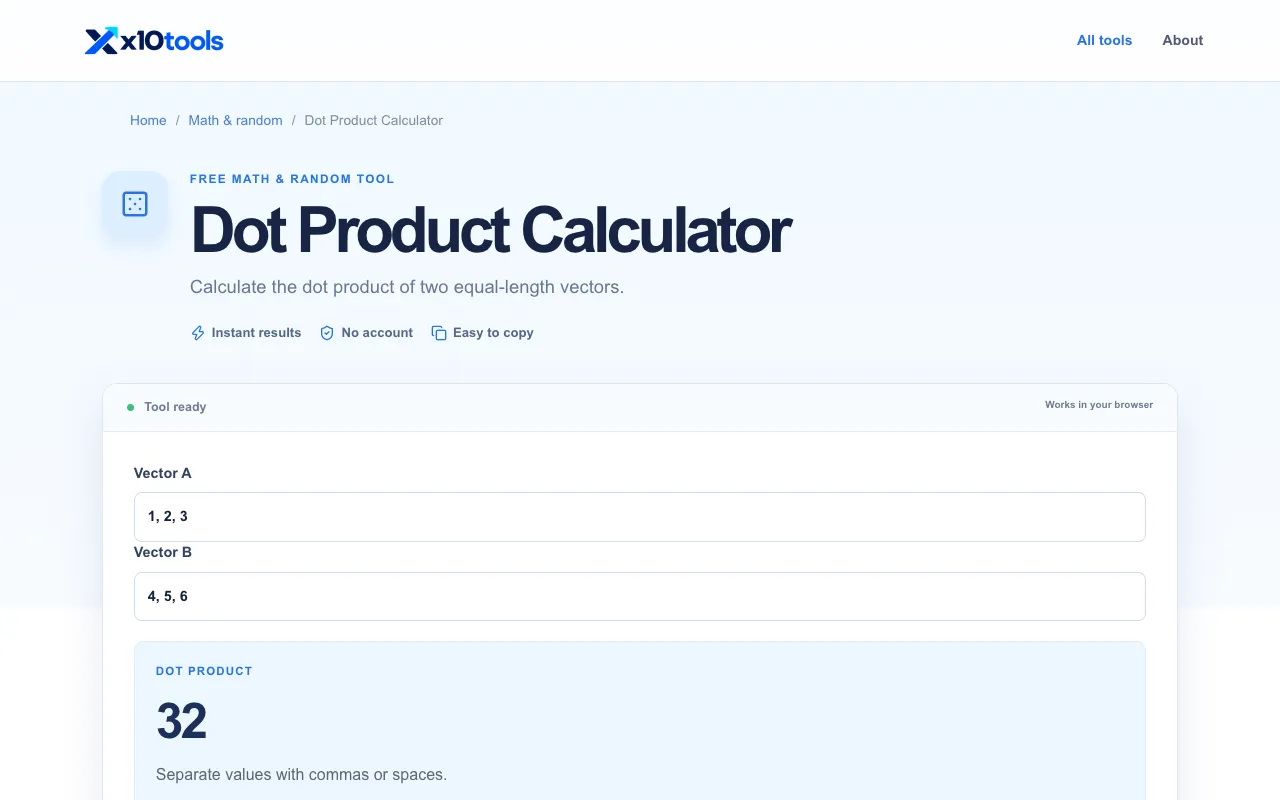
Screenshot of Dot Product Calculator on Omni Calculator
omnicalculator.comOpen the live tool →
About this tool

What Dot Product Calculator does

The Dot Product Calculator on Omni Calculator computes the scalar product of two three-dimensional vectors by multiplying their corresponding components and summing the results. Users receive a single scalar output that quantifies the relationship between the two directional vectors. The tool also displays the individual vector magnitudes and the angle between the vectors, offering a complete geometric picture of the calculation beyond just the numeric result.

Step by step

How to use the Omni Calculator Dot Product Calculator

  1. 1

    Select the vector type for vector a and enter its x, y, and z components

  2. 2

    Select the vector type for vector b and enter its x, y, and z components

  3. 3

    View the calculated dot product, vector magnitudes, and angle between vectors displayed on screen

  4. 4

    Use the Share result or Clear all functions to export or reset the inputs for a new calculation

Is it right for you

Best for

Students and professionals in mathematics, physics, or engineering who need a quick, accurate way to compute the scalar product of two vectors without manual calculation errors.

Limitations

  • Interface includes advertisements and promotional content on the page
  • Results are limited to standard three-dimensional vector inputs
  • No option to switch between different coordinate systems or unit conversions
Questions

Dot Product Calculator FAQ

Can the dot product calculator handle vectors with more than three components?
No, this specific Omni Calculator tool is designed for three-dimensional vectors with x, y, and z components only.
What does a positive dot product result indicate about the angle between two vectors?
A positive dot product indicates that the angle between the two vectors is less than 90 degrees, meaning they point in a generally similar direction.
How is the dot product formula expressed geometrically according to this calculator?
Geometrically, the dot product is the product of the vectors' magnitudes multiplied by the cosine of the angle between them, expressed as a⋅b = |a| × |b| × cos α.
Can I use this tool to find the angle between two vectors if I only know their components?
Yes, the calculator displays the angle between vectors (α) as part of the output, allowing you to determine the angle once the dot product and magnitudes are computed.
Keep Exploring

Similar tools

Based on shared tags