Length & DistanceFree Tool

Inches to feet

Provided byRapidTablesrapidtables.com

Inches to feet

Screenshot of Inches to feet on RapidTables
rapidtables.comOpen the live tool →
About this tool

What Inches to feet does

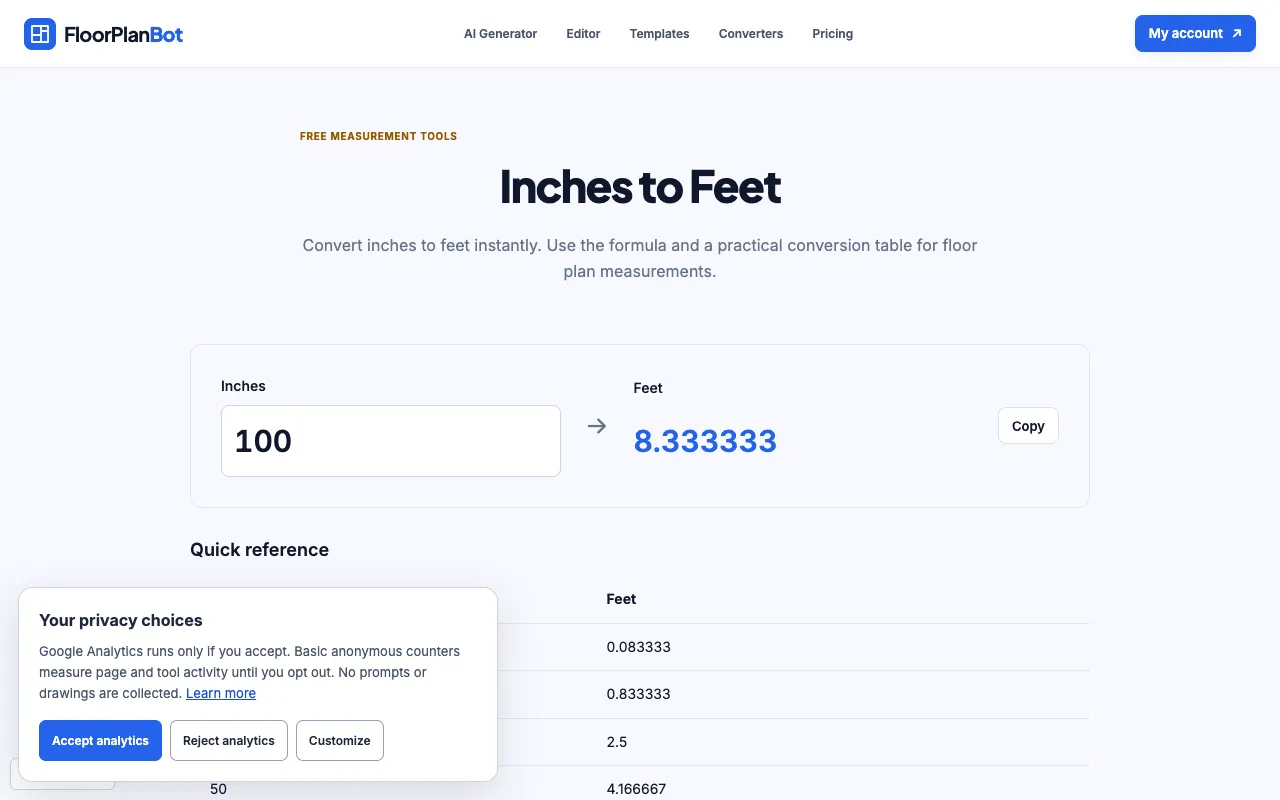
Inches to feet is a straightforward conversion utility that transforms any length entered in inches into its equivalent in feet. The result provides the decimal foot measurement instantly, eliminating the need for manual calculation. Users receive a clean output showing the converted value, making it easy to understand dimensions in a standard unit without complex arithmetic.

Step by step

How to use the RapidTables Inches to feet

  1. 1

    Enter the desired length in inches into the input field

  2. 2

    Click the Convert button to process the conversion

  3. 3

    View the equivalent measurement displayed in feet below the control

  4. 4

    Use the Reset button to clear the fields and start a new conversion

  5. 5

    Optionally swap the direction using the Swap function to convert feet to inches

Is it right for you

Best for

This tool suits DIY enthusiasts, carpenters, and anyone needing quick, accurate length conversions between inches and feet for projects, measurements, or planning tasks.

Limitations

  • Results are displayed as decimal feet, not feet and inches combined
  • No option to adjust decimal precision or rounding settings
  • The page contains advertisements and navigation links that may distract from the core function
Questions

Inches to feet FAQ

Can I convert feet and inches together, or only decimal feet?
The calculator converts a single inch value to decimal feet. For feet and inches combined, you would need to convert the inches portion separately and add it to the feet value.
What if I make a mistake entering a number?
You can click the Reset button to clear all fields and start over with a new measurement.
Does the tool show the calculation steps?
The page includes the formula (divide inches by 12) and a conversion table, but the calculator itself does not display step-by-step work for each entry.
Is there a limit to how large a number I can convert?
The material does not specify a maximum input limit, but extremely large numbers may be displayed with many decimal places.