Random Theme Generator
Random theme generator for art, writing, creative challenges, projects, events and brainstorming. Pick a context and ...
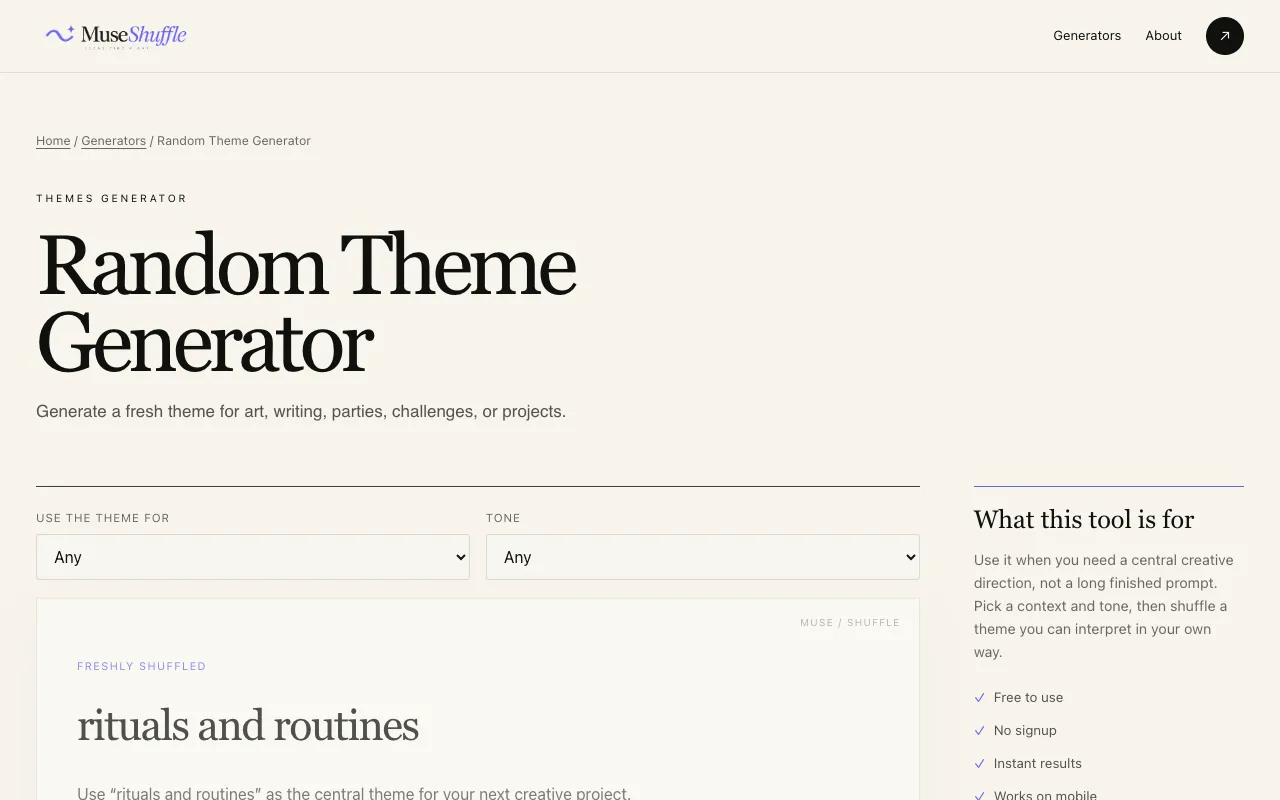
What Random Theme Generator does
The Random Theme Generator at Muse Shuffle produces a single, concept-level theme idea suitable for art, writing, games, events, or design projects. Users receive a set of complementary colors in RGB format alongside the theme text, which can serve as backgrounds, foregrounds, or accents. The tool is designed to spark creativity without dictating a specific outcome, offering enough openness for multiple interpretations while remaining easy to understand quickly.
How to use the Muse Shuffle Random Theme Generator
- 1
Select a context from Art, Writing, Game, Event, Design, or leave it on Any for the broadest surprise
- 2
Choose a tone from Light, Dark, Dreamy, Epic, or Playful, or leave it on Any for the generator to decide
- 3
Click the Shuffle button to generate a fresh theme and color palette
- 4
Review the result and either keep the theme, combine it with another idea, or shuffle again
- 5
Use the Copy result function to save the theme text and color values for your project
Best for
Ideal for designers, writers, and developers who need a quick creative spark or a starting point for brainstorming, group challenges, or practice sessions without committing to a single direction.
Limitations
- Results are concept-level ideas rather than fully formed stories or designs
- Color palette is generated in RGB format only, with no unit switching or export options beyond copying text
- The tool provides a starting point; significant user effort is required to develop the theme into a finished project
Random Theme Generator FAQ
- Can I use the generated themes for commercial projects?
- Yes, the themes are free to use as creative starting points, but since they are randomly generated concepts, you should adapt and expand them sufficiently for your specific commercial needs.
- Do I need to create an account to use the Random Theme Generator?
- No account is required; the tool is accessible directly from the Muse Shuffle website without registration.
- How many different themes can I generate?
- There is no limit; you can shuffle as many times as needed until you find a theme that inspires your project.
- What happens if I leave the context and tone set to Any?
- The generator will produce a theme and color palette with the broadest possible surprise, selecting both the thematic context and tone randomly for you.