Length Converter
Length Converter from CalcFrog.
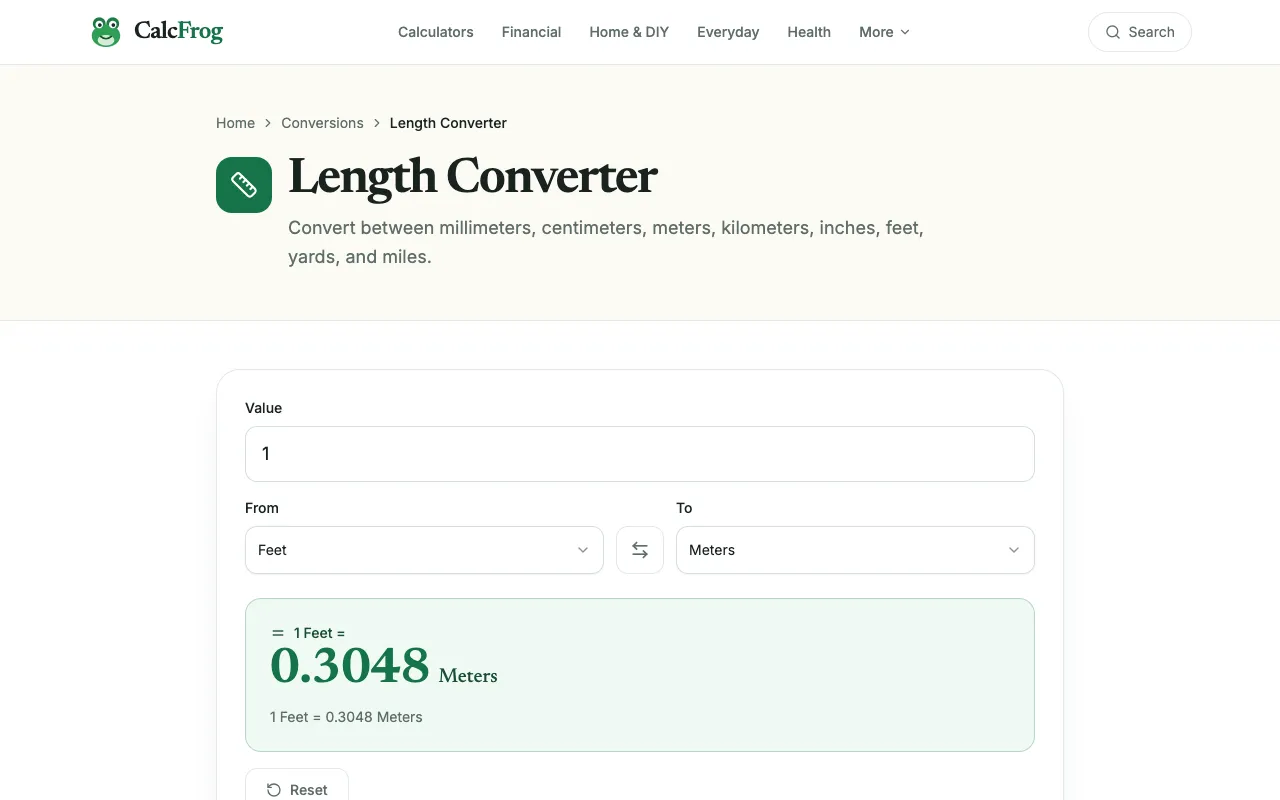
What Length Converter does
CalcFrog's Length Converter handles the core task of switching between metric and imperial units. Enter a number, pick the starting unit from the list, and select the target unit to get an instant result. The tool covers common measures like millimeters, meters, inches, and feet, making it suitable for quick everyday conversions without needing to memorize formulas. The site presents a clean, straightforward interface with clearly labeled input fields and unit selectors. Unlike some competitors that focus heavily on scientific calculations, CalcFrog keeps the focus on the conversion itself, offering a simple list of standard units. There are no complex settings or extra steps; the design prioritizes getting the measurement done quickly and accurately.
How to use the CalcFrog Length Converter
- 1
Open the Length Converter on CalcFrog
- 2
Enter the numeric value you want to convert
- 3
Select the unit you are converting from
- 4
Choose the target unit you want the value in
- 5
View the converted result displayed instantly
Best for
This tool suits anyone needing quick, accurate length conversions between metric and imperial units without navigating complex calculators or paying for premium features.
Limitations
- Results are estimates based on standard conversion factors
- Interface is basic and lacks advanced customization options
- No option to save conversion history or preferences
Length Converter FAQ
- Can I convert between very small and very large units, like nanometers and kilometers?
- The tool supports a comprehensive list of standard length units, so conversions between vastly different scales are possible, though very small or large units may not appear in the default dropdown.
- Is the conversion result exact or rounded?
- Conversions use standard mathematical factors and are displayed to a reasonable number of decimal places; the result is as exact as the input value allows.
- Do I need to create an account to use the converter?
- No account is required; the tool is free to use immediately without signing up.
- Can I convert multiple values at once?
- The interface is designed for single-value conversions; there is no batch processing feature listed on the page.
More Length Converter tools
- 01Omni Calculatoromnicalculator.com
Seamlessly convert between different units of length - millimeters, meters, inches, feet, etc, with our length conver...
- 02CodeBeautifycodebeautify.org
Length Converter
- 03SmartCalcsmartcalc.top
Free length converter: convert between meters, feet, inches, centimeters, miles, kilometers, and more. Height convert...
Similar tools
Based on shared tags