PC Bottleneck Analyzer
Bottleneck Calculator identifies CPU, GPU, and RAM bottlenecks in PC hardware configurations to help users understand...
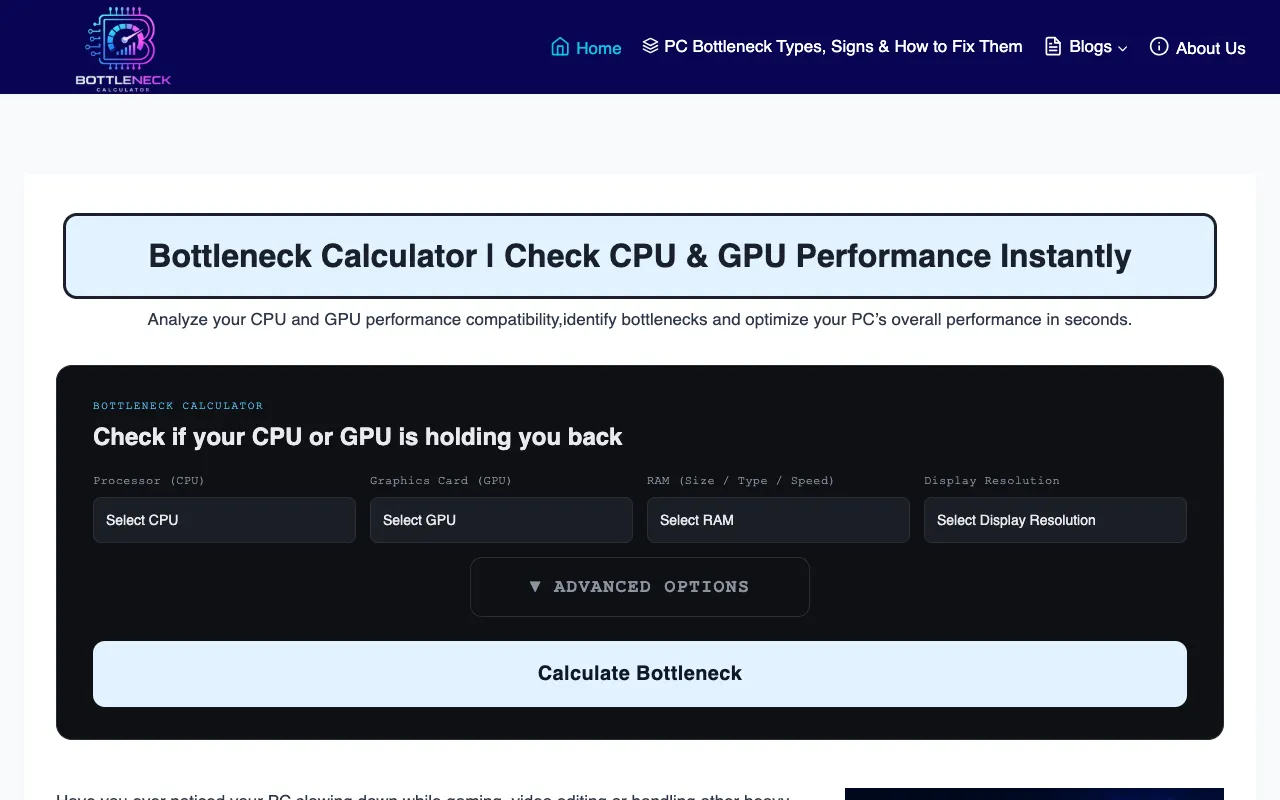
What PC Bottleneck Analyzer does
The Bottleneck Calculator helps PC users identify performance limitations in their hardware setups. By selecting a CPU and GPU from an extensive list, the tool estimates how those components interact and reveals whether one is holding back the other, which may negatively impact gaming performance. Users receive a clear assessment of whether their current configuration is optimally balanced or would benefit from upgrades to reduce system imbalances. The site’s version distinguishes itself through its exhaustive component library, covering multiple generations of Intel processors from older Core 2 and Core i series through recent 6th, 7th, 8th, and 7th-gen desktop chips. The interface presents a straightforward dropdown selection for both CPU and GPU, allowing quick comparison without complex input fields. While many similar tools focus on newer hardware only, this calculator’s breadth of legacy and current options makes it particularly useful for users building or evaluating older or mixed-generation systems.
How to use the Bottleneck Calculator PC Bottleneck Analyzer
- 1
Select your CPU model from the processor dropdown list
- 2
Select your GPU model from the graphics card dropdown list
- 3
Click the analyze button to generate bottleneck results
- 4
Review the output showing which component is limiting performance and the estimated gaming impact
- 5
Use the guidance provided to determine if hardware upgrades are needed for better balance
Best for
This option suits PC builders and gamers evaluating older or mixed-generation hardware configurations who want a quick compatibility check without needing technical expertise.
Limitations
- Results are estimates based on selected component pairings
- Interface focuses on Intel processors and may not cover AMD or newer ARM-based options
- No unit switching or detailed benchmark data beyond bottleneck percentage
PC Bottleneck Analyzer FAQ
- How accurate are the bottleneck percentages shown by the calculator?
- The percentages are estimates based on the selected CPU and GPU combination and represent relative performance limitations rather than precise real-world gaming frame rates.
- Can I use this tool for AMD processors or graphics cards?
- The live page excerpt lists only Intel CPU and GPU options, so the tool’s database appears focused on Intel hardware compatibility.
- What does it mean if the calculator shows my GPU as the bottleneck?
- It suggests your graphics card may be limiting overall performance relative to your selected CPU, which could impact gaming frame rates or settings smoothness.
- Do I need to enter specific RAM details to get accurate results?
- The tool focuses on CPU and GPU interaction; RAM specifications are not required inputs for the bottleneck analysis.