Size Comparison Tool
SizeCompare is a free visual comparison tool for viewing objects side-by-side at true scale. Users can compare verifi...
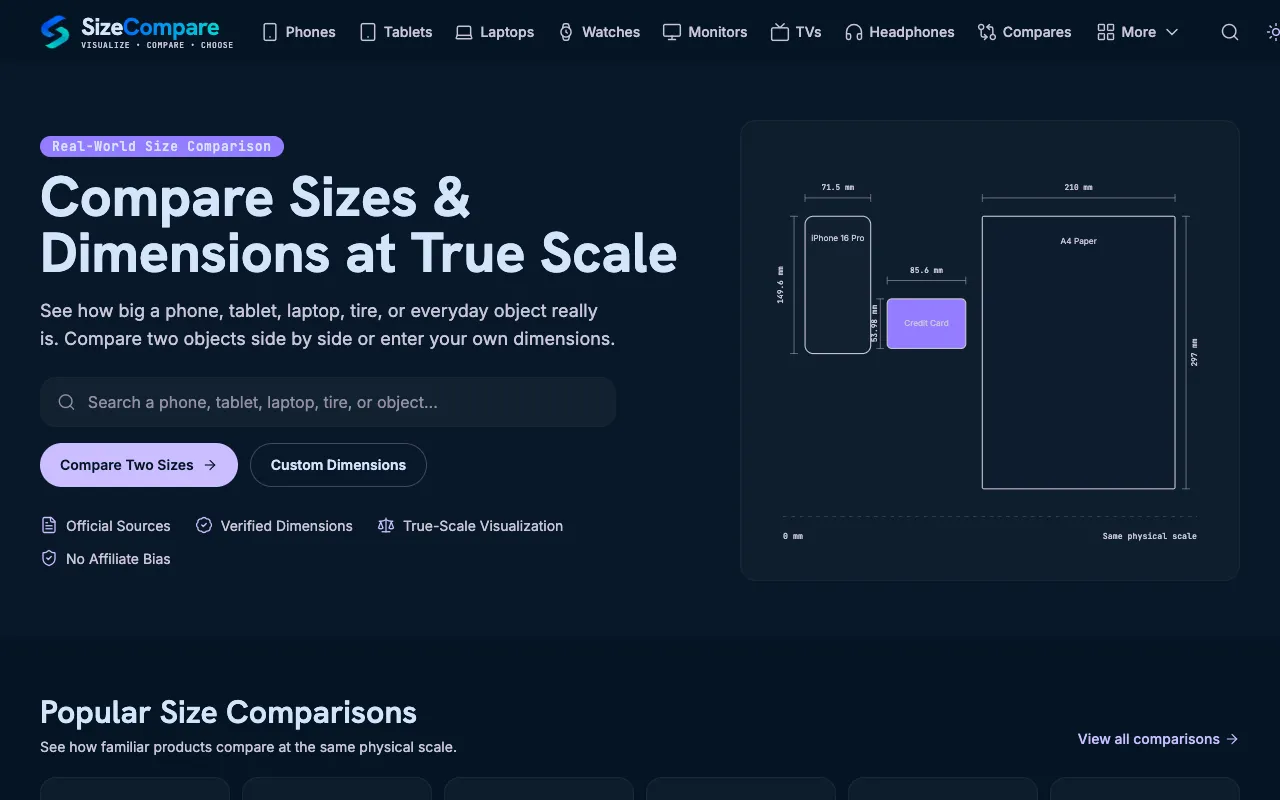
What Size Comparison Tool does
SizeCompare is a free visual comparison tool that lets users view objects side-by-side at true scale. The platform offers verified dimensions across categories like phones, tablets, laptops, vehicle tires, animals, and household items, with integrated calculators for tire specs, height conversions, screen sizes, and custom measurements. Users can compare preset popular devices or input their own dimensions to see how items relate physically. The interface displays dimensions in millimeters alongside visual representations, making it easy to grasp relative sizes at a glance. The tool emphasizes verified data and true-scale visualization without affiliate bias, helping users make informed decisions about product sizes and dimensions.
How to use the SizeCompare Size Comparison Tool
- 1
Enter two objects or custom dimensions to compare side-by-side at true scale
- 2
Select from preset categories like phones, tablets, laptops, or vehicle tires
- 3
View the visual representation showing relative dimensions and measurements in millimeters
- 4
Use integrated calculators for tire specifications, screen sizes, or height conversions if needed
- 5
Review the result showing both objects at the same physical scale with accurate dimensions
Best for
This option suits curious shoppers, designers, or anyone needing to visualize how different products or objects compare in real-world size before making purchasing decisions.
Limitations
- Results are estimates based on verified database dimensions
- No unit switching beyond metric measurements provided
- Custom dimension input may be limited to available calculator functions
Size Comparison Tool FAQ
- Can I compare objects that aren't in the database?
- Yes, the tool allows users to enter custom dimensions for comparison, though the database includes verified sizes for phones, tablets, laptops, tires, animals, and household objects.
- Are the dimensions shown accurate for real-world use?
- The platform uses verified dimensions from official sources, providing true-scale visualization without affiliate bias, making the comparisons reliable for decision-making.
- Does the tool support different measurement units?
- The interface displays dimensions in millimeters, and the available calculators focus on metric conversions for tire specs, screen sizes, and height measurements.
- Can I compare multiple objects at once?
- The tool supports side-by-side comparisons of two objects, with options to select from popular device comparisons or input custom measurements for multiple items.
Similar tools
Based on shared tags