Pro Rata Calculator
ProRataWise provides a free calculator for computing pro rata insurance premiums. Users input their policy dates and ...
What Pro Rata Calculator does
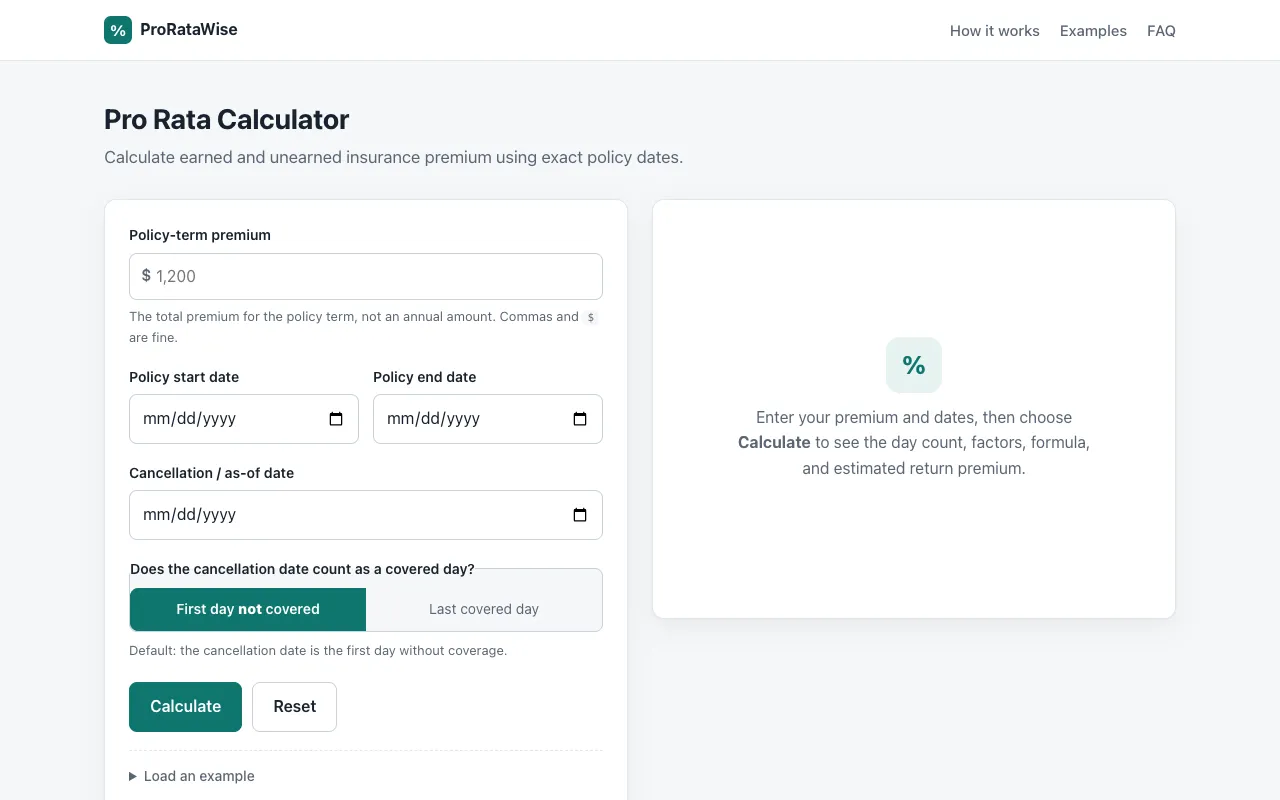
ProRataWise is a free, browser-based calculator that computes earned and unearned insurance premiums using exact policy dates. Users input a policy-term premium and start/end dates to instantly see the day count, pro rata factors, earned premium, and an estimated return premium. The output includes the underlying formula and a clear breakdown of how the premium is allocated across the policy period, helping users understand pro rata principles and verify adjustments without needing to log in or create an account.
How to use the ProRataWise Pro Rata Calculator
- 1
Enter the total policy-term premium amount (commas and dollar signs accepted)
- 2
Input the policy start date and end date
- 3
Optionally set a cancellation/as-of date and choose whether it counts as a covered day
- 4
Click Calculate to view the day count, earned/unearned premium, daily rate, factors, and estimated return premium
Best for
Insurance professionals, brokers, and policyholders who need to quickly and accurately calculate earned and unearned premiums for a specific policy term using exact calendar dates.
Limitations
- Results are a straight-line estimate and may not account for fees, minimum earned premium, short-rate rules, or taxes
- Day-count method depends on the selected option for the cancellation date
- Tool does not support switching between different unit systems (e.g., metric vs. imperial) as it is designed for premium calculations
Pro Rata Calculator FAQ
- Can I use this calculator for policies that span a leap year?
- Yes. The calculator uses real calendar days, so a full-year term that crosses February 29 in a leap year counts 366 days for the total day count.
- What does the 'cancellation date' option control?
- By default, the cancellation date is treated as the first day without coverage and is not counted as earned. If your policy counts the cancellation date as the last covered day, you can switch that option in the calculator.
- Does the tool annualize the premium, or do I need to enter an annual amount?
- No. Enter the actual policy-term premium — the amount for this specific term — not an annual figure you then prorate by hand.
- Can I copy or print the calculation results?
- Yes. The calculator provides Copy result and Print options to save or share the output.
Similar tools
Based on shared tags