Everyday ToolsFree Tool

Meeting Cost Calculator

Provided byOmni Calculatoromnicalculator.com

Use the meeting cost calculator to estimate how much money a meeting costs for a business.
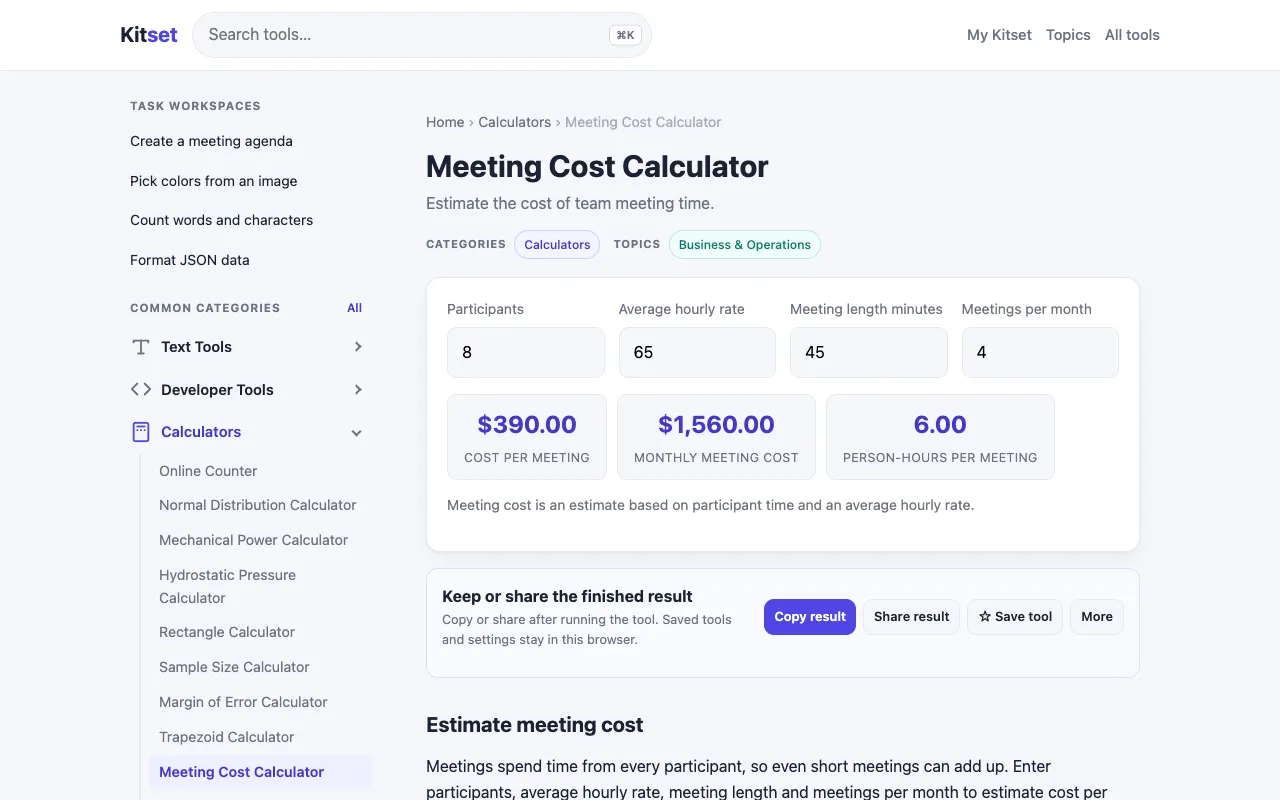
Screenshot of Meeting Cost Calculator on Omni Calculator
omnicalculator.comOpen the live tool →
About this tool

What Meeting Cost Calculator does

The Meeting Cost Calculator estimates the financial overhead of business meetings by combining attendee count, duration, and operational expenses into a single figure. Users input these variables to see the total cost of gathering people for discussion or planning sessions. Omni Calculator’s version stands out for its straightforward, question-driven interface that walks the user through each input without requiring formulas. The site provides brief explanations for fields like hourly wage and location, helping users understand what contributes to the total. Unlike many budgeting tools that focus on static spreadsheets, this calculator integrates real-time adjustments, so changing the number of participants or meeting length instantly updates the estimate. It also offers a mobile-friendly design, making it quick to use at a desk or on the go.

Step by step

How to use the Omni Calculator Meeting Cost Calculator

  1. 1

    Open the Meeting Cost Calculator on Omni Calculator and click the number of attendees field to input participants

  2. 2

    Enter the meeting duration in hours or minutes using the duration selector

  3. 3

    Input the average hourly wage or salary cost for attendees in the wage field

  4. 4

    Select or type the meeting location to factor in any location-specific overhead

  5. 5

    Review the final cost estimate that synthesizes all entered variables into one total figure

Is it right for you

Best for

Entrepreneurs, managers, and office workers who need to quickly assess the financial impact of scheduled meetings and justify meeting decisions to stakeholders.

Limitations

  • Relies on user-provided wage and location data, so accuracy depends on realistic inputs
  • Does not account for indirect costs such as opportunity cost or lost productivity beyond the calculated total
  • Estimates are based on the specific variables entered and may not reflect all business contexts
Questions

Meeting Cost Calculator FAQ

Can the Meeting Cost Calculator account for different currencies or international wage rates?
The tool uses numeric inputs for hourly wage and location; it does not automatically convert currencies, so you must enter the wage in your preferred currency or adjust the location field accordingly.
Does the calculator include hidden costs like preparation time or follow-up work?
No, the estimate is based solely on the inputs provided: number of attendees, duration, hourly wage, and location. Preparation or follow-up time would need to be added as separate entries if desired.
Is the Meeting Cost Calculator suitable for freelance or remote team meetings?
Yes, by entering the relevant hourly rates and selecting a location or noting remote status in the notes, freelance and remote team meetings can be assessed using the same framework.
How does the tool handle meetings that run over the scheduled time?
The calculator uses the duration you input; if a meeting runs longer, you can re-run the tool with the actual elapsed time to get an updated cost estimate.
Keep Exploring

Similar tools

Based on shared tags