01

01
Inventive HQ
inventivehq.com
Convert WebP images to PNG format preserving transparency — lossless conversion in your browser
WebP to PNG Converter provides a straightforward way to transform modern WebP image files into the widely compatible PNG format. Developers and designers often need to convert these assets when working with legacy systems or software that lacks native WebP support. By handling the conversion directly in the browser, the process remains fast and secure without requiring any software installations...
Convert WebP images to PNG format preserving transparency — lossless conversion in your browser
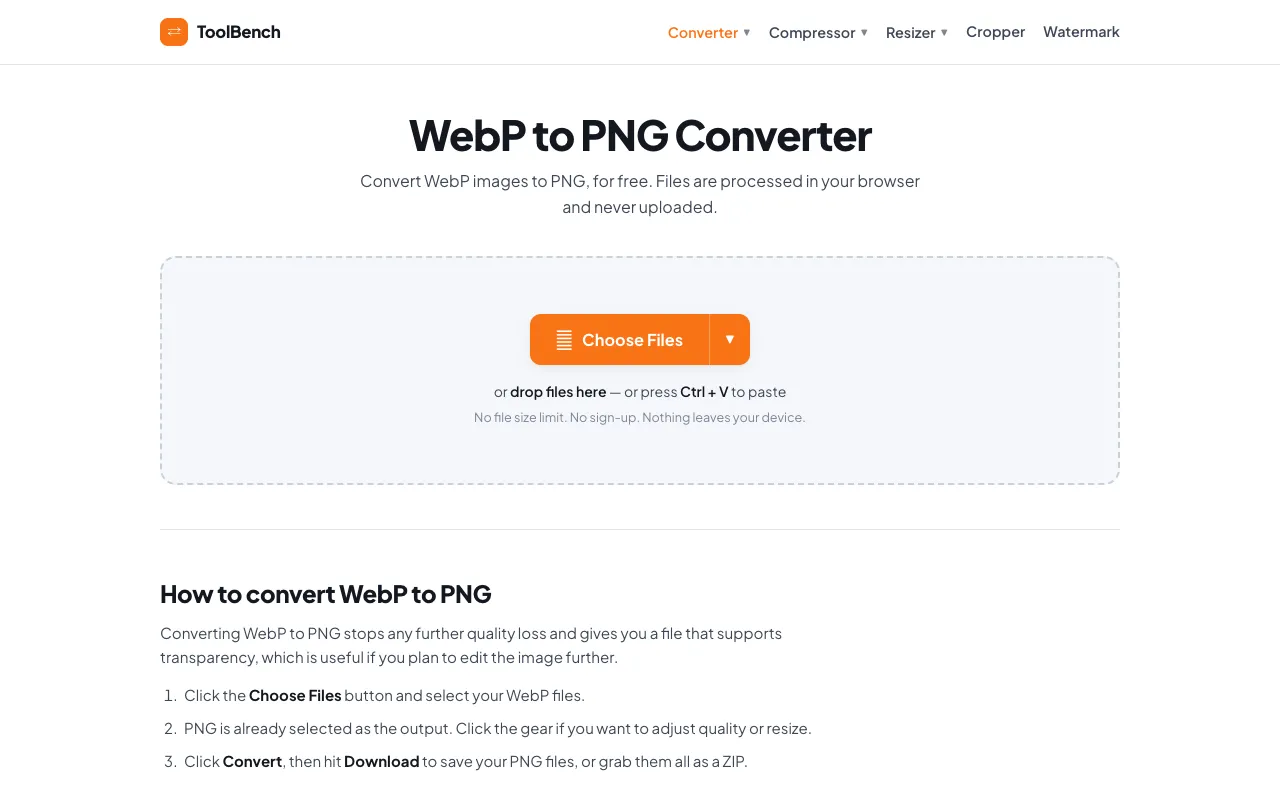
Convert WebP to PNG online for free, right in your browser. Batch conversion with no file size limit and no sign-up —...
Side by side
| Tool | Best for | Strengths | Limitations |
|---|---|---|---|
| Inventive HQ inventivehq.com | Single images needing transparency |
|
|
| MyToolsBench mytoolsbench.com | Multiple files or large images |
|
|
Buyer's guide
If you are converting one or a few images and need to guarantee that every pixel of transparency stays intact, choose Inventive HQ because it emphasizes lossless quality and alpha channel retention. If you have many files, large images, or want to avoid uploading anything to a server, MyToolsBench processes everything in your browser with no size limits, though the page includes ads.
Questions