Data Format Converters2 options compared

JSON to TypeScript

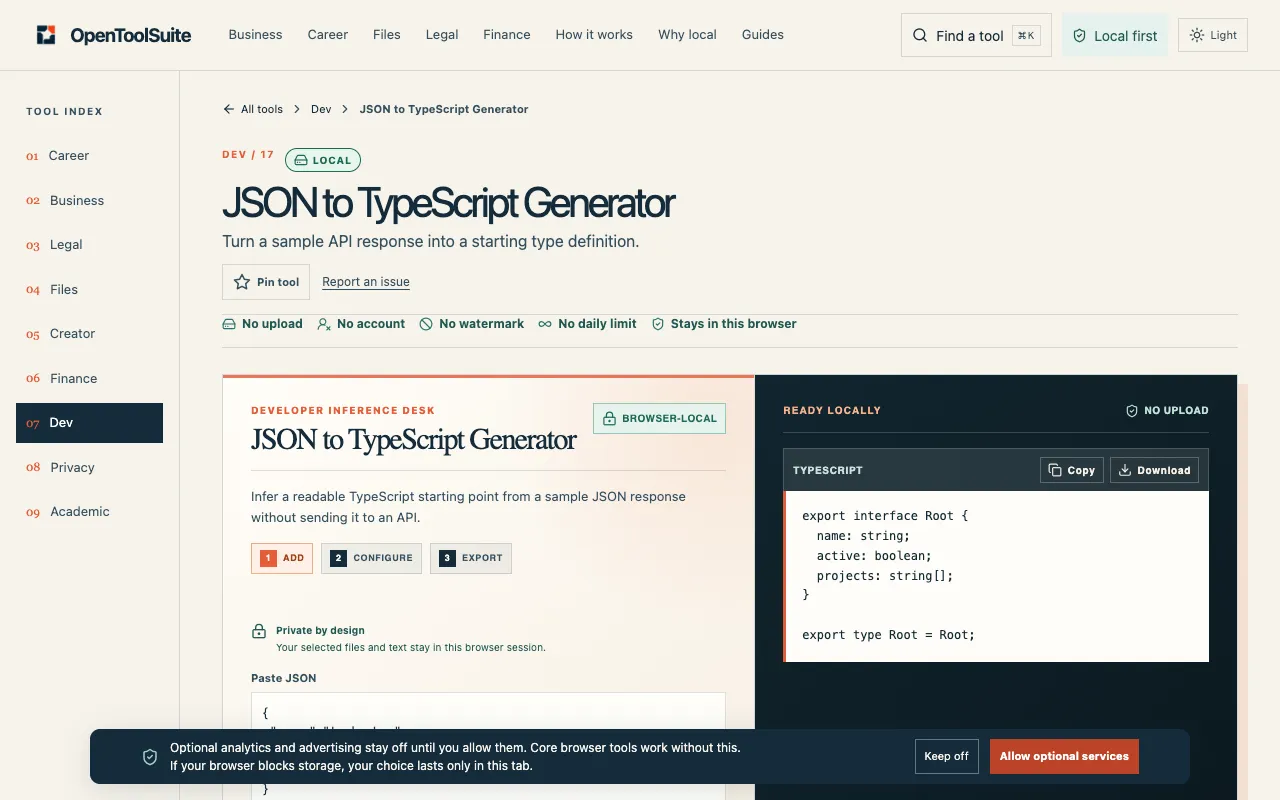
Converts JSON data into TypeScript classes, making it easier to work with in JavaScript applications. Simply input your JSON, and the tool generates corresponding TypeScript interfaces or classes, ensuring type safety and reducing potential runtime errors. Developers, designers, and anyone working on projects that involve both frontend and backend technologies would find this tool invaluable. It...

Editors’ Top PickBased on community votes
Other OptionsRanked by votes

Side by side

JSON to TypeScript options compared

ToolBest forStrengthsLimitations
CodeBeautify
codebeautify.org
Users who need URL or file upload options
  • Supports loading JSON from a URL
  • Supports uploading JSON files
  • Generates ready-to-use TypeScript classes
  • Ads appear on the page
  • No mention of browser-only processing
DevBolt
devbolt.dev
Privacy-conscious developers
  • Everything runs in your browser
  • Data never leaves your device
  • Customizable root interface name and output type
  • No URL or file upload support
  • 0 community votes indicates less established popularity

Buyer's guide

How to choose a json to typescript

If you already have JSON stored online or in a file on your computer, choose the tool that can import it directly so you don't have to copy and paste. If you are working with sensitive data that cannot leave your machine, choose the browser-only option that keeps your JSON private. The difference matters most when you have a large or remote JSON source versus a small, private snippet.

Questions

JSON to TypeScript FAQ

Can I convert JSON that contains dates or special types to TypeScript?
The tools infer types based on the JSON values they see. Numbers, strings, booleans, and arrays are typically handled correctly, but dates or custom types may need manual adjustment after generation.
Will the generated TypeScript work straight away in my project?
The output provides interfaces or type aliases that define the shape of your data. You will still need to import and use them in your code, but they eliminate the need to write the types manually.
Do these tools keep my JSON data private?
One tool processes everything inside your browser so no data is sent elsewhere. The other tool may handle URLs or uploaded files, so if privacy is a concern, check how it handles data before uploading sensitive content.
Can I customize the name of the root type in the output?
One option lets you set a custom root interface name and choose between interface or type alias output. The other tool's interface for customization is not described in the available material.
What if my JSON has nested objects or arrays?
Both tools handle nested structures and arrays, generating corresponding TypeScript types that reflect the hierarchy and element types found in the input.
Keep Exploring

Related tools in Data Format Converters

View all β†’