Siding Calculator
Free siding calculator estimates vinyl siding area, boxes and project cost. Enter wall dimensions and waste allowance...
What Siding Calculator does
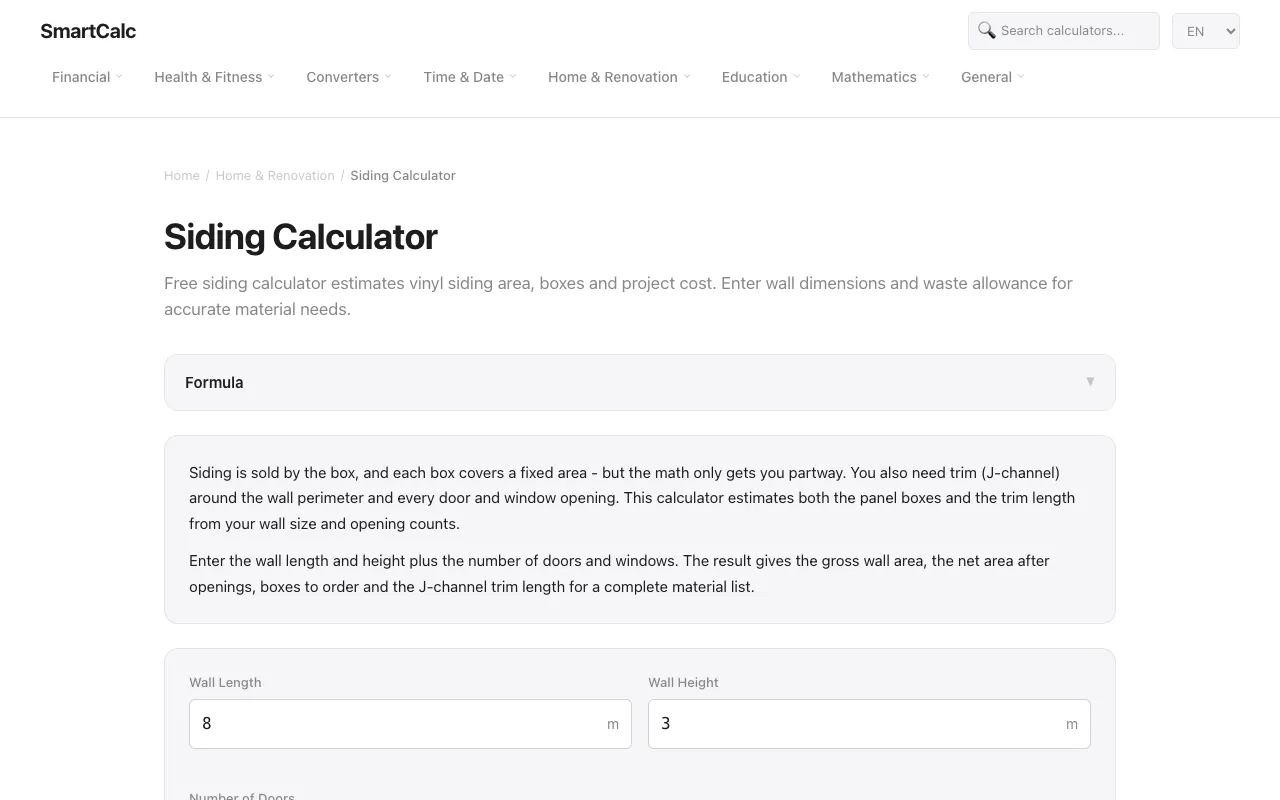
A siding calculator that estimates the number of vinyl siding boxes and the length of J-channel trim needed for a renovation project. Users input wall length, wall height, the number of doors and windows, coverage per box, and a waste percentage. The tool calculates the gross wall area, subtracts typical opening sizes to find the net area, then determines how many boxes of siding are required and the total trim length for a complete material list. The output includes a breakdown of wall area, box count, and trim length, helping users avoid under-ordering. The site presents the math step-by-step, showing the formula used for both panels and trim so users can verify the numbers or adjust inputs for unusual layouts. The interface is straightforward, focusing on essential fields without unnecessary clutter, and the explanations link directly to the calculation logic rather than hiding it behind a paywall or complex dashboard.
How to use the SmartCalc Siding Calculator
- 1
Enter the wall length and height in meters
- 2
Input the number of doors and windows on the wall
- 3
Set the coverage per box in square meters (or accept the default 18.6 m²)
- 4
Adjust the waste percentage if you expect extra material for cuts and corners
- 5
Review the calculated net area, box count, and trim length to order the correct amount of siding and trim.
Best for
Homeowners and contractors estimating siding needs for a straightforward rectangular wall with standard door and window openings who want a quick, transparent material list without manual area math.
Limitations
- Assumes typical door and window sizes (approx. 1.9 m² per door, 1.5 m² per window) which may not match every project
- Requires manual adjustment of coverage per box and waste percentage for non-standard siding brands or complex wall shapes
- Does not account for additional materials like corner posts, starter strips, or fastener quantities.
Siding Calculator FAQ
- Why does the calculator subtract doors and windows from the total wall area?
- Siding only covers the solid portion of the wall. The tool subtracts typical opening sizes to find the net area that actually needs panels, then adds a waste allowance for cuts around those openings and at corners.
- How much area does one box of siding cover?
- A standard box covers roughly 18.6 square meters (about 200 square feet). Coverage varies by brand and profile, so the calculator lets you adjust the coverage field to match your specific product.
- What is the waste percentage for, and should I change it?
- The waste percentage accounts for material lost during cutting and fitting, especially around openings and corners. The default is 10%, but you can increase it if you expect complex cuts or a higher loss rate.
- How is the trim length calculated?
- Trim (J-channel) is calculated by taking the wall perimeter and adding the length of openings. The formula doubles the wall length and height, then adds 1.5 meters per door and window to cover the openings.
More Siding Calculator tools
Similar tools
Based on shared tags