Plywood Calculator
Need to cover a floor or a wall with plywood? Check out the plywood calculator that estimates the required number of ...
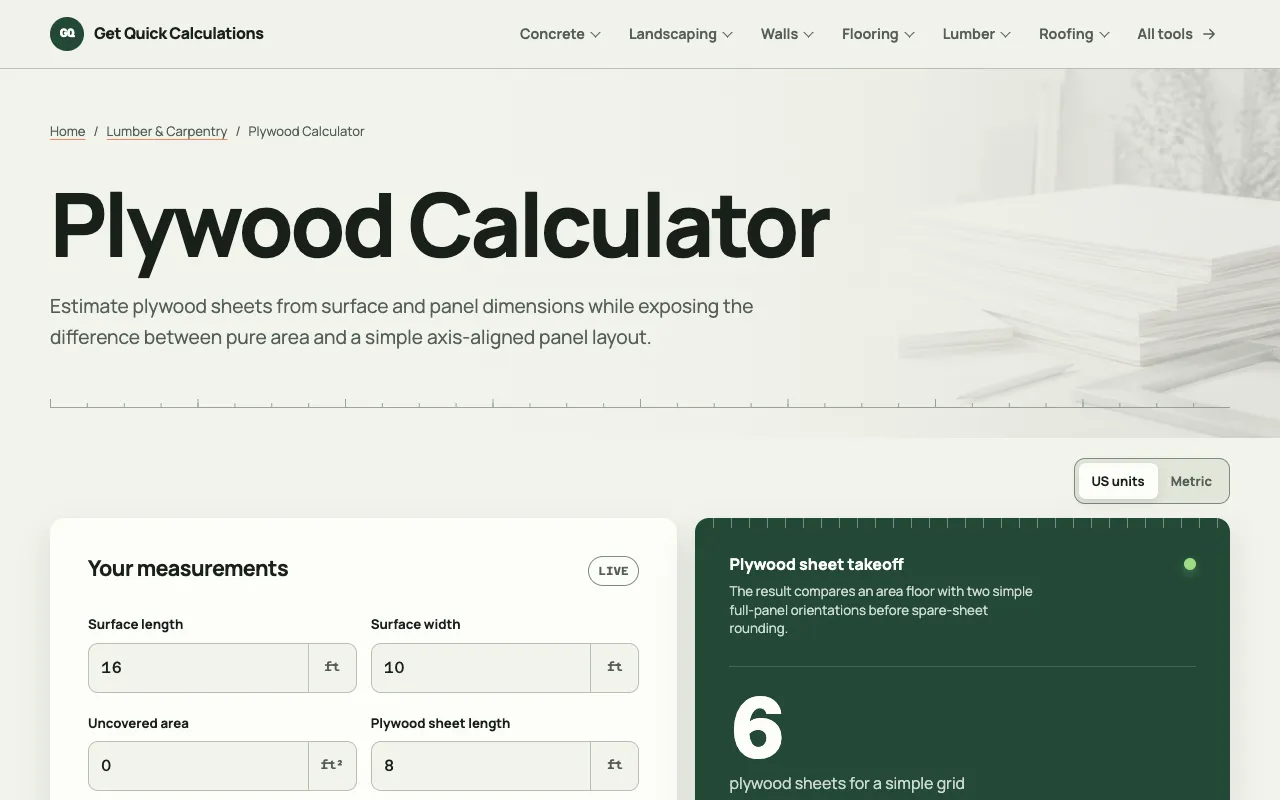
What Plywood Calculator does
The Plywood Calculator determines how many plywood sheets are needed to cover a floor, wall, or ceiling, and estimates the total cost. Users input the length and width of the surface to cover, the dimensions of the plywood sheets, and a waste factor. The tool then outputs the number of sheets required and the total price based on the current plywood price per sheet. It is designed to simplify material planning for construction, remodeling, and DIY projects. The Omni Calculator version stands out for its side-by-side input fields for both the coverage area and the plywood dimensions, a dedicated waste factor slider, and built-in example calculations for common scenarios like wall coverage and shed roofing. It also links to related tools such as wallpaper and flooring calculators, all within a single interface that avoids complex manual formulas. Unlike some basic calculators, this version provides immediate, clear results without requiring the user to convert units or interpret separate instructions.
How to use the Omni Calculator Plywood Calculator
- 1
Enter the length of the area you want to cover
- 2
Enter the width of the area you want to cover
- 3
Input the length and width of a single plywood sheet
- 4
Adjust the waste factor slider to account for cuts and errors
- 5
View the calculated number of sheets needed and the total cost
Best for
DIYers, contractors, and homeowners planning plywood flooring, wall cladding, or roofing projects who need a quick, accurate estimate of sheet quantities and cost without manual calculation.
Limitations
- Results depend on the waste factor setting and may vary with complex room shapes
- Total cost uses a default plywood price that may not match local supplier rates
- Designed for rectangular areas; irregular shapes require manual adjustment
Plywood Calculator FAQ
- How does the waste factor affect the number of plywood sheets needed?
- The waste factor accounts for material lost during cutting and fitting. Increasing the waste factor raises the calculated number of sheets to ensure you have enough material to complete the project without running short.
- Can I use this calculator for irregularly shaped rooms?
- The calculator is designed for rectangular areas. For irregular shapes, you can break the space into rectangular sections, calculate each separately, and sum the results, or adjust the waste factor to approximate extra material needs.
- Is the plywood price updated in real time?
- The tool uses a default plywood price per sheet, but you can edit this field to match the current price from your local supplier for a more accurate cost estimate.
- What if my room dimensions are in meters but the plywood sheets are feet?
- You can enter dimensions in either meters or feet for both the area and the sheet size; the calculator handles the unit conversion internally and outputs the sheet count and cost accordingly.
Similar tools
Based on shared tags